




bevarnow
-
Joined
-
Last visited
Everything posted by bevarnow
-
From the album: FiveM Adventures
-
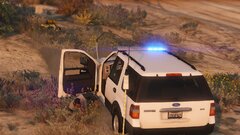
From the album: FiveM Adventures
-
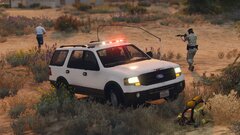
From the album: FiveM Adventures
-
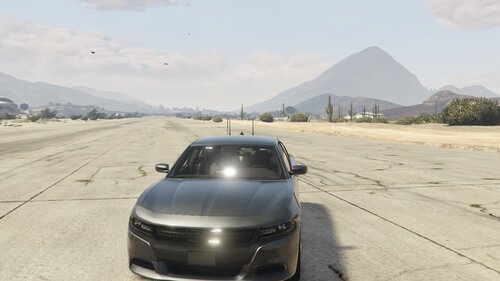 So a Few More things to better this cause I like the concept: 1. Don't use Thehurks Charger. Use Matts on GPM or MF 2. Don't use Raz3rs, Underwoods is Better 3. Use 0taku's Avengers instead of Raz3rs Other than that I like the concept of this pack
 -

From the album: FiveM Adventures
-

From the album: FiveM Adventures
-

From the album: FiveM Adventures
-

From the album: FiveM Adventures
-
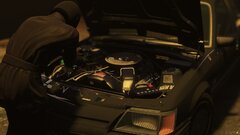
From the album: FiveM Adventures
-
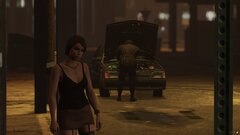
From the album: FiveM Adventures
-
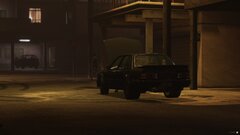
From the album: FiveM Adventures
-
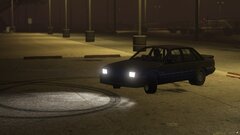
From the album: FiveM Adventures
-

From the album: FiveM Adventures
-
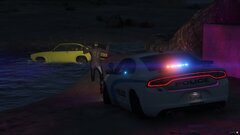
From the album: FiveM Adventures
-
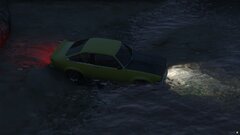
From the album: FiveM Adventures
-
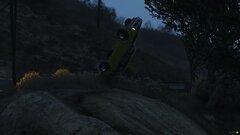
From the album: FiveM Adventures
-
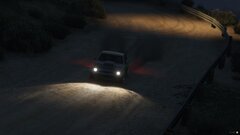
From the album: FiveM Adventures
-

From the album: FiveM Adventures
-
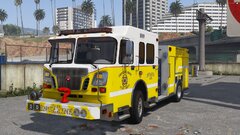
From the album: FiveM Adventures
-
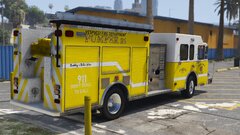
From the album: FiveM Adventures
-
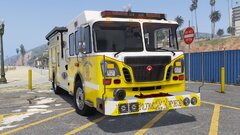
From the album: FiveM Adventures
-

From the album: FiveM Adventures
-
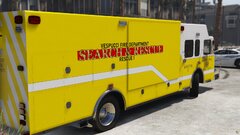
From the album: FiveM Adventures
-
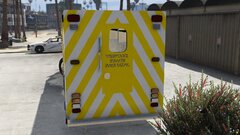
From the album: FiveM Adventures
-
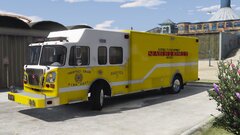
From the album: FiveM Adventures


