




bevarnow
-
Joined
-
Last visited
Everything posted by bevarnow
-
-
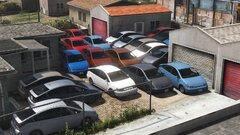 Very Much Indeed
 -
 Many Thanks!
 -
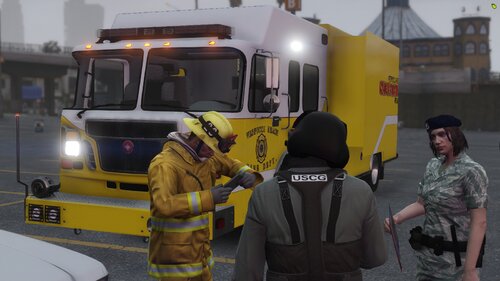
Howdy! Been a While since I released some Skins. Heres some Honolulu Based Fire Skins for Vespucc. This is Fitted to Medics Spartan Gladiator Pack. Don't mind the text being backwards on the Tower, thats been fixed. Join my Discord!: https://discord.gg/wTuE3p3 https://modification-universe.com/forums/resources/spartan-gladiator-evolution-2011-pack-w-vg.480/
-
From the album: FiveM Adventures
-

From the album: FiveM Adventures
-
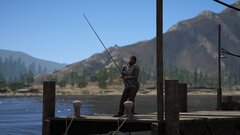
From the album: FiveM Adventures
-
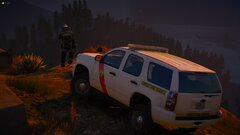
From the album: FiveM Adventures
-
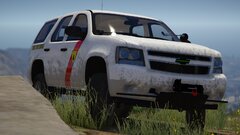
From the album: FiveM Adventures
-
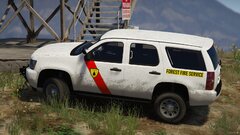
From the album: FiveM Adventures
-

From the album: FiveM Adventures
-
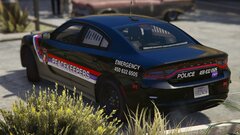
From the album: FiveM Adventures
-
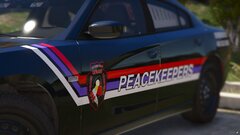
From the album: FiveM Adventures
-
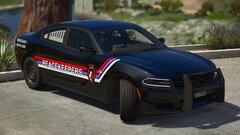
From the album: FiveM Adventures
-
From the album: FiveM Adventures
-
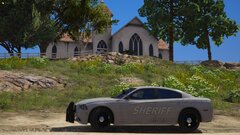
From the album: FiveM Adventures
-
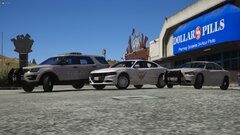
From the album: FiveM Adventures
-
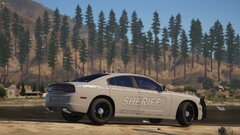
From the album: FiveM Adventures
-

From the album: FiveM Adventures
-
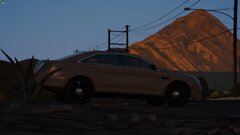
From the album: FiveM Adventures
-
Judging how this thread is still somewhat active, I'll throw in my Two Cents. For the Template, select the whole car, go into polygon mode, select the paint material, generate UV Map, don't generate new, render it 4096x4096 as wireframe, do it again but switch it to World Space Map. save both of them. go into your photo editing program of choice, overlay the WSA Template over the Wireframe and change the Blend Mode to Multiply. That'd make the template look better. It has a Nice Poly Count. But its also missing a whole interior. You can probably grab those from a Model from another game. It doesn't look like it has Generating Plates, but thats easy enough to fix. Im sure you'd have to see the rest when you get it in game
-
Could bee a Fedsig Areodynic. Take that with a grain of salt though, rotator bars look similar
-

From the album: FiveM Adventures
-
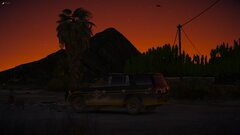
From the album: FiveM Adventures
-
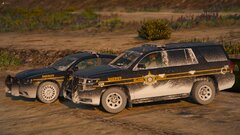
From the album: FiveM Adventures



