




bevarnow
-
Joined
-
Last visited
Everything posted by bevarnow
-
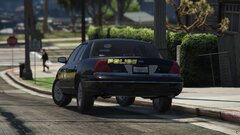
From the album: FiveM Adventures
-
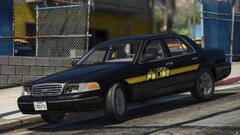
From the album: FiveM Adventures
-

From the album: FiveM Adventures
-
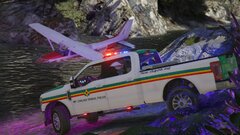
From the album: FiveM Adventures
-
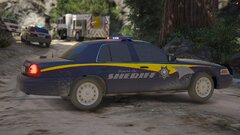
From the album: FiveM Adventures
-
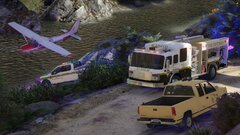
From the album: FiveM Adventures
-
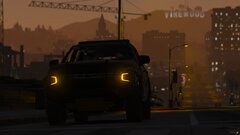
From the album: FiveM Adventures
-
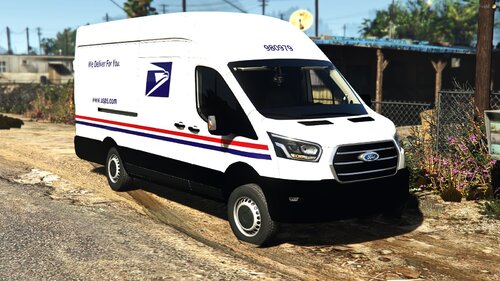 Into your vehicle resources folder if you're a server owner. Im not sure where you install for SP tho
- 8 comments
- 1 review
-
-

- 1
-
-
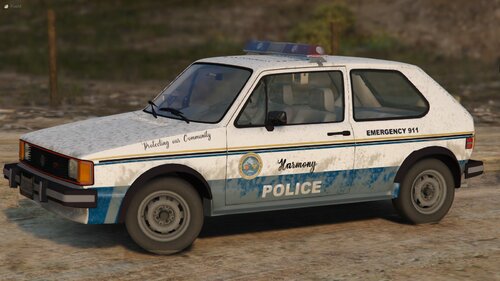 Didnt know they used Golfs as Patrol Cars. And I made a Norwegian Volvo for a friend, and I can't find a base for the Camry. Weren't they just testing it?
 -
I plan on making more retro cars in the future. Currently working on a 4 Car Retro Pack Actually. But would those cars be like this one? Probably not. Who's knows though
-
I totally forgot that was a issue. Thats just handling line being dumb. I don't really know how to fix the second one aswell. And for the third it is probably it being in SP, my vehicles are made and optimized for FiveM so I don't really know how to handle SP issues
-
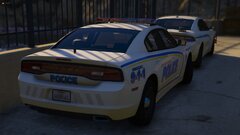
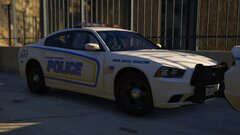
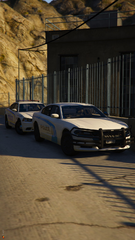
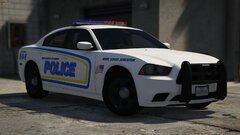
Howdy! Been a While since I've posted something. So here I don't know what this is but, have it I guess. There is a Template so feel free to make skins and upload them. Just Credit me Also feel free to change it to B/B, R/R, A/P. Just don't reupload and claim its yours. Join my Discord!: https://discord.gg/wTuE3p3
-
From the album: FiveM Adventures
-
From the album: FiveM Adventures
-
From the album: FiveM Adventures
-
-

From the album: FiveM Adventures
-
From the album: FiveM Adventures
-
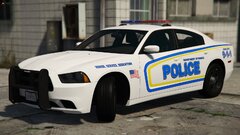
From the album: FiveM Adventures
-
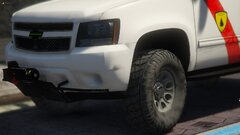
From the album: FiveM Adventures
-
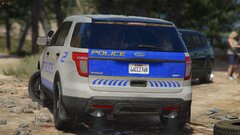
From the album: FiveM Adventures
-
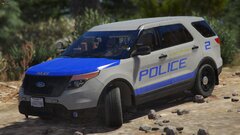
From the album: FiveM Adventures
-
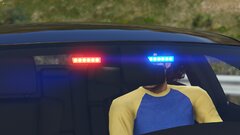
From the album: FiveM Adventures
-
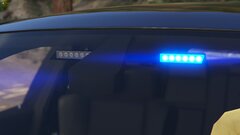
From the album: FiveM Adventures
-
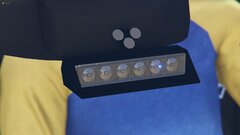
From the album: FiveM Adventures


