




bevarnow
-
Joined
-
Last visited
Everything posted by bevarnow
-
From the album: FiveM Adventures
-
From the album: FiveM Adventures
-
From the album: FiveM Adventures
-
From the album: FiveM Adventures
-
From the album: FiveM Adventures
-
From the album: FiveM Adventures
-
From the album: FiveM Adventures
-
From the album: FiveM Adventures
-

From the album: FiveM Adventures
-
From the album: FiveM Adventures
-
From the album: FiveM Adventures
-
From the album: FiveM Adventures
-
From the album: FiveM Adventures
-
From the album: FiveM Adventures
-

From the album: FiveM Adventures
-
From the album: FiveM Adventures
-
From the album: FiveM Adventures
-
From the album: FiveM Adventures
-
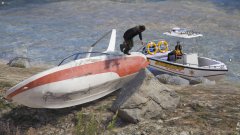
From the album: FiveM Adventures
-
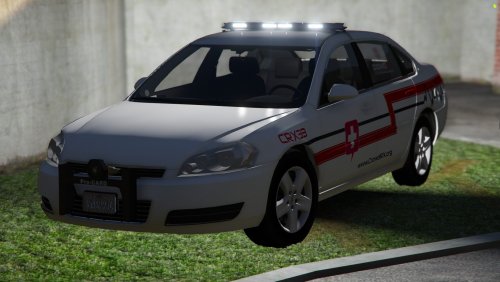 Good Evening, heres a Impala with CrowdRX Livery. CrowdRX is a Medical Company that services Large Events. Feel Free to convert to R/B, B/B, A/P. Just don't reupload it saying you made "Major Edits" to it Join my Discord!: https://discord.gg/wTuE3p3
 -
.thumb.png.00bc6c82a936c6b2382caed4b8bdea77.png) whose base is it?
whose base is it? -
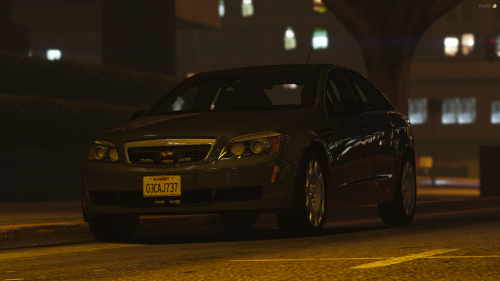 for the headlights, use detail as vehshare black and carbon mesh shader for spec and it'll look better
 -
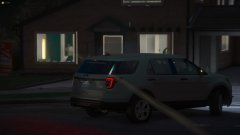
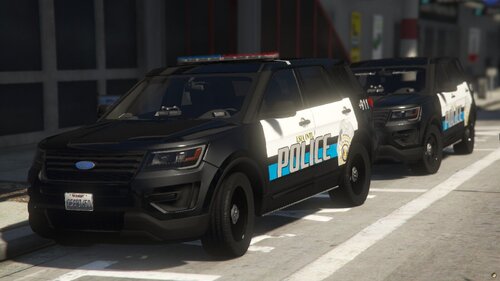 Good Morning! It has been a while. 2016 Ford Explorer with a Allegiant Lightbar. It does have the option to go slicktop. If you're wondering about the spawn name, don't worry about it. Feel Free to convert it to B/B, R/R, A/P, just don't reupload and claim as your own. Join my Discord!: https://discord.gg/wTuE3p3
 -
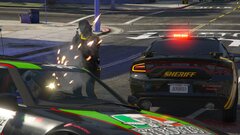
From the album: FiveM Adventures
-
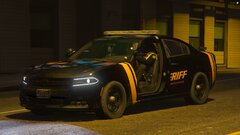
From the album: FiveM Adventures


.thumb.png.00bc6c82a936c6b2382caed4b8bdea77.png)
