




bevarnow
-
Joined
-
Last visited
Everything posted by bevarnow
-
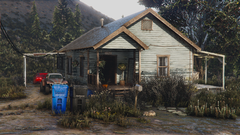
From the album: FiveM Adventures
-
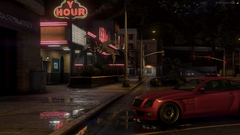
From the album: FiveM Adventures
-
From the album: FiveM Adventures
-
From the album: FiveM Adventures
-
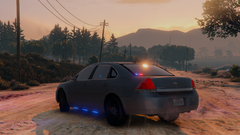
From the album: FiveM Adventures
-

From the album: FiveM Adventures
-
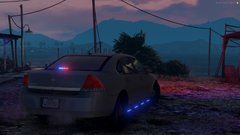
From the album: FiveM Adventures
-
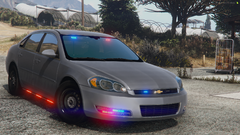
From the album: FiveM Adventures
-
From the album: FiveM Adventures
-
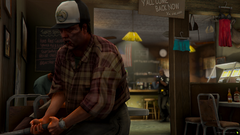
From the album: FiveM Adventures
-
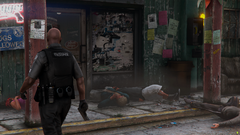
From the album: FiveM Adventures
-
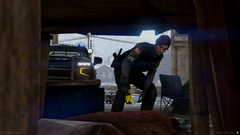
From the album: FiveM Adventures
-
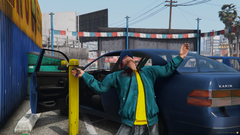
From the album: FiveM Adventures
-
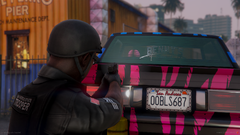
From the album: FiveM Adventures
-
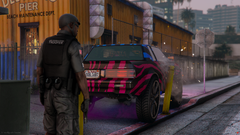
From the album: FiveM Adventures
-
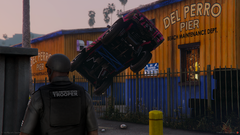
From the album: FiveM Adventures
-
 I appreciate it, what did the other comments mean to say?
 -
Its came from DragoN777 on GTA5Mods. You have other comments in english, please spare me from having to use Google Translate as it doesn't make sense.
-
sure?
-
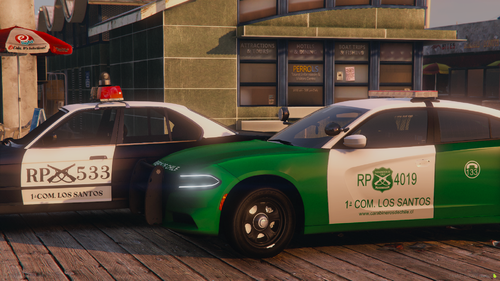
Chileans rejoice! Or don't I'm not your parents. Included in this Mini-pack is a 2018 Dodge Charger Pursuit and a 1988 BMW 535i (E34). The Charger is based upon the style of the Chilean Chargers, not based on a specific one. The E34 is based onto a single photo. The template for the E34 will stay as is. Do not ask me to do anything to it. Feel Free to convert to R/B, B/B, A/P. Just don't reupload it saying you made "Major Edits" to it Join my Discord: https://discord.gg/wTuE3p3 Visit my Website: http://chris-catalog.online/
-
-
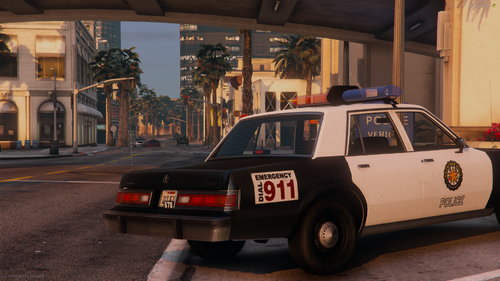 Hello, I forgot I had made this car and recently found old photos of it. This vehicle was made in December of 2021. Nothing else really, this vehicle won't be getting any updates other than me just having updated the carcols.meta. Or bugfixes. I don't care enough. In order for any livery to appear properly, the color of the car needs to be changed to one of the two whites (I don't remember which it is). Also, if you change the number plate, remember to either create a new normal map for the plate or replace it with a blank one. Feel Free to convert to R/B, B/B, A/P. Just don't reupload it saying you made "Major Edits" to it. Join my Discord: https://discord.gg/wTuE3p3 Visit my Website: http://chris-catalog.online/
- 3 comments
- 1 review
-
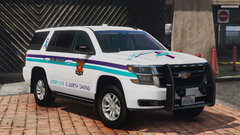
From the album: FiveM Adventures
-
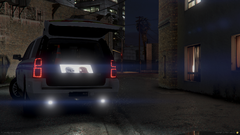
From the album: FiveM Adventures
-
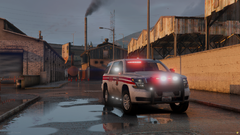
From the album: FiveM Adventures



