




Fallen Legend
Members
-
Joined
-
Last visited
Everything posted by Fallen Legend
-
I have a FPIU in my POLICE3 slot. Changing these values in POLICE3 however did NOT work. I figured that if you have changed the HandlingID in the vehicles.meta for a Vehicle (I changed the POLICE3 handling to GRESLEY) you have to edit the lines of the vehicle that has the Handling line and not the actual vehicle that has the problem (in my case GRESLEY instead of POLICE3). Thought that might be helpful for anyone who had the same problem.
-
-
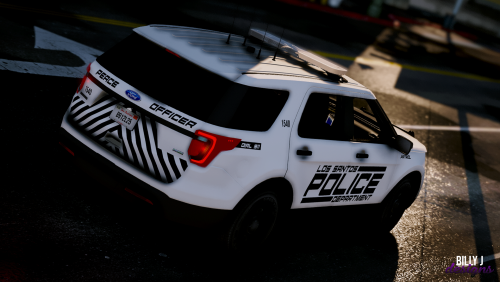
![NYPD Pack [WIP]](//s3-gallery.int-cdn.lcpdfrusercontent.com/monthly_2016_09/small.NYPD_2.jpg.4e98b1d7010bcb5f887af49eab2f86fb.jpg) Will it be available soon? 😄 It looks pretty good.
Will it be available soon? 😄 It looks pretty good.

![NYPD Pack [WIP]](http://s3-gallery.int-cdn.lcpdfrusercontent.com/monthly_2016_09/small.NYPD_2.jpg.4e98b1d7010bcb5f887af49eab2f86fb.jpg)