danealaska
Members
-
Joined
-
Last visited
Everything posted by danealaska
-
After much trial and error, the solution was to change the file name to _Mods. Which I had done a few times during troubleshooting. Any idea of what I should or shouldn't have deleted. RagePluginHook.log
-
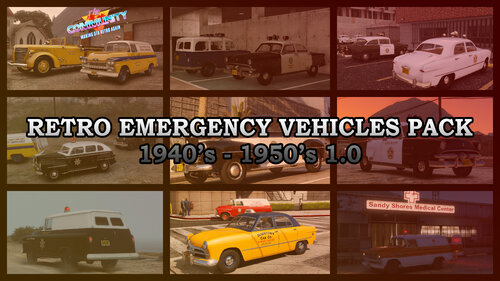 I love this pack. The Chevy ambulance is awesome. I play your other packs all the time.. I love the old Plymouth Belvedere models in 1.3. Thanks for your great work.
 -
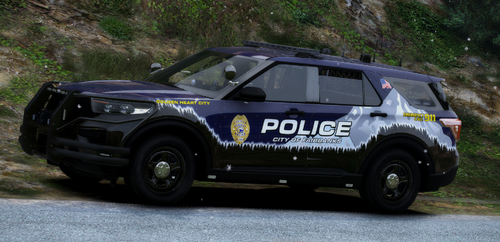 wow great job. They've come a long way since the old baby blue
 -
-
I installed a car with a twinsonic lightbar but the rotators spin way to fast. Would someone be able to tell me what file I would edit to slow them down? I can edit I just don't know what file to edit. Thanks for any help
-
After hours of frustration, and a couple re-installs.. the problem was a simple bad save game. Hope this helps someone else with the same problem.
-
the game loads just fine until it gets to story mode loading page and then it just spins. RagePluginHook.log I apologize if this is in the wrong forum. I wasn't sure and looked like the closest one for my problem
-
I had a similar problem. My fix turned out to be.. Go to F3 Open options. Go to Hide hub and map. If its enabled, disable it I have no idea how it became enabled, but its fixed. Hope this helps you and/or anyone else with the same issue.
-
yes I added stations thru an oiv, I installed, but that was long ago...its never caused any issues. I'm thinking something might have been changed when I installed a plugin called advanced roadblocks. I deleted it but I think a file or setting got left behind. I just don't know what or where it is or even know for sure.. because at the time I was also changing out some cars I appreciate the help. I guess I'm going to do a clean install of everything and start fresh.
-
No change RagePluginHook.log
-
Sadly that didn't fix it.. I removed Better EMS, UB and park tools RagePluginHook.log
-
Thanks for answering.. WOW I have issues. No I didn't make any changes. Ok let me makes the changes you listed
-
I have reinstalled what I believe is all current versions of gameconfig, heapadjuster, packfilelimitadjuster. I uninstalled reinstaled LSPDFR. None of that worked so I removed my mod folder and installed a clean one. RagePluginHook.log Hopefully someone smarter than me can tell me whats what. I really would hate to have uninstall it all because it takes like 8hrs to reinstall Thanks in advance
-
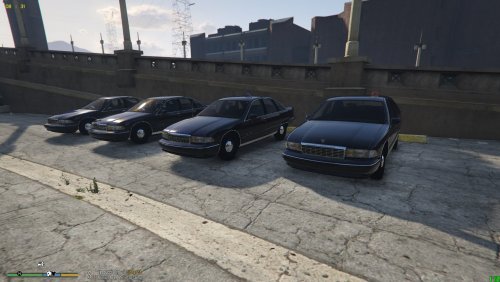
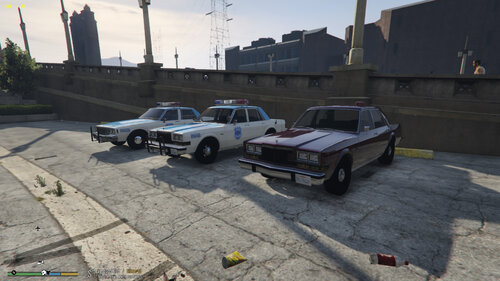 They look great. Just downloaded and I will install and test them out later tonite. just played for about 2hours and no issues at all. they look great in game.
- 12 comments
- 1 review
-
-

- 4
-
-
Here are some tutorials to watch.. you'll save yourself a lot of frustration https://www.youtube.com/results?search_query=lspdfr+tutorial
-
I went to play today RPH says the game version 2372 is no longer supported. I don't see anything posted about an update on the LSPDFR page and was wondering if anyone knows
-
-
-
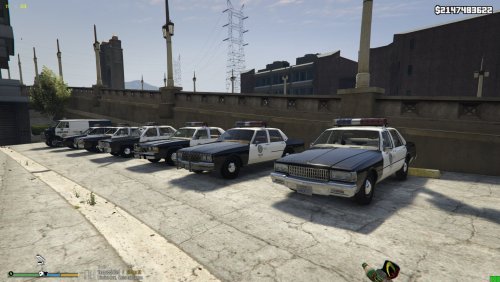 My bad its a Plymouth Volare. https://www.gtainside.com/en/gta5/cars/140608-classics-police-cars-pack-v1-2-addon I hope this will work. If you do decide to do it would you considering match it up with the Fairmont and baby LTD.
- 45 comments
- 4 reviews
-
This is an awesome pack. I love that you did the Fairmont and the LTD II. There is a Dodge Aspen I've seen out there that would look great in pack like this if you were so inclined one day. Again awesome job..as usual IMO
- 45 comments
- 4 reviews
-
-
- 1
-
-
I just went thru that for the past couple days.. I tried EVERY possible solution I could find. In the end, I just spent the last few hours doing a clean install of everything. It all works just fine now. If you decide to go this route.. clean out everything thats left behind after you uninstall the gtav. Don't forget to go to your documents folder and delete the Rock* folder and its content. I also uninstalled the gtav laucher and social club. It was a major pain, but I think it was worth it.. otherwise I'd still be trying to fix it. And its a good way to clean up your files and get everything back in order. My game seems to run a lot better and a little faster. Good Luck
-
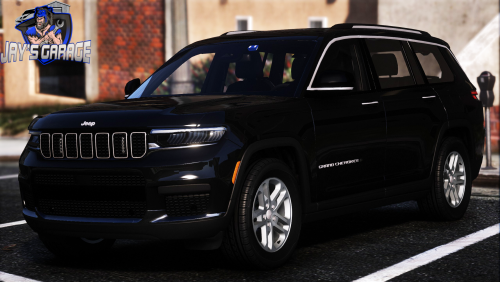 Your best bet is to go to youtube and find a tutorial.. just search "how to install a car in gtav"
 -
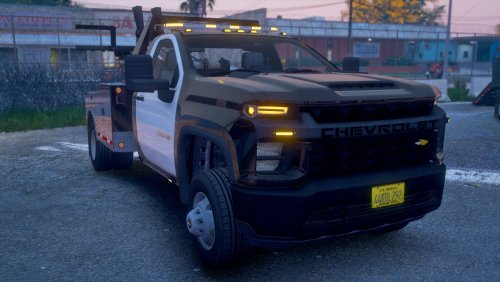
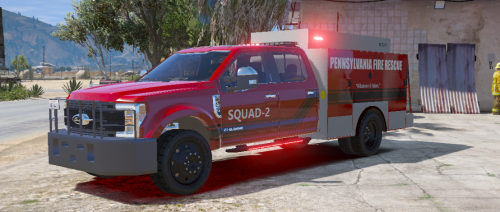 Nice looking truck, good job. Although I might have a little bias living in PA
 -
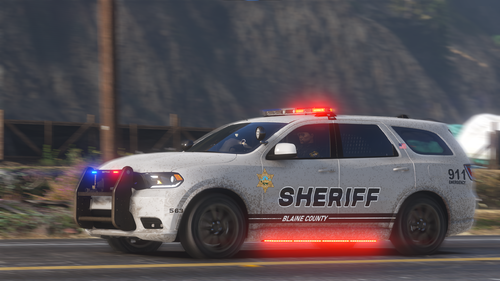
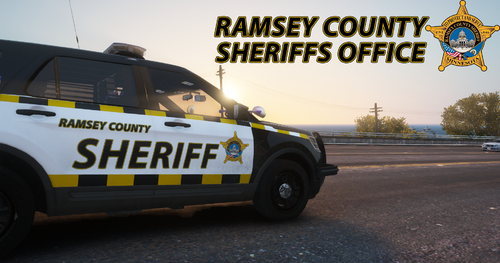 I love sheriff Bob.. been watching he and Pat on patrol for about a year now. Excellent job on the sheriffs cars
 -
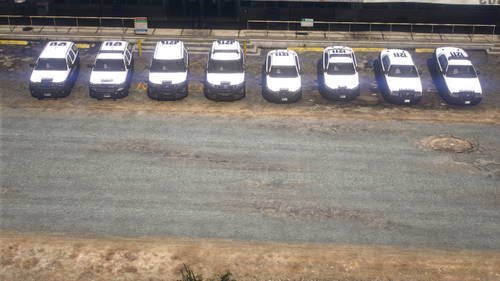 I went and changed the tint and it works perfect. Looking forward to your next pack
- 16 comments
- 1 review