


GrumpyFordExplorer
Members
-
Joined
-
Last visited
Everything posted by GrumpyFordExplorer
-
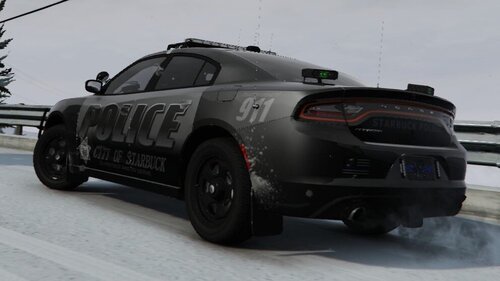 Are you planning to make a pack of skins?
 -
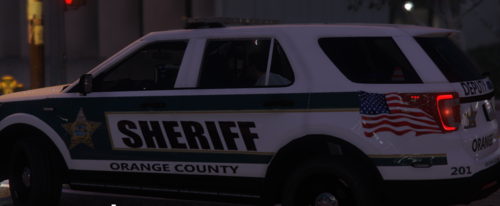 Is there any way to get the car to not have loose suspension to where it flips over easily? I went around a bend (not much of a turn honestly, was a slight corner) at like 60 and it kept nearly rolling over.
- 41 comments
- 3 reviews
-
Hey Sam. So, unsure if this is a bug or if I need to hit a button. But the takedowns/alley lights turn on everytime I get into the car. Also another bug, the doors don't open when entering/leaving the vehicle.
- 41 comments
- 3 reviews
-
-

- 2
-

