.png.1b23c61708a15df74f59aaa739ef36e8.png)

workedsole
Members
-
Joined
-
Last visited
Everything posted by workedsole
-
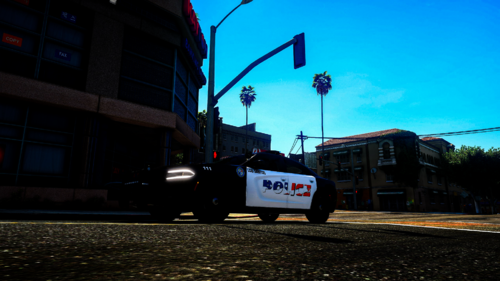
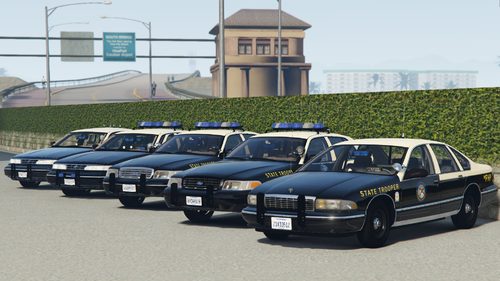 For some reason after I put them in I end up with massive rotators on the lightbar. All other lights work fine but the rotators just turn massive and but they spin still.
 -
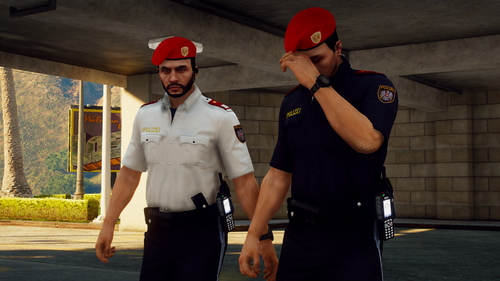 whos belt is that?
 -
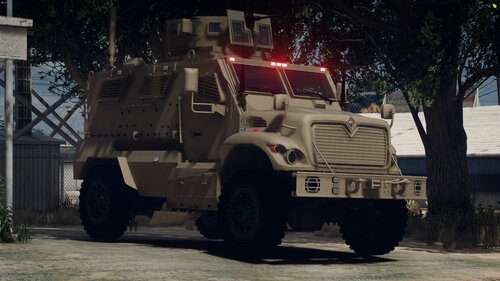 uh is the rear lamp an extra or actually functional and have an animation?
 -
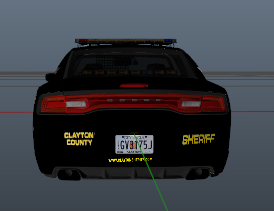 what font did you use for the SHERIFF text? 🤔
 -
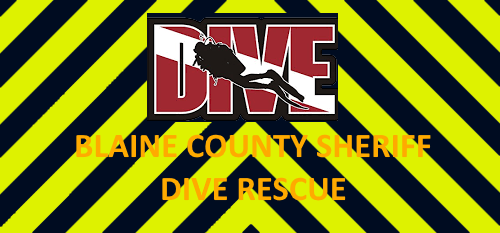 Overall good, but my issue is a dive team member is wearing a flotation vest under water, which physically would not be possible as the vest would keep them above water.
 -
-
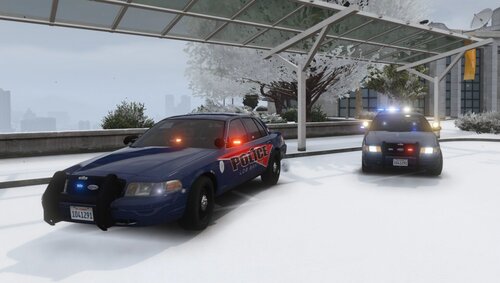 Awesome vehicles, do you plan on making an LSPD pack with this kind of livery?
 -
-