


SirHiggins
Members
-
Joined
-
Last visited
Everything posted by SirHiggins
-
And what about if i'd like to use EUP, but without this modifications what uses hwaycar etc... ? Use EUP +EUP manu only, without EUP Configuration? Or use that jurisdiction files?
-
Ok, it's from this. Will EUP work without EUP Configurations, or should i just delete this agency_eup file, or just rename the said vehicles in it?
-
Any idea where it could came from then? I use only LSPDFR+ Stop the ped Arrest mngr Ultimate b/u Computer+ Police Smart radio Interaction+ Officer status Traffic policer Better EMS KTFDO Search warrant Speed radar lite EUP -and some callouts: Callout mngr Assorted c/o United c/o Wilderness c/o More robberies
-
Fair enough. If im right, EUP isnt related to rde, but is this confusion is because of EUP, right? Considering its location agency_eup...
-
So if i just rename thise cars for existing ones it would solve this. Btw i've got no clue how those came to there. I've installed no Rde stuff.
-
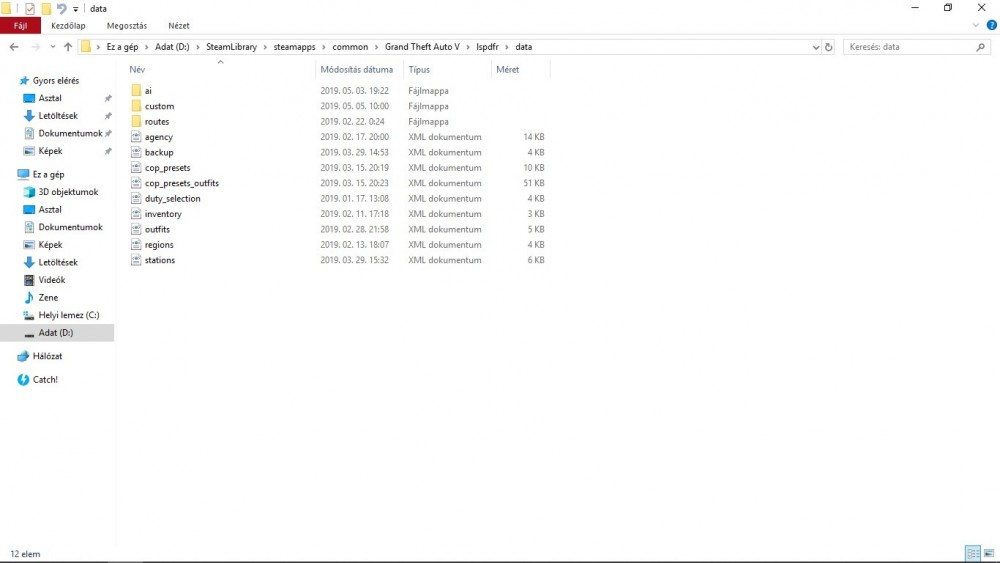
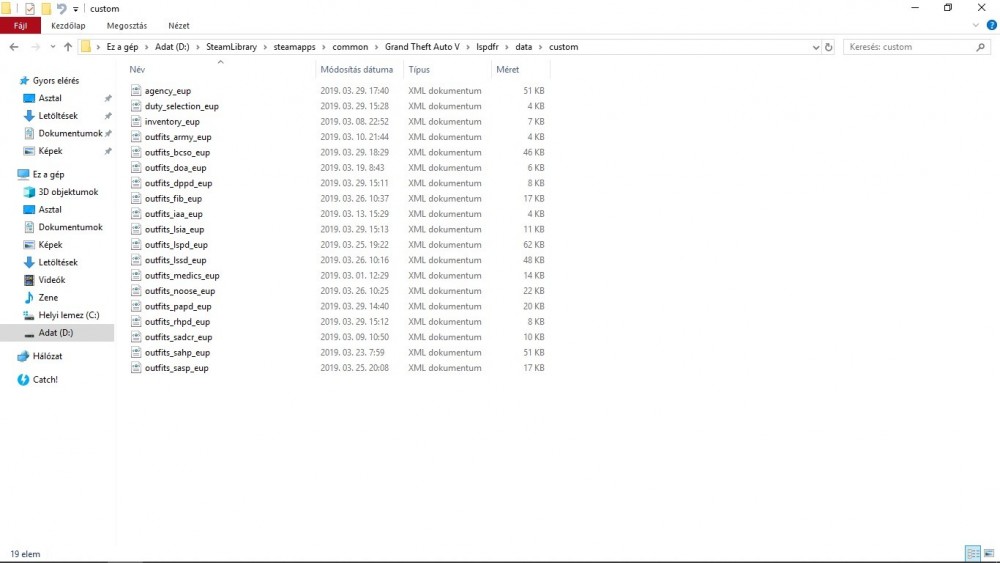
Asked this in ultimate b/u also, but here is the agency.xml (don't find any of the mentioned cars), and angency_eup from custom folder. agency_eup.xml agency.xml
-
Hello there, Still strugling with the mod. Now i managed to start it w/o freezes, but when on duty, the game sometimes 'looses' the plugin, like after a couple minutes, 10-30min etc. the white circled cars, missions became missing. And sometime randomly the game just CTD. Not mentioning why those hwaycar etc cars are needed? These are with a plugin or what? Latest RPH log attd. cheers...
-
up.
-
Tried both now. At the end. First one is Ultimate B/u, second one is the "normal"... second one found no valid b/u
-
Is there any tutorial which explains how to add the above mentioned cars? Btw i thought that BCSO,LSAP,PAP are only for uniform options and not involved in b/u.
-
i think these extra cars are way beyond my patience and time 😄 what would be the solution to avoid this type of crashes? not using ultimate b/u? i've got absolutely no clue how to add more. btw missions still freezing out the mod completely:
-
and why i need these? i'm going to be really confused now 😄 and this hway things are not in the backup.xml backup.xml
-
OK hold on 😄 Sorry, but i'm almost completely new with this LSPDFR thing. Not only police-police4, fbi+2,sheriff+2 cars are valid ?
-
Good question... no clue. But i placed vehicles only in the existing places, so there must be something, isn't it?
-
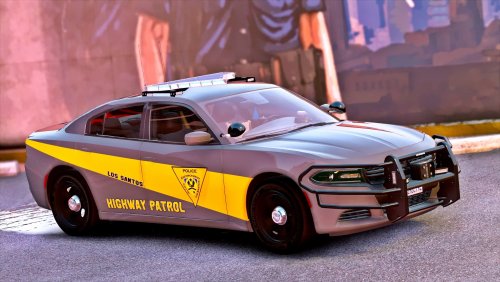 Would be somebody so kind, and explain me how to modify meta for police4 slot? Thanks and appreciate it.
- 35 comments
- 37 reviews
-
-
And another, when requested bacup. Anyone, any idea gentlemen?
-
And some problem with -i think- Tacco Highway plugin. Not really know why... it's updated if i'm right.
-
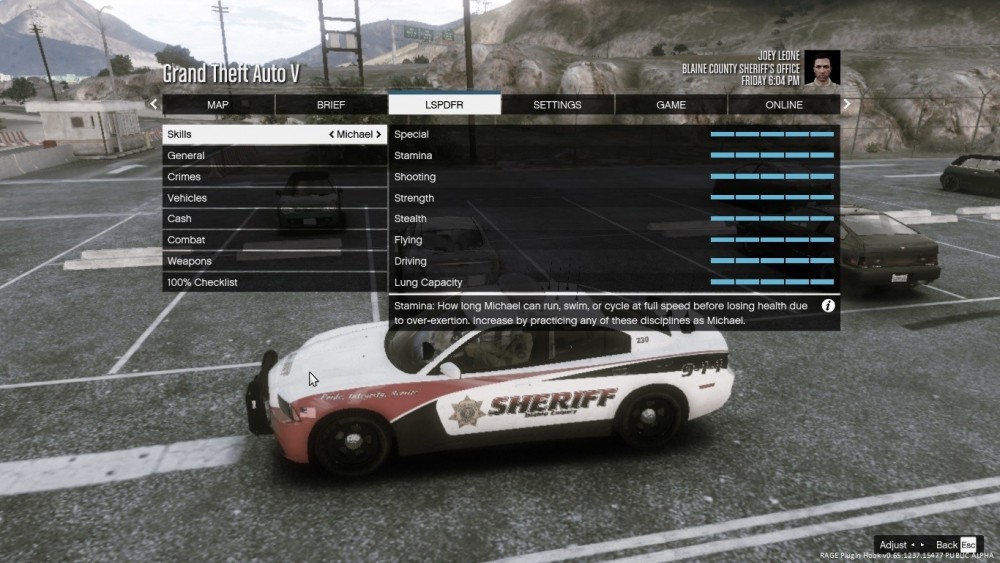
and another issue -sorry for bothering you over and over again- sometimes i 'lost' the plugin, or not all of them...
-
backup.xml
-
Not so perfect, it seems that somehow the plugins offloads. No idea what else isn't compatible 😕
-
It wasn't there. Managed to solve this btw: delete social club folders, file integrity check, then s.club reinstall.
-
tried both, but the same
-
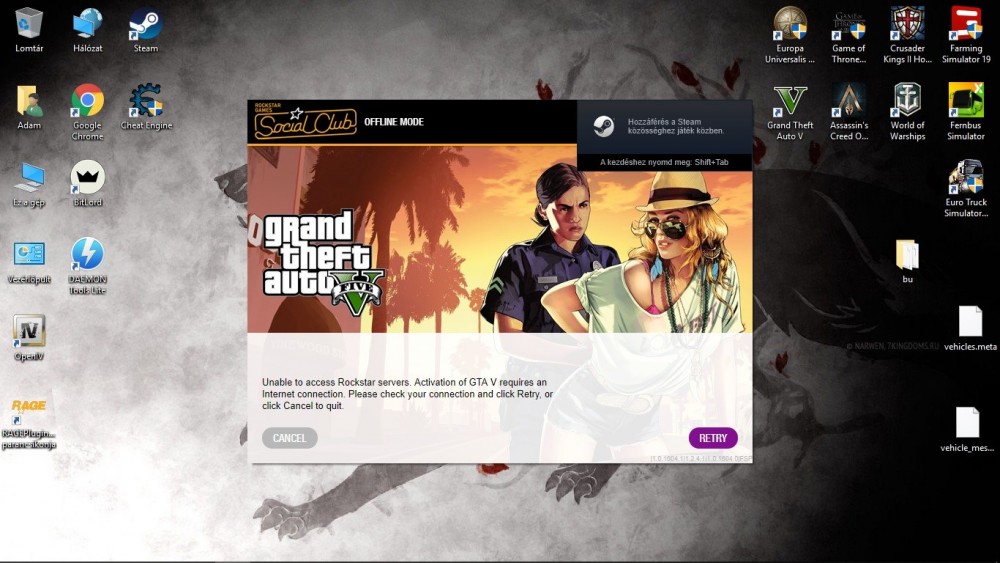
Anyone else get this problem now? One hr ago there was no problem, but now when i start RPH it sais loading tkes longer than usual... than this screen:
-
MoreRobberies installed itself with a mistype in audio files folder. Now works. Only shut down is when going off duty and then on-duty. But reloading all plugins solves this. Thanks again 🙂


