


mertz82
Members
-
Joined
-
Last visited
Everything posted by mertz82
-
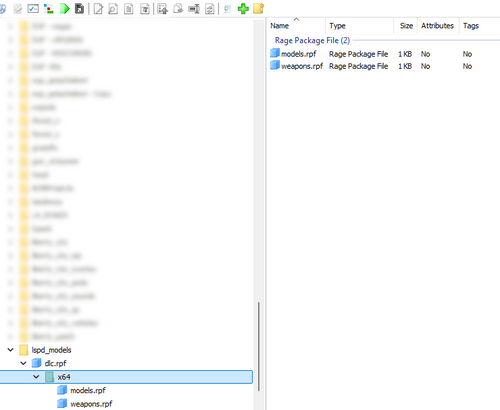 All I can say is thank you. I've been looking for a good RPF "template" for years, so this is awesome! I'll report back once I've had some time to familiarize with it
 -
Does the launcher sit there spinning until it pops up the 'A game is currently running' error?
-
If you are able to get it to register by pressing really hard on the NUM5 key, then as @57z said, it is guaranteed to be an issue with your hardware, whether that be your laptop or whatnot. Unless you have some fancy expensive keyboard, all of the buttons on that keyboard register as either clicked or unclicked, on/off, to the computer. It does not register "varied pressure" which you describe. That's almost like a trigger on a controller.

