Skip to content
View in the app

A better way to browse. Learn more.

LCPDFR.com

A full-screen app on your home screen with push notifications, badges and more.

To install this app on iOS and iPadOS
  1. Tap the Share icon in Safari
  2. Scroll the menu and tap Add to Home Screen.
  3. Tap Add in the top-right corner.
To install this app on Android
  1. Tap the 3-dot menu (⋮) in the top-right corner of the browser.
  2. Tap Add to Home screen or Install app.
  3. Confirm by tapping Install.

Eliott

Members
  • Joined

  1. @KouDys i had this error before and i don't really remeber how i fixed it but try removing all your downloaded plugins from your folder and see if it fixes it. if so you can move the plugins back (1 by 1) and see wich one causes the crash! But if not try to reinstall lspdfr. You can also update rage to the latest version also just to be sure thats not causing anything.. Also try to use the console command "force duty".. It could help also because your not in a police station and need to have a loading screen who loads at the same time I forgot to say that it's a setting in the rage menu.. when you start up rage it's 2 things you can press and it is "cancel" and "settings". what i want you to do is to go over to this settings and the first you see i think is the "general tab", where it says "plugin timeout threshold" it should be at max! and max is 60000.. let me knowe if it fixed the problem or not// thx
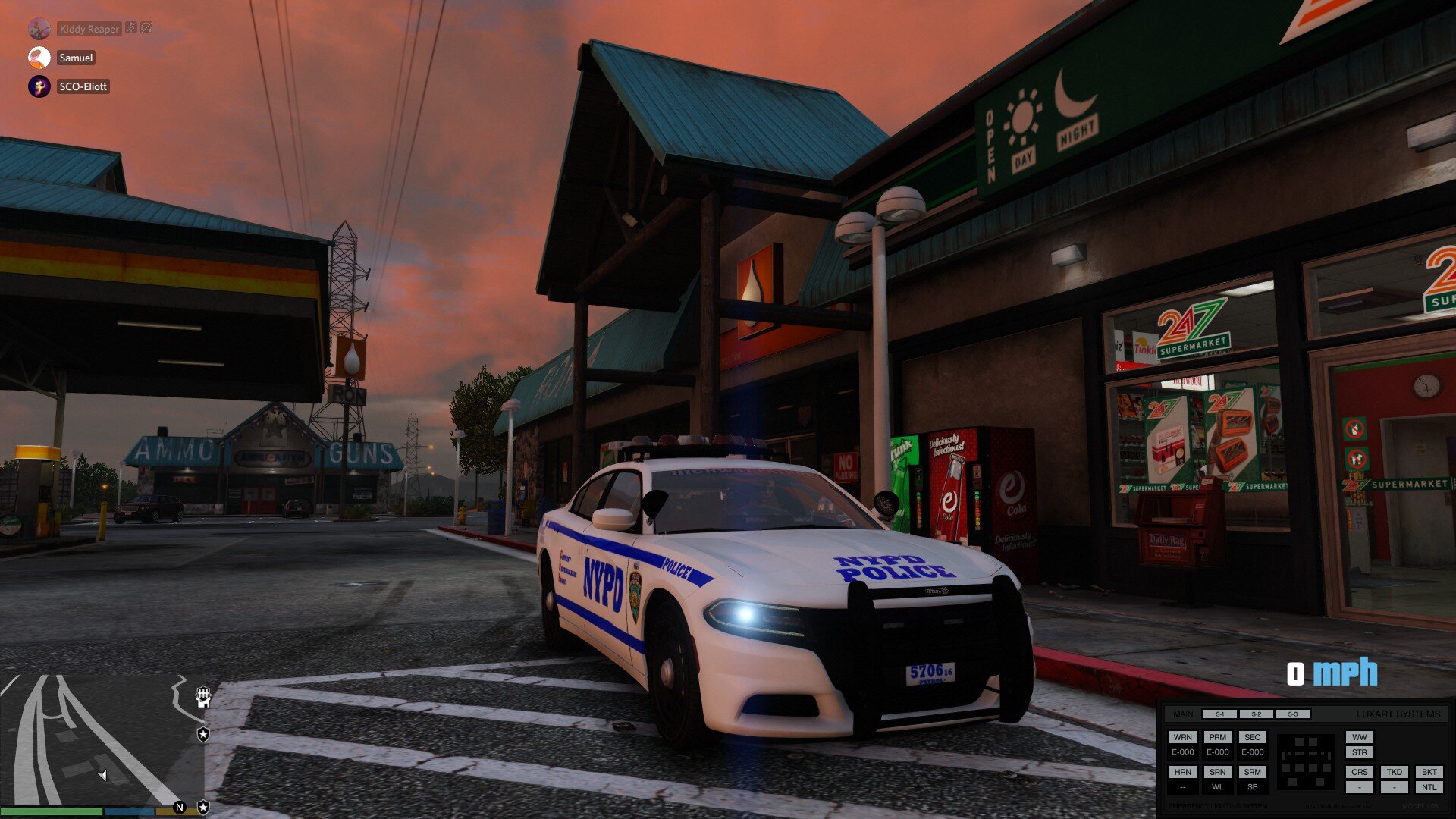
  2. This must be one of my best pics!
  3. i dont really know how to fix it but you can try to reinstall LSPDFR or if you have downloaded any new plugins it can be the cause of the error..

Account

Navigation

Search

Search

Configure browser push notifications

Chrome (Android)
  1. Tap the lock icon next to the address bar.
  2. Tap Permissions → Notifications.
  3. Adjust your preference.
Chrome (Desktop)
  1. Click the padlock icon in the address bar.
  2. Select Site settings.
  3. Find Notifications and adjust your preference.