


Loukas
Members
-
Joined
-
Last visited
Everything posted by Loukas
-
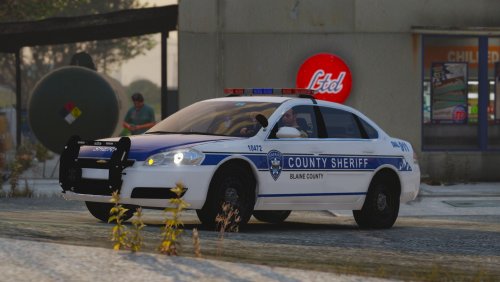 In the ELS file the alpr extra says: "<Extra10 IsElsControlled="false" />" which is the same as all the other cars. Sheriff5 and Sheriff5st are both 2014 tahoes. What's strange is that on Sheriff6, which is also a 2014 tahoe but with rotators, the alprs work fine. Something I should have mentioned is that the alprs actually appear for a split second when I first spawn the vehicle, but then disappear. Edit: I have also tried disabling all my other DLC packs incase something was interfering and have tried a fresh install of the pack, both of which had no effect.
- 50 comments
- 7 reviews
-
So I'm running into an issue that I have tried to solve but have been unable. For Sheriff5 and Sheriff5st, the alpr's will not spawn. Every other vehicle, including Sheriff6, they spawn without any problems. Fixing the vehicle does nothing, and I haven't changed anything in the meta other than the handling line. I'm at a complete loss, so any help would be much appreciated.
- 50 comments
- 7 reviews
