


Narwhal
Members
-
Joined
-
Last visited
Everything posted by Narwhal
-
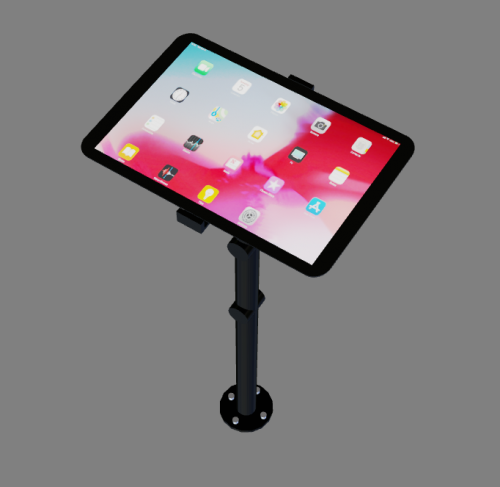 Looks great! Keep up the great work
 -
-
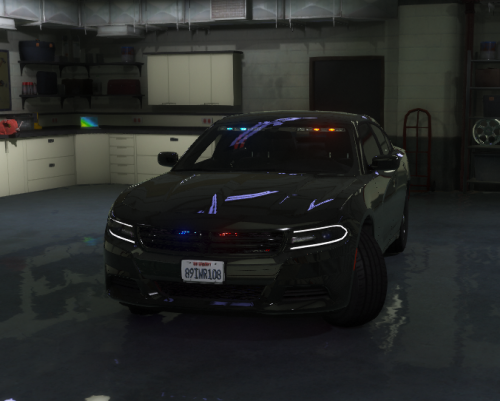 Got bored and decided I wanted to make something simple. I threw this together and I think its nice. This is my first public release, so uhhh yeah. It has all the files and metas needed to be added to a fivem resource. Everything should be fine but report and bugs in the comments or dm me on discord at Narwhal#0538. Enjoy. You are expected to know how to install this and make it into a fivem resource, and or add it into gta v single player. I will not help with the installation of the car for either intended uses. The ions in the grille are a little big, and tend to bug out and not work, but if you fix the car it will work again. The template is in the ytd. The car is set up in two different colors so to make the whole thing one color, set both the primary and secondary to the desired color.
- 9 comments
- 2 reviews
-
-

-

- 4
-

