


Deadshot27550
Members
-
Joined
-
Last visited
Everything posted by Deadshot27550
-
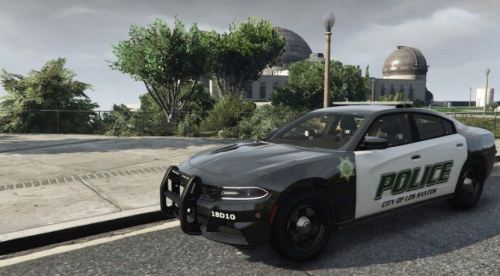 There's no link for the car
 -
-
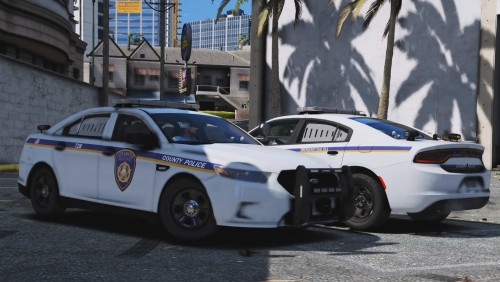 So the Sheriff's star in the shield on the side of the cars says Los Santos County Sheriff instead of Los Santos County Police. Not sure if it's supposed to be that way of not.
- 16 comments
- 1 review
-
 Yeah it's based on California but it's not the State Police of California now is it?😁
- 7 comments
- 1 review
-
-

- 1
-
-
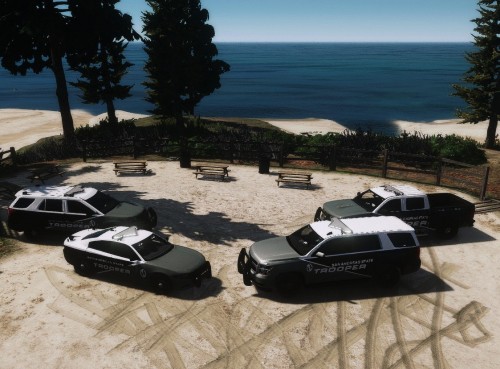
The Explorer says "San Adreas" State Troopers instead of "San Andreas" State Troopers and the state symbol is California, not San Andreas. It might be this way for all other vehicles I haven't tried them out yet
- 7 comments
- 1 review
-
-
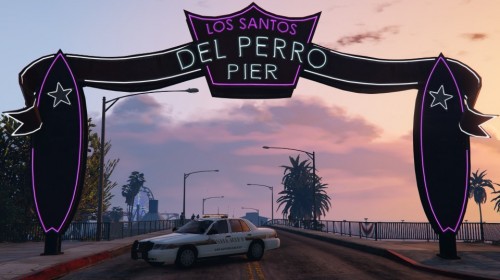 Hey dude this pack looks AMAZING!! I live a couple counties south of Loudoun County and I think their sheriffs cars look great. I have a couple pics of one of their patrol cars, the 2018 charger, and I think the skin u made is pretty dang accurate. I was wondering if you could make some skins of Prince William County Sheriff's Department, Va based LSSD and BCSO skins? They mainly use 2009, 2014, and 2018 chargers but I have seen an FPIU before I would've uploaded some pics of their cars but they're over 4mb. At least the ones I took are
- 5 comments
- 1 review
-
SAHP FPIS, Paleto Bay Township PD 2015 Tahoe, BCSO BMW 1200 RT and 2014 charger, LSPD 2009 charger, Los Santos County Police CVPI, Los Santos County Sheriff 2013 Tahoe, Los Santos Harbor Patrol 2014 charger, and Vespucci PD 2016 charger

