


Official GamingNerdLeith
Members
-
Joined
-
Last visited
Everything posted by Official GamingNerdLeith
-
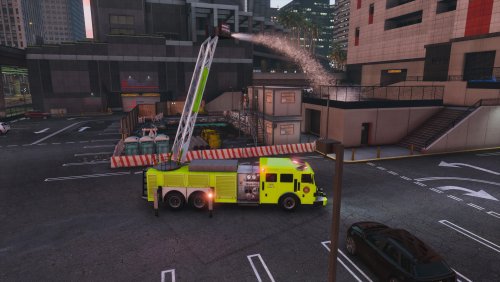 Make it Non-ELS, Please, ELS is meant to be on Unlore cars, this is lore, just make it Non-ELS
- 53 comments
- 7 reviews
-
-
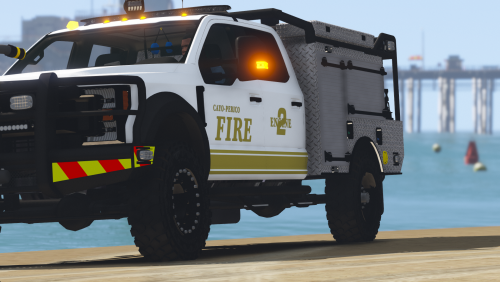 Is this ELS or not. If not ELS then GREAT!, I would also loved it if there was a "lore friendly variant" mabe another mod...
 -
 why doesn't hazard light work? I tried changing key combinations and it doesnt work! (I used https://docs.microsoft.com/en-us/dotnet/api/system.windows.forms.keys?view=netcore-3.1 to set the key combinations) do you need to press shift + key? press control + key? press alt + key? and why isnt there more options so I can set the modifier key?
- 108 comments
- 24 reviews
-
-
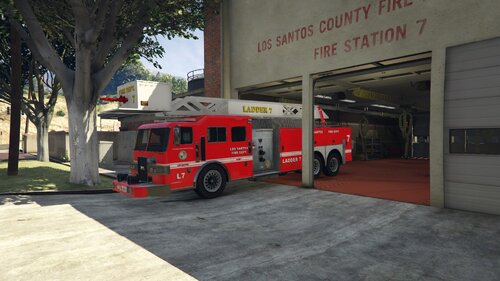 Can you make this non els it would be greate it there was a non els variant of this it would add imersion to the firetrucks that is in my game

