Legate Gaming
Members
-
Joined
-
Last visited
Everything posted by Legate Gaming
-
I also needed to update my Albo 1125 Common, had a slightly out of date version. I'm giving it a try now. If it doesn't work I'll come back here with another crash log, this stuff is REALLY starting to irritate the hell out of me lol. I've found and installed stop the ped this time btw, I hear Interaction + is one massive poorly coded headache ANYWAYS.
-
Is it possible to have a link to a RageNativeUI download so I can do that? Can't seem to find one via google.
-
RagePluginHook.log done!
-
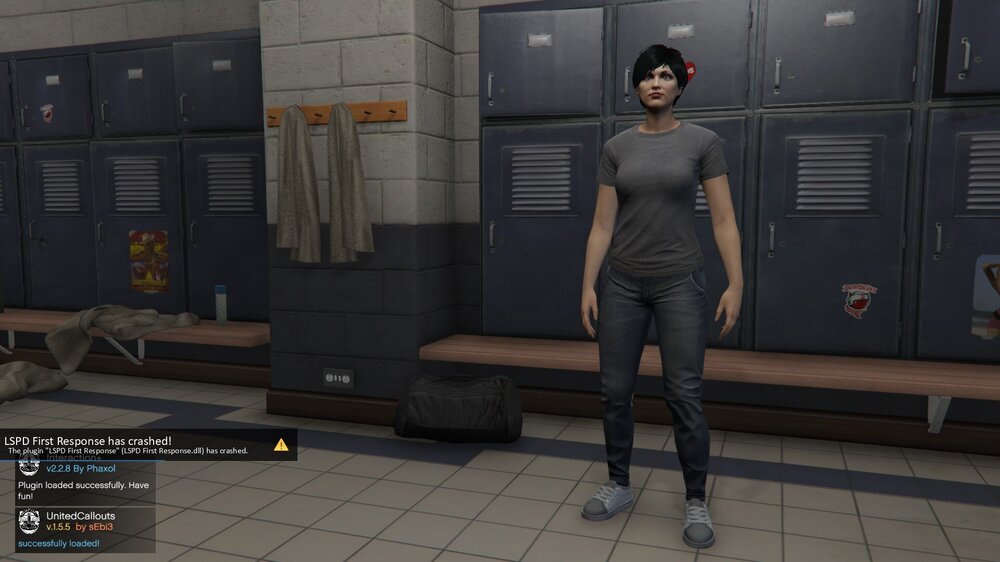
SO I recently reinstalled GTA V and of course LSPDFR. I tried Stop the Ped but it appears that it's no longer supported? So I tried interaction + but it continuously causes crashing. I do have scripthookvdotnet2.dll in my GTA V directory. I am using native trainer for my trainer. This is what my screen shows when I try to go on duty. I've got Arrest Manager, Assorted Callouts, Interaction +,police smart radio, speed radar, traffic policer, and united callouts. All of this is located in GTA V-->plugins--->LSPDFR file path/folder. What am I doing wrong?
-
SO I was playing LSPDFR earlier today and during a traffic stop my game crashed right as I looked up a vehicle using the computer+ computer, however it's starting to look like that was more coincidental than anything because I can't get it to start back up. I start lspdfr up, black screen comes up, and then bam it crashes. I'll attach my crash report. lspdfr crash report.txt
-
So any time I go to look anything up using computer+, both vehicle and ped, it crashes the mod. It doesn't force an exit from the game, but it makes it so that the game starts running as GTA V vanilla, except your character is still onscreen instead of one of the GTA V characters. Any advice here? I am using the following mods: ComputerPlus 1.4.1.0 Arrest Manage 7.10.0.0 PoliceSmartRadio 1.2.0.0 TrafficPolicer 6.15.0.0 VehicleSearch v2.1.7 LSPDFR+
-
Apologies wrong forum.
-
I actually figured it out. I just had to disable my anti-virus before starting it all up. Just definitely remember to enable your anti-virus after you're done because of obvious reasons.
-
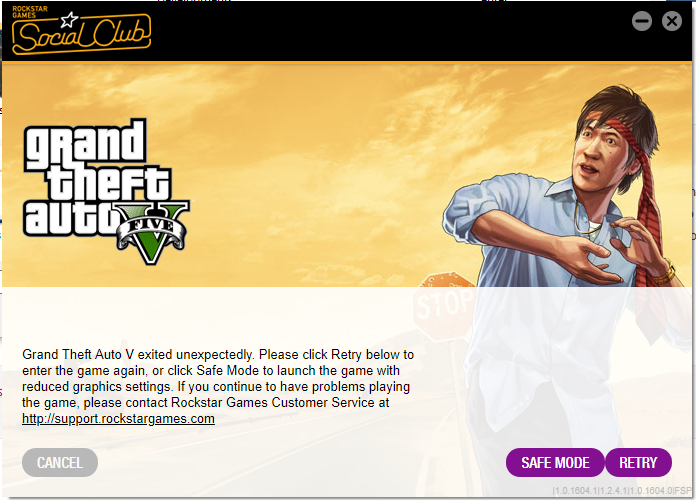
So I've just tried to install this mod for the first time, but before I did it, I went ahead and did a fresh install of GTA V, I have zero other mods and have done nothing to add anything to LSPDFR, right now I am just trying to get it to work before I start adding stuff. However when I double click on RAGEPluginHook it'll go through all the steps of starting up the game (I play through steam) however after it's done it'll start the very first intro screen (you hear the sound of glass shattering) and then immediately after the game will crash and give me the following message. I also cannot start the hookin from the game itself after starting vanilla GTA V, pressing F4 does nothing which means I can't put in the command to start the hookin. I have tried disabling my firewall and providing an exception via my Avast Anti-Virus and nothing has helped. I have also tried twice to install the mod, both with a fresh install of GTA V (and yes I have played through the intro and just got Franklin chillin' on the side of the road after that first repo job).