h4wk
Members
-
Joined
-
Last visited
Everything posted by h4wk
-
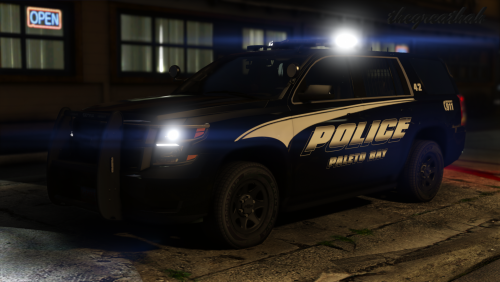 Love this Tahoe, I just want to figure how to get the interior rear light bar working. I only got it to work once by enabling the components inside the department.
- 23 comments
- 16 reviews
-
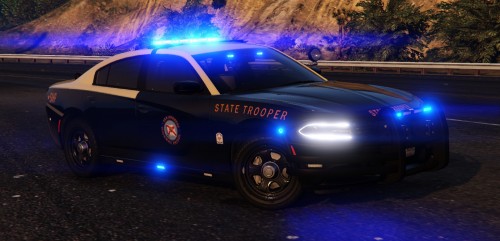 Love this charger. Would it be possible to add a red version of the LEDs group in the fs_valor/fuckinglight for secondary lights? I'm messing with skins and lighting on my own but I have no idea how add a new red group without replacing the blues.
- 30 comments
- 21 reviews
-
-
Easily my favorite Charger model and light set up on this website by far. An image of this and you can get easily fooled for an actual photo. The amount of lights is perfect. The take downs are perfect. The amber light bar is perfect (though I wished it was entirely secondary / warning instead of a slight mix). The proportions in the wheel caps or tires are dead-on with the real one. The interior, the equipment, the seats, everything. Being an actual trooper myself (not for state of Florida), you sir(s), absolutely get my stamp of approval. It's pretty effin' good. The only thing I kinda miss are the wig wag headlights. Amazing work. I hope more texture packs are based off this model!
- 30 comments
- 21 reviews
-
-

- 1
-