


ElicWare
Members
-
Joined
-
Last visited
Everything posted by ElicWare
-
I solved the problem very easily, I took the gta 5 backup files and replaced them with the ones I modified
-
full screen games?
-
go to the settings of the rage plugin hook go to advanced settings and activate the Disable Custom Loading Screen. if it loads you could you say what anti-virus do you have?
-
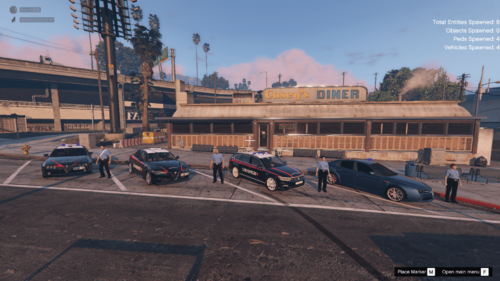 if the cars don't install then try installing the hook script http://www.dev-c.com/gtav/scripthookv/ but you have to wait for it to be updated
 -
ITA questo pacchetto aggiunge le seguenti cose: Uniforme carabiniere uomo Uniforme carabiniere donna Alfa Romeo 159 Carabinieri Alfa Romeo 159 Civetta Alfa Romeo Giulia Carabinieri 2015 Volkswagen Passat Carabinieri Per qualsiasi problema entrare in questo discord https://discord.gg/MGqcGqu ENG this pack adds the following things: Uniform man carabiniere Female carabiniere uniform Alfa Romeo 159 Carabinieri Alfa Romeo 159 Civetta Alfa Romeo Giulia Carabinieri 2015 Volkswagen Passat Carabinieri For any problem enter this discord https://discord.gg/MGqcGqu
-
Help, i crash the game when I open it, any solution? errore.txt log.txt
-
Thanks for the help, I had simply changed keys to .ini, now it works
-
when I open lspdfr everything goes smoothly and then when I go into service crashes. Help 😞
-
yes, it works in a sense, it is moddate but there are
-
I've already tried to re-install lspdfr and then rph, but it doesn't work
-
no
-
sure, only then when I wanted to remove them I removed the mods folder
-
yes, with openIV I tried to modify cars
-
no, not now, but I had tried it
-
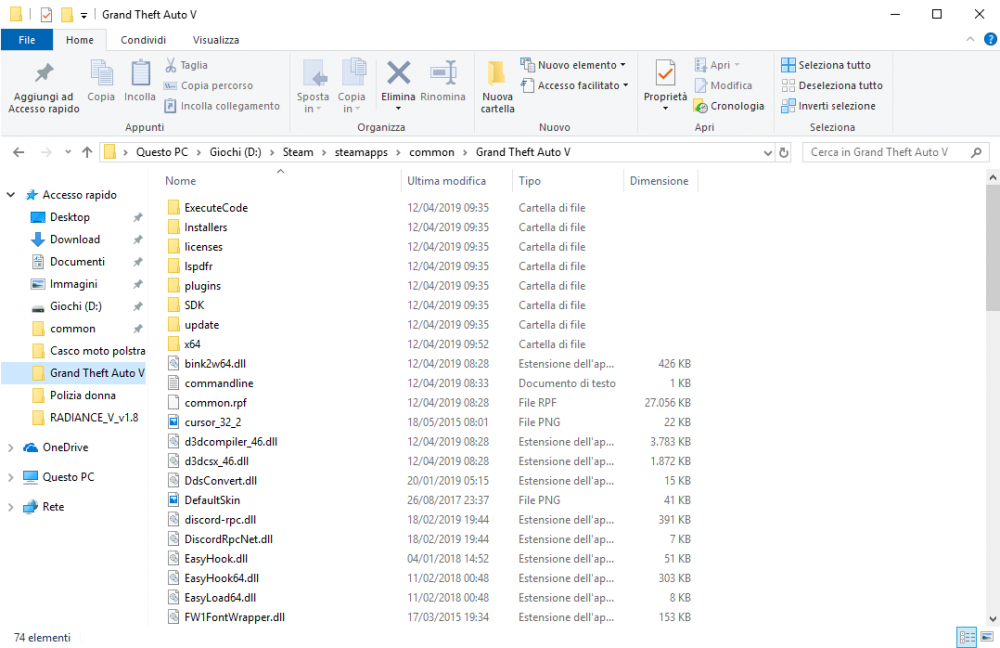
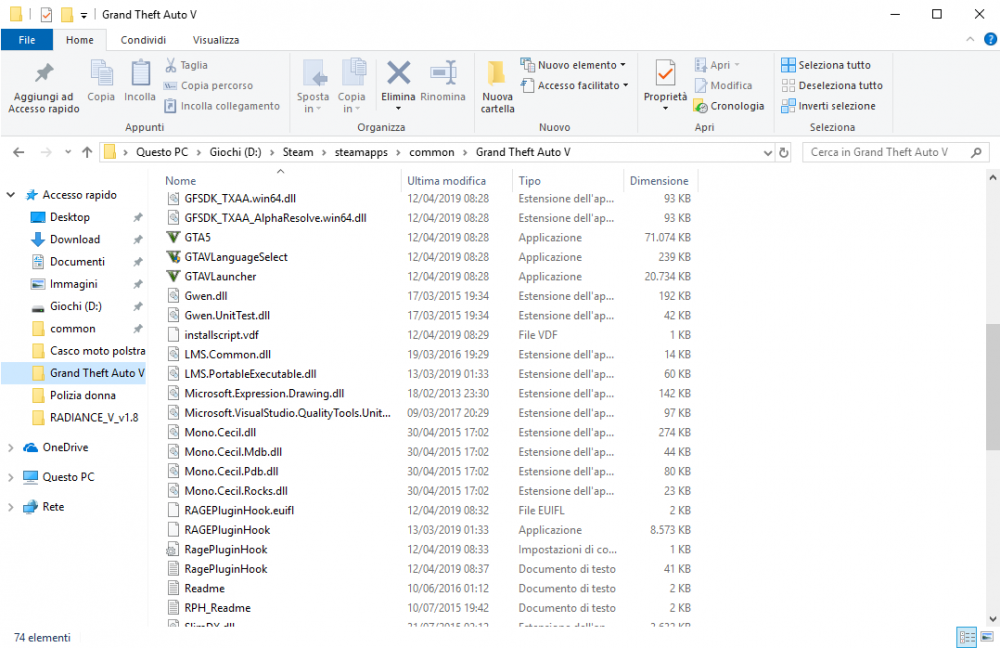
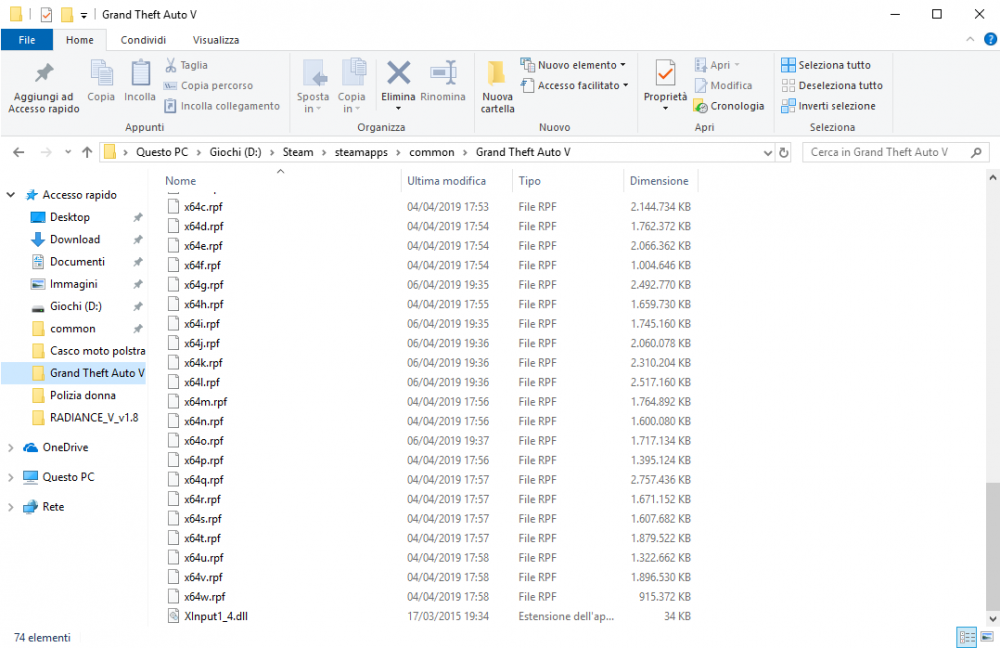
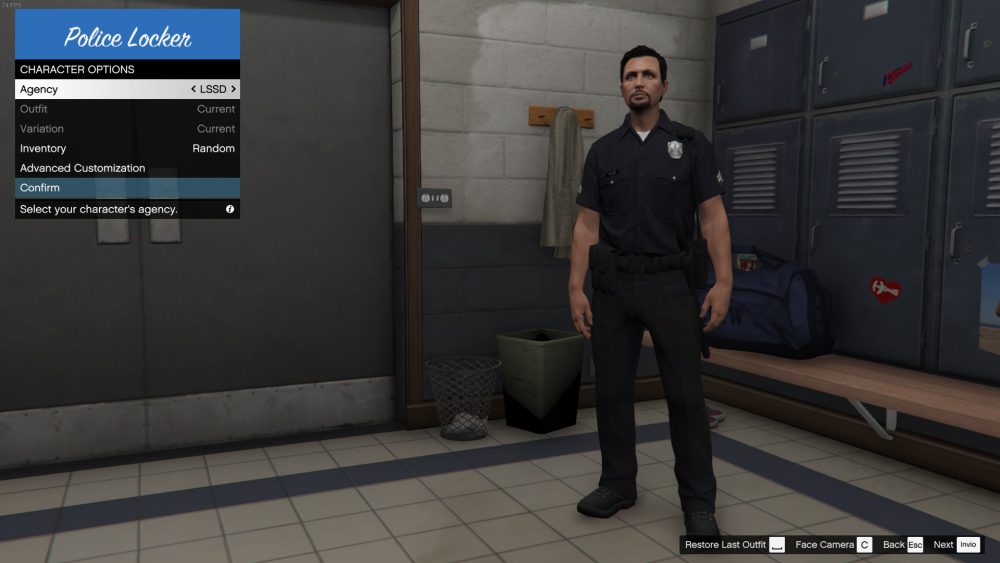
it doesn't let me choose anyone except lspd, I can't swat, I can't be a sheriff, nothing
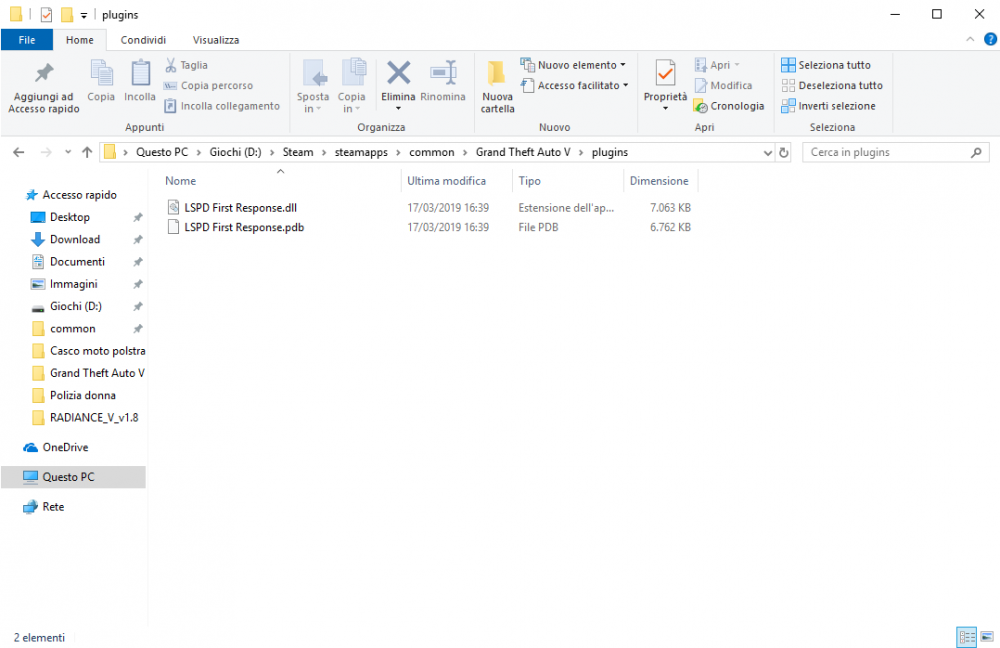
 I use 360 Total SecurityOh God, I don't know what to say, because the antivirus didn't make it work, thanks a lotif RPH is the RagePluginHook then it doesn't go the same, it always tells me thatonly recently I discovered that lspdfr had been updated, I went to immediately install the new version after 6/7 months that I did not touch it. in these months I did a PC reset so I had to go and install what it takes for the rage plugin hook I installed it and everything was fine, I have no problems with the PC since the last time I played it it was all well. then in game i do on the console rage plugin hook "LoadPlugins LSPD First Response.dll but it gives me this error: ITA : [4/9/2019 8:22:23 PM.560] Loading plugin from path: D:\Steam\steamapps\common\Grand Theft Auto V\Plugins\LSPD First Response.dll [4/9/2019 8:22:25 PM.165] ERROR: Could not load plugin from "D:\Steam\steamapps\common\Grand Theft Auto V\Plugins\LSPD First Response.dll". Non è stato possibile caricare il file o l'assembly 'RagePluginHook, Version=0.0.0.0, Culture=neutral, PublicKeyToken=null' o una delle relative dipendenze. Accesso negato. "the English translation may be wrong as I'm using Google Translate" ENG : [4/9/2019 8:22:23 PM.560] Loading plugin from path: D:\Steam\steamapps\common\Grand Theft Auto V\Plugins\LSPD First Response.dll [4/9/2019 8:22:25 PM.165] ERROR: Could not load plugin from "D:\Steam\steamapps\common\Grand Theft Auto V\Plugins\LSPD First Response.dll". The file could not be loaded or l'assembly 'RagePluginHook, Version=0.0.0.0, Culture=neutral, PublicKeyToken=null' or one of its dependencies. Access denied. i have windows 10 so i hope lspdfr goes now also with windows 10 Help me please


