Aladdin
Members
-
Joined
-
Last visited
Everything posted by Aladdin
-
Kindly disregard the previous issue Thanks
-
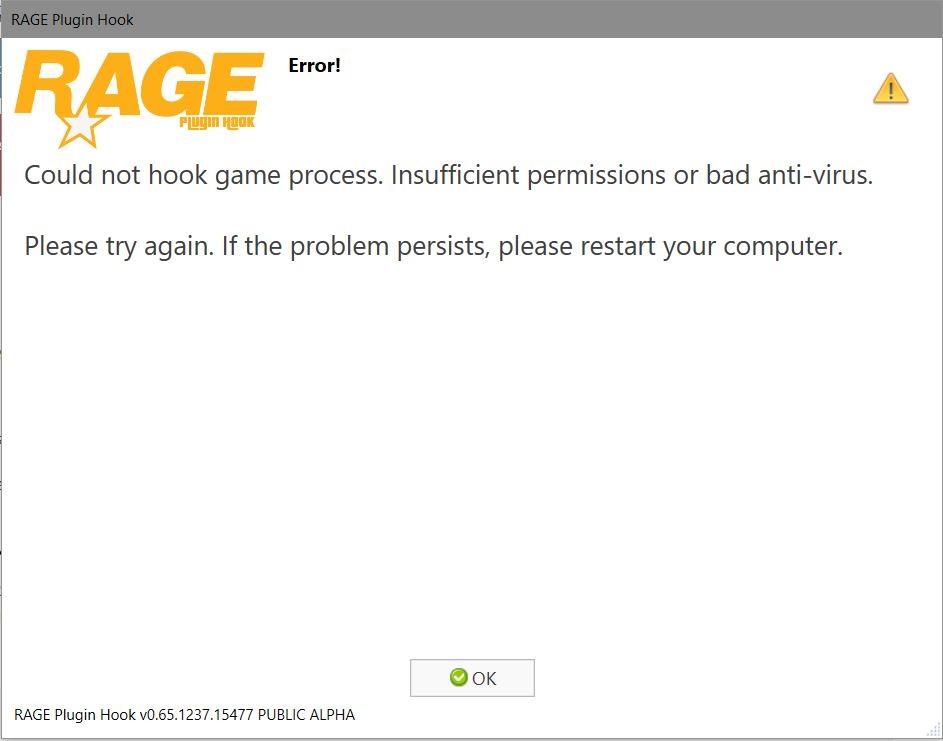
Hello there , how are you doing today? Before anything , i just want you to know that i downloaded the latest versions of LSPDFR & Rage plugin on a clean folder for GTA V , followed the instructions as given in ( https://www.lcpdfr.com/lspdfr/04/install/ ). I even clicked on LSPDFR Configurator to make sure that everything is going on correctly. Now the problem is that every time i start the game , it keeps giving me the given screenshot as shown below. I asked around to my friends about this issue and some said that i need to turn off my windows defender and others said there's no need for that. I have tried to turn my windows defender off but unfortunately it won't turn off for some reason , i mean the option isn't actually there to change it. I also tried to make an exception for the GTA V file but that didn't work as well. I would really appreciate it if there's someone who can help me with this situation of mine , because i am really looking forward to use this and recommend it to other friends who don't have it as well. Thank you for your time