Skip to content
View in the app

A better way to browse. Learn more.

LCPDFR.com

A full-screen app on your home screen with push notifications, badges and more.

To install this app on iOS and iPadOS
  1. Tap the Share icon in Safari
  2. Scroll the menu and tap Add to Home Screen.
  3. Tap Add in the top-right corner.
To install this app on Android
  1. Tap the 3-dot menu (⋮) in the top-right corner of the browser.
  2. Tap Add to Home screen or Install app.
  3. Confirm by tapping Install.

lucas12bb

Members
  • Joined

  • Last visited

Everything posted by lucas12bb

  1. No matter what car i download if it is ELS or Not, the emergency lights are always white and yellow from up close and then when you walk about 50 feet away they show as red and blue. Anyoen know how to fix this? Please help
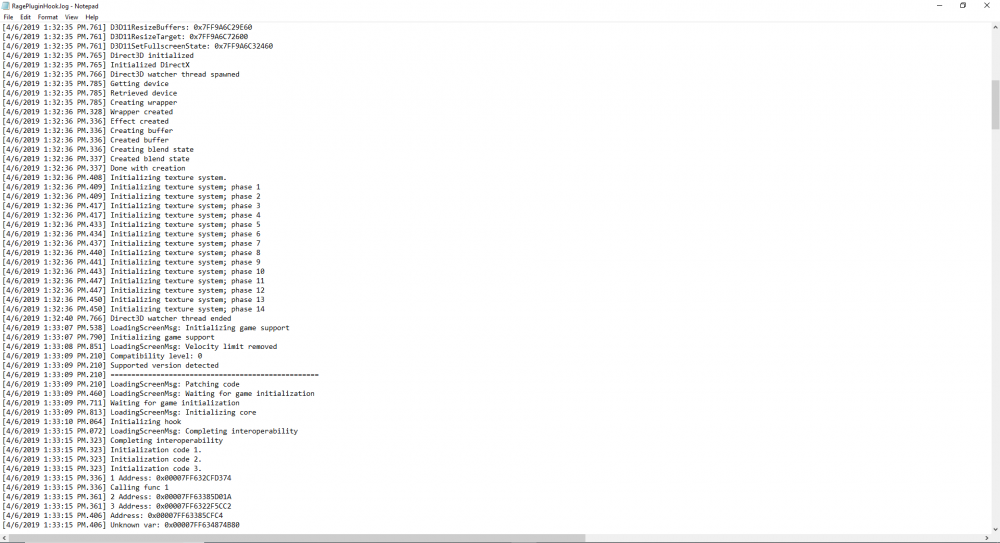
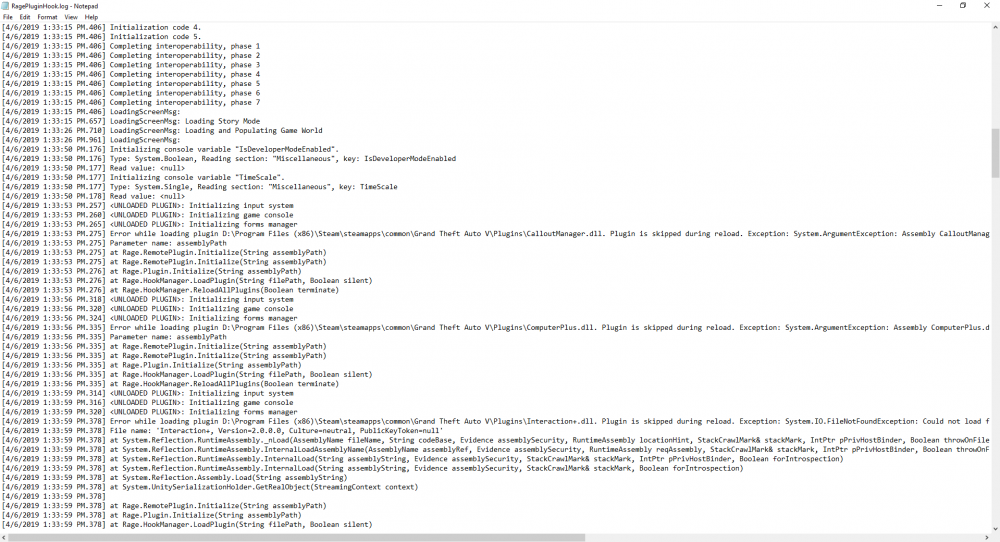
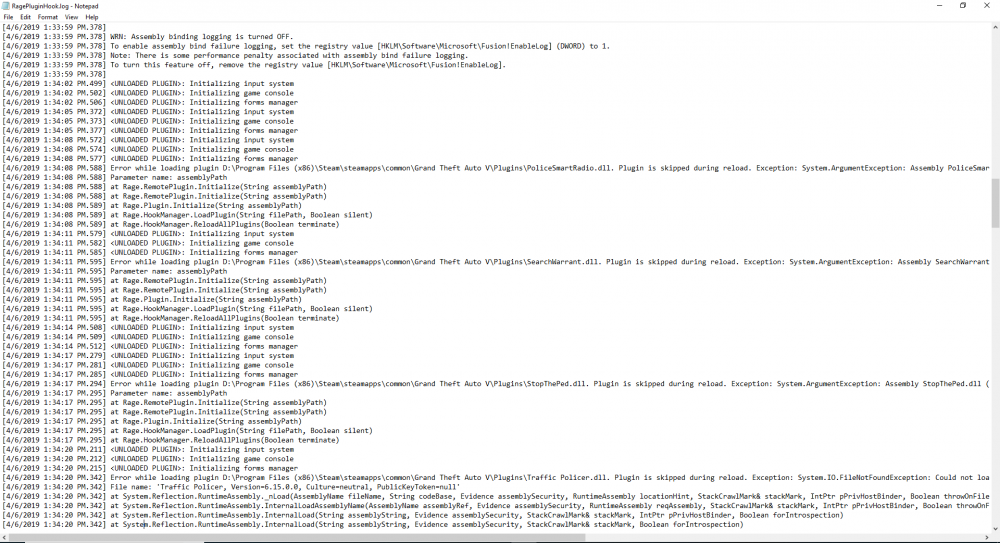
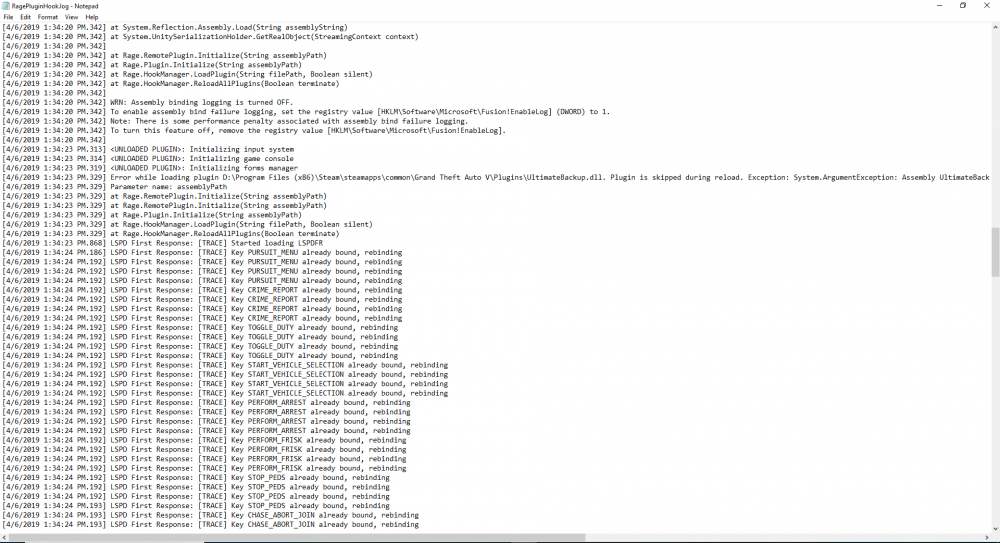
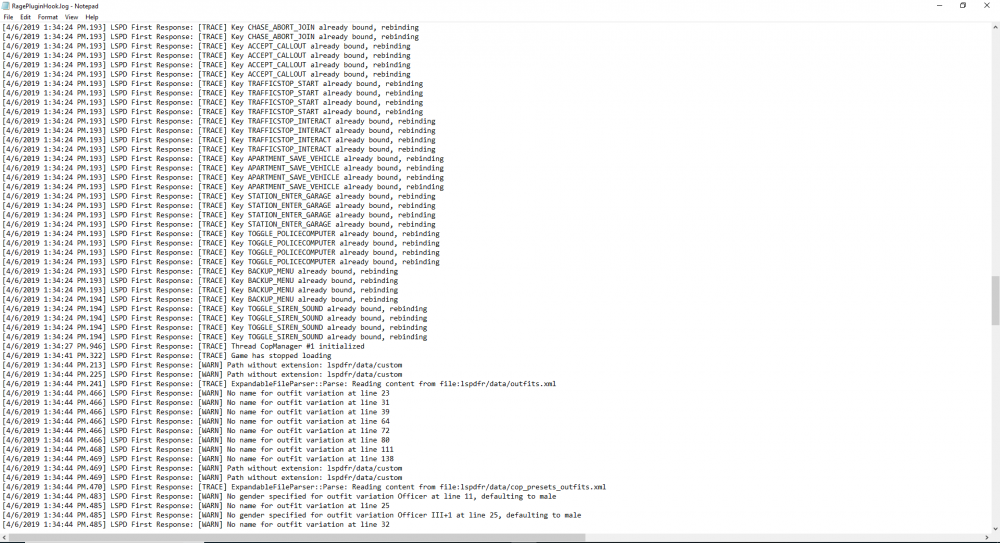
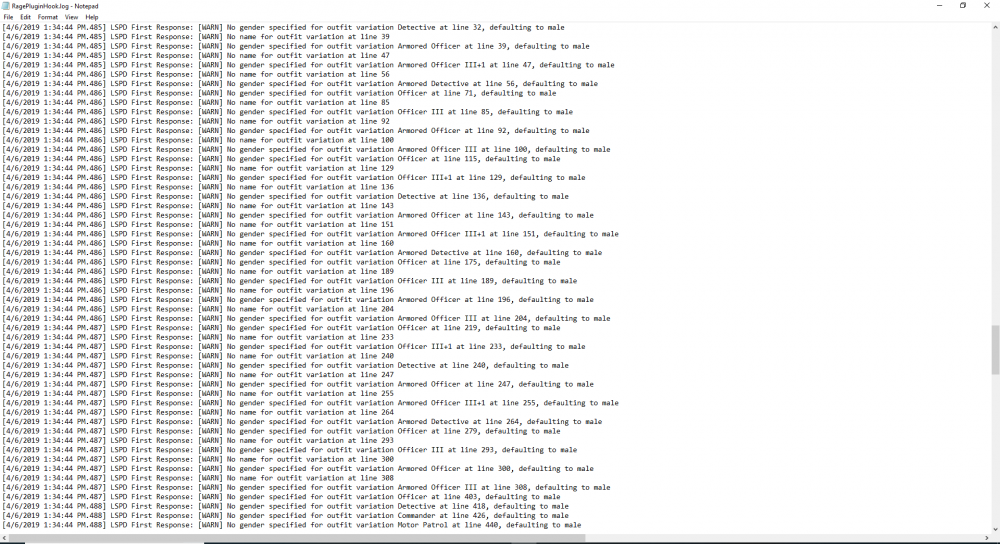
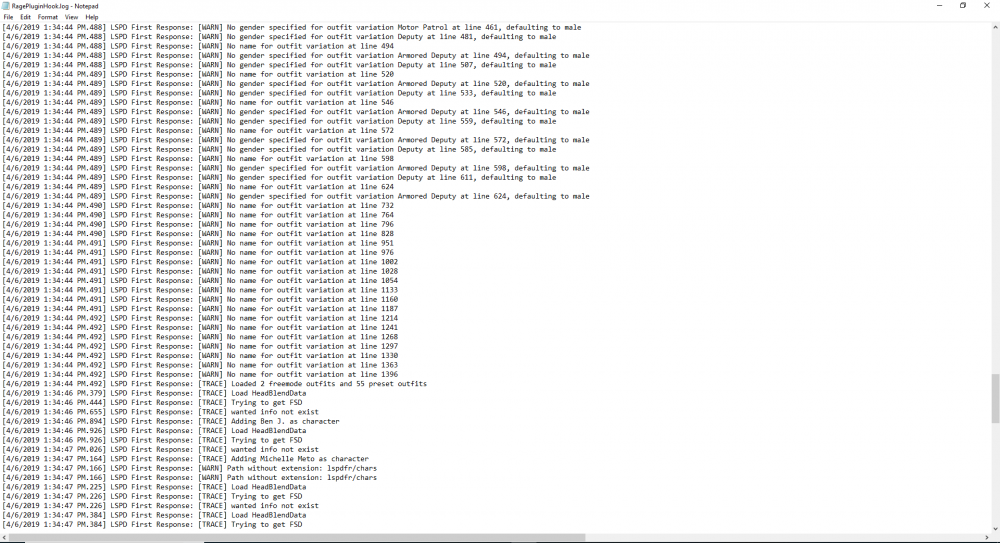
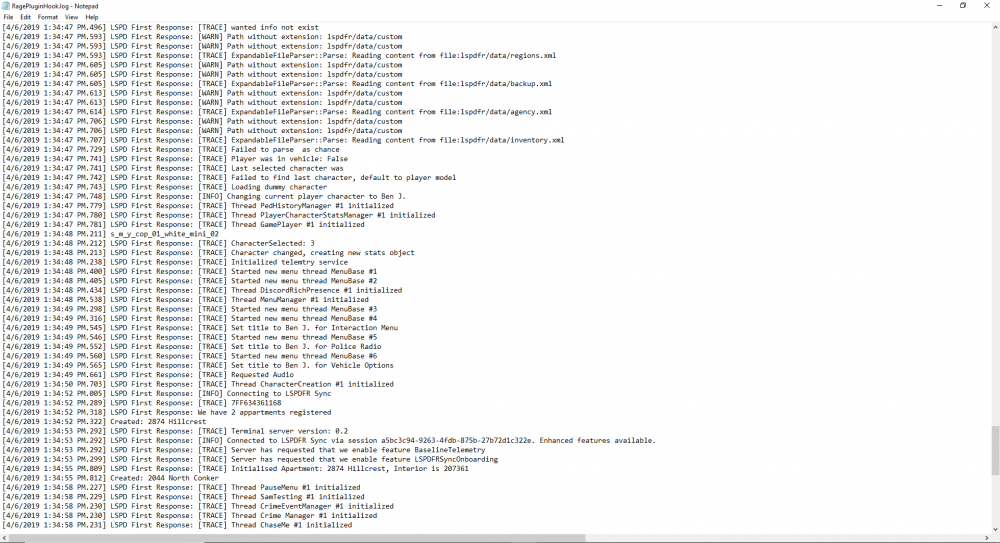
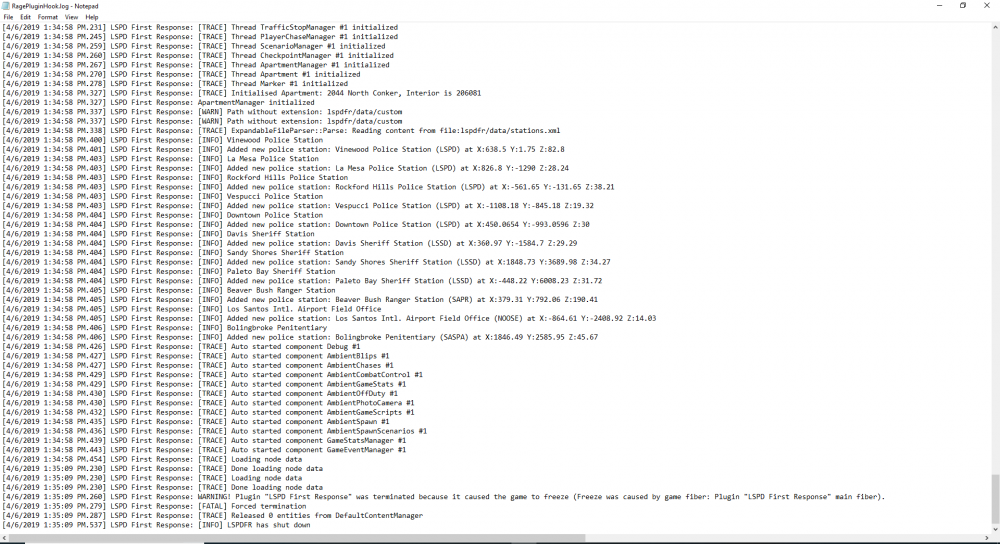
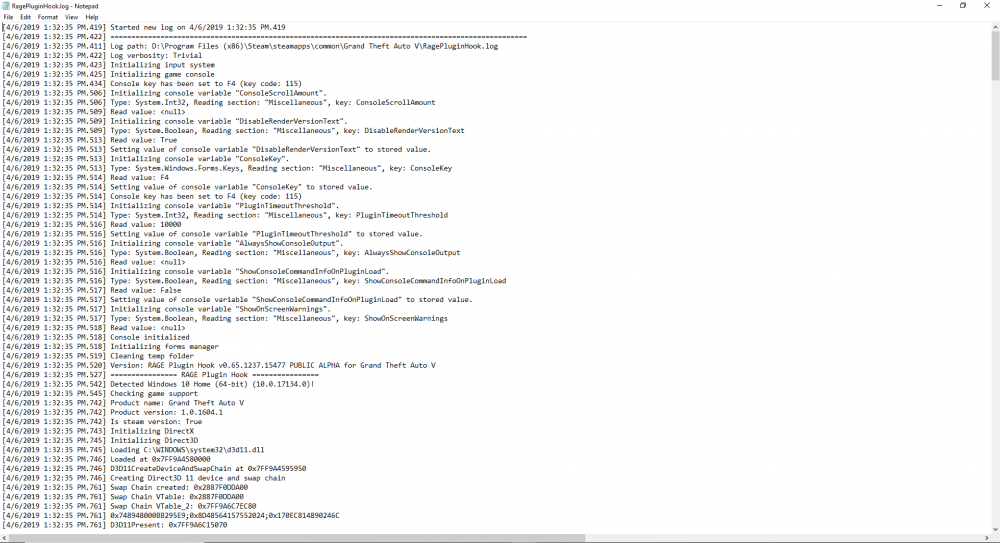
  2. This is my ragepluginhook .log in the 10th one you can see where it is terminated
  3. When i load into the game i see a black screen and in the bottom right it says loading lspdfr but after about 1 minute it says Warning! The plugin "LSPDFR First Response" Has been terminated because it made the game freeze!! Help me please!!!!
  4. same here i have been trying to fix it but nothing is working please help

Account

Navigation

Search

Search

Configure browser push notifications

Chrome (Android)
  1. Tap the lock icon next to the address bar.
  2. Tap Permissions → Notifications.
  3. Adjust your preference.
Chrome (Desktop)
  1. Click the padlock icon in the address bar.
  2. Select Site settings.
  3. Find Notifications and adjust your preference.