Skip to content
View in the app

A better way to browse. Learn more.

LCPDFR.com

A full-screen app on your home screen with push notifications, badges and more.

To install this app on iOS and iPadOS
  1. Tap the Share icon in Safari
  2. Scroll the menu and tap Add to Home Screen.
  3. Tap Add in the top-right corner.
To install this app on Android
  1. Tap the 3-dot menu (⋮) in the top-right corner of the browser.
  2. Tap Add to Home screen or Install app.
  3. Confirm by tapping Install.

ImZip

Members
  • Joined

  • Last visited

Everything posted by ImZip

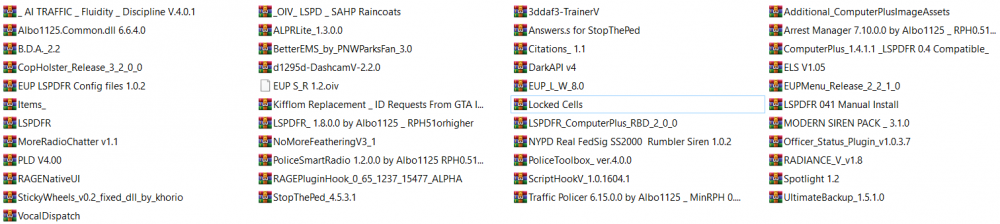
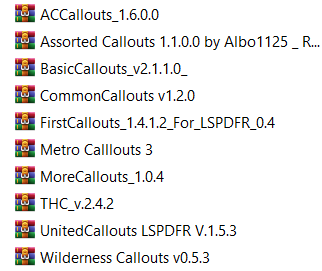
  1. Just like the title says and the video shown below, I don't understand what's going on or what causes this. My issue is that after the whatever vehicle it is, after the suspect pulls over and I tell the AI to find a new place (Holding E) the suspect just launches it on a straight line and don't give a f*** about his life. I went and checked every plugin installed (Let me know if SS or logs are required) to see if any of them were colliding with each other or keybinds and nothing. I need assistance guys... >>> VIDEO

Account

Navigation

Search

Search

Configure browser push notifications

Chrome (Android)
  1. Tap the lock icon next to the address bar.
  2. Tap Permissions → Notifications.
  3. Adjust your preference.
Chrome (Desktop)
  1. Click the padlock icon in the address bar.
  2. Select Site settings.
  3. Find Notifications and adjust your preference.