Seravilo
Members
-
Joined
-
Last visited
Everything posted by Seravilo
-
Sorry, I'm new to these forums. Is there a way I can re-post my original post onto a separate topic in the help forums or do I just copy and paste everything over?
-
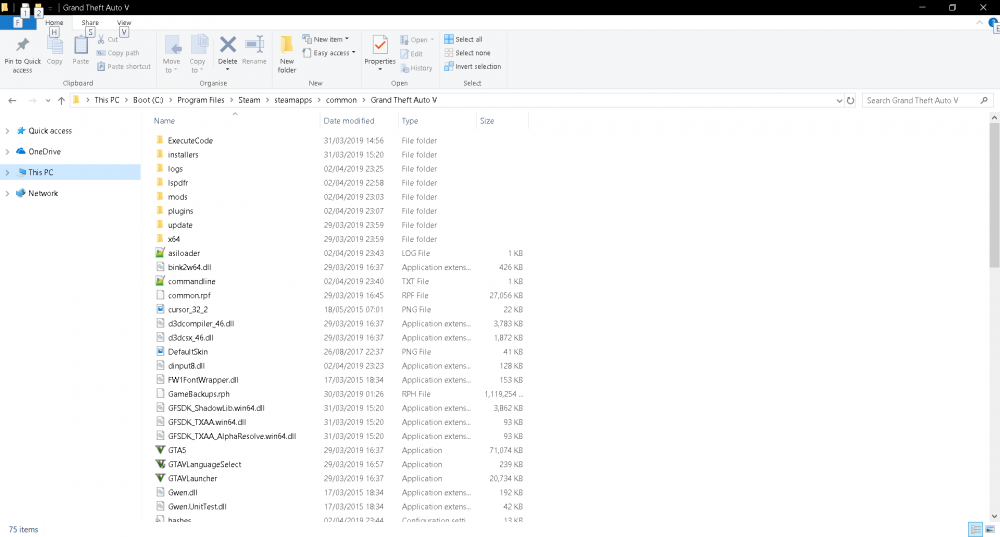
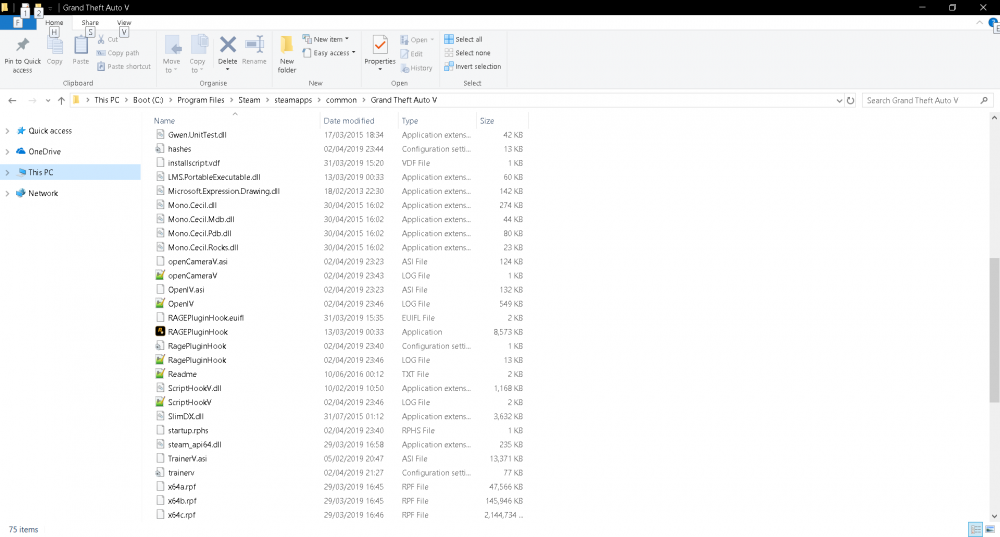
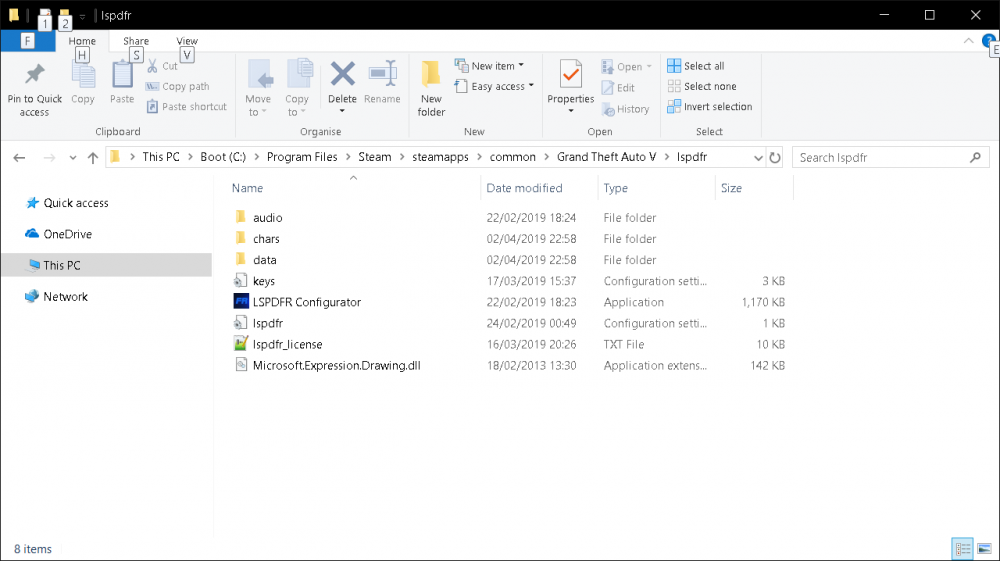
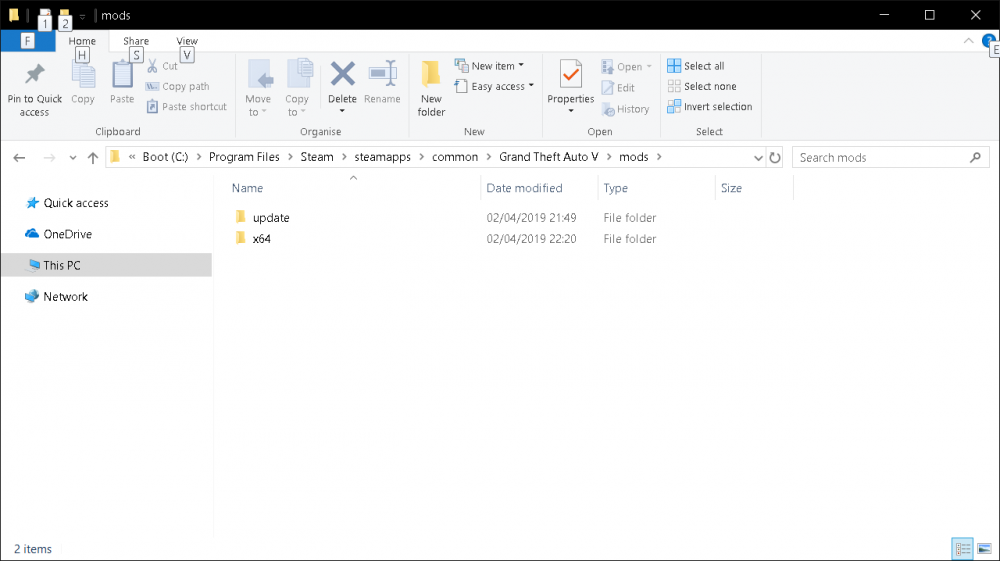
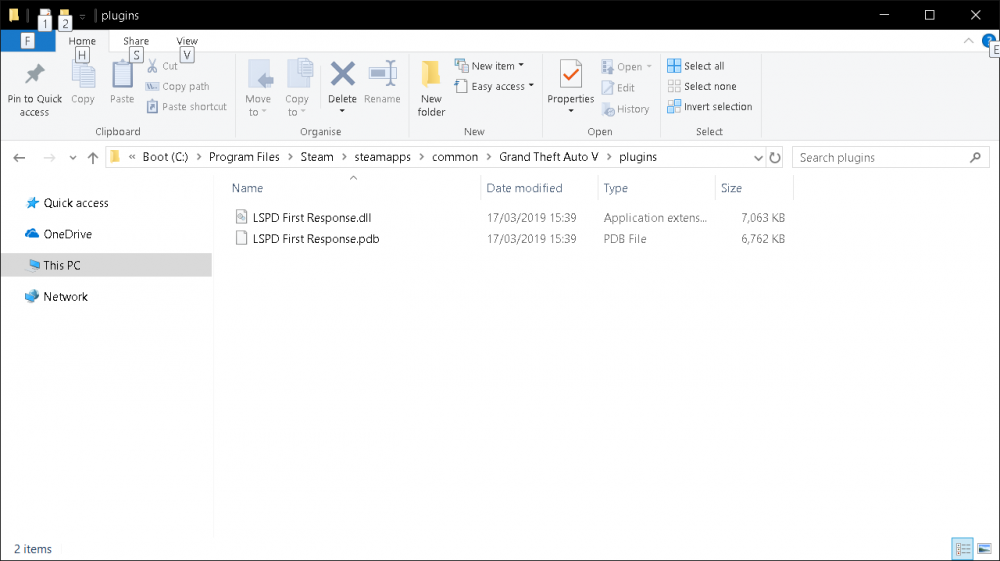
I'm having the same problem too. Previously, RPH would crash the game from startup (decided to try one more time before just giving up on the whole thing altogether. Funnily enough, it managed to fix itself somehow??). My new problem now is that I'm having issues getting LSPDFR to load. My install order is as follows: 1) LSPDFR 041 2) ScriptHookV 1.0.1604.1 3) RagePluginHook 0.65.1237.15477a 4) TrainerV 5) OpenIV (installed all tools) Other than the list shown above, I have no other installed mods/plugins/addons, etc. I have tried running both GTAV.exe and RPH as admin, but, for whatever reason, Steam doesn't like having GTAV being run like that as it Here are my screenshots for reference GTAV Dir LSPDFR Mods Plugins RagePluginHook_02042019_222545.log