


SamuraiCrew
Members
-
Joined
-
Last visited
Everything posted by SamuraiCrew
-
So I got back into my LSPDFR and everything is updated and everything is fine, except there has to be a plugin, or a mod that is messing all of my stuff up. I have gotten to the point where the game can load, but it immediately crashes. And that is as far as I can get. I have posted the crash report down below; if anyone would be able to help me out, that would be fantastic. If you need any other in formation that I did not include do not hesitate to ask and I shall provide. Thank you.
-
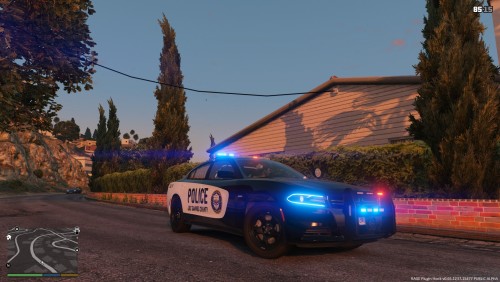 Dude it's absolutely marvelous, PLEASE work on the CVPI, and the FPIS. That would just make it that much better ❤️ Keep up the great work😃
- 2 comments
- 2 reviews
-
.thumb.png.84adb823f7f653b8d654f1ab13098851.png) You should try and update the explorers interior, and make an ELS version cause I love your work my guy ❤️
You should try and update the explorers interior, and make an ELS version cause I love your work my guy ❤️- 89 comments
- 44 reviews

.thumb.png.84adb823f7f653b8d654f1ab13098851.png)