


Hacksuation
Members
-
Joined
-
Last visited
Everything posted by Hacksuation
-
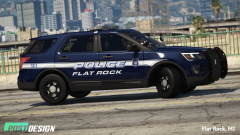 give this to me papi post 😩
 -
 ok
ok -
 ok
ok -
 ok
ok -
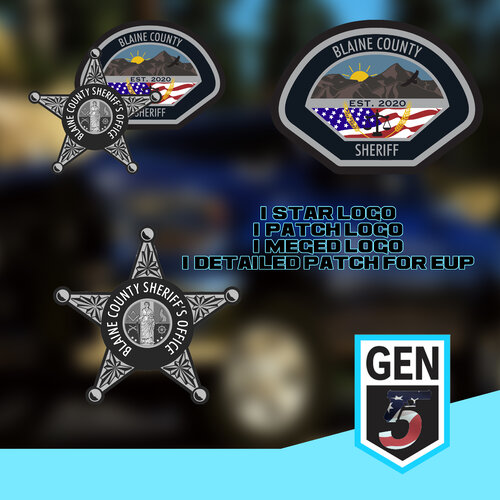 Hey, how exactly do you get the embroidered texture on the patch?
 -
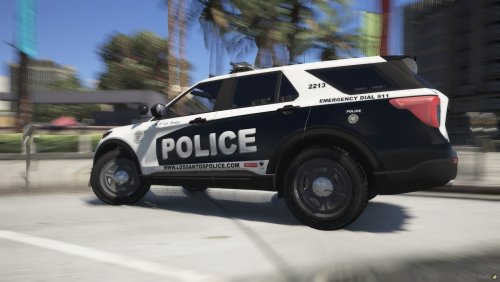 DAMN I didn’t even know we were getting the 2020!!
 -
Where’d you find the department at, we’re so small that I didn’t think anybody knew about us?
-
Small World, lived in Berwyn Heights for so long.
-
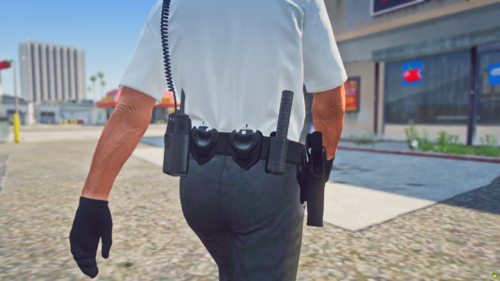
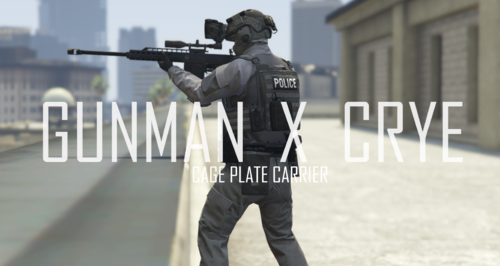 Where is that pistol holster from. Sorry about it being off topic but I need to know where its from.
- 3 comments
- 1 review
-
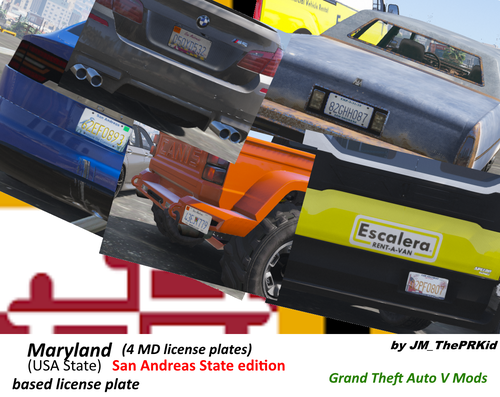 Being from Maryland it's self, these are extremely accurate to the real life versions, nice job.
 -
.thumb.png.371bd8debe9b82fbd148ee0b6726c87e.png) That was kind of my inspiration for these Polo's, I'm currently making a pack that will include some more variants of these. I didn't want to really copy the one's from Gem State because I was in that community and I respect their stuff but possibly in the future.
That was kind of my inspiration for these Polo's, I'm currently making a pack that will include some more variants of these. I didn't want to really copy the one's from Gem State because I was in that community and I respect their stuff but possibly in the future.- 12 comments
- 1 review
-
Go ahead, don't care about any of the customization as long as you credit me for the original texture if you upload it.
- 12 comments
- 1 review
-
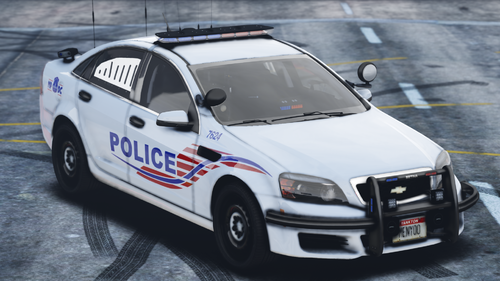 Being from D.C these liveries are really accurate, great job!
 -
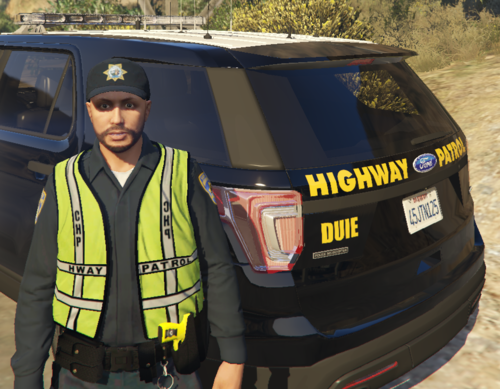 It's fine I was just confused.
 -
I don't really care but I noticed you copied my 'About This File' part, not everything but certain parts are the same.......
-
-
-
-
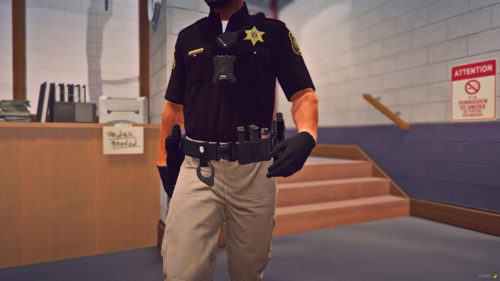
Blaine County Sheriff's Office Mini-Polo Pack - Hacksuation ---------------------------------------------------------------------------------------- -First off this is my first upload on here and I'm very new to EUP making but I figured maybe I should release this small pack of stuff I've worked on. -Contains 3 Different Variants of a Blaine County Sheriff's Office Polo (Hi-Vis, White, and Blue) -All Lore Friendly ---------------------------------------------------------------------------------------- Retexturing ----------------------------------------------------------------------------------------- -You are allowed to re-texture this pack if you choose to do so -DO NOT re-upload these textures to any LSDPFR/GTA V related websites ----------------------------------------------------------------------------------------- INSTALLATION GUIDE IS PROVIDED IN THE FOLDER! Add me on discord for any questions or help etc. - Hacksuation#3480 Thanks for viewing my first piece of work here on LCPDFR, make sure to comment if you notice anything wrong or need any help thanks! Credits - Original EUP Pack that contained the shirts that I re-textured and re-mapped. Radio and Bodycam are not included they are a private model Weapon Holster is also a private model If you want to buy these models they are made by Laggo
- 12 comments
- 1 review
-
-

- 2
-
-
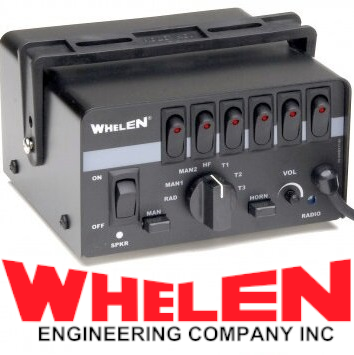 Yeah I did know that I was just wondering you by chance knew the script that the FiveM server you were playing had?
- 46 comments
- 8 reviews
-
Really off topic but by chance do you know what that helicopter spotlight script is called, I could never find one that actually locked onto vehicles?
- 46 comments
- 8 reviews
-
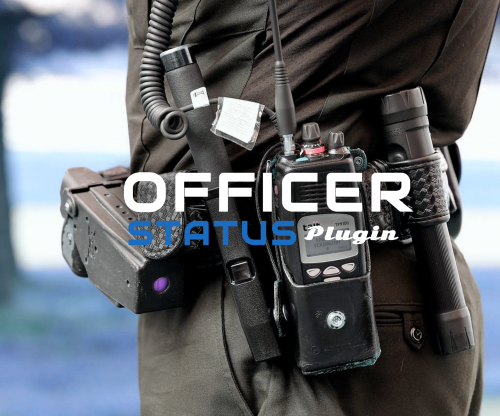 So cool theres so much more immersion with this theres an actual interaction for when you make a traffic stop with vocal dispatch, normally dispatch will say the default line of "Copy that" or "10-4" but theres an actual interaction and you can even request backup for it thank you. Hopefully you can add more codes which would be so sick to be able to have a fully immersive vocal dispatch
- 132 comments
- 26 reviews

.thumb.png.371bd8debe9b82fbd148ee0b6726c87e.png)
