
pikoutx
Members
-
Joined
-
Last visited
Everything posted by pikoutx
-
 Great job on this mod! Do you plan on releasing it to GTA5-Mods.com? As most people in here use ELS and most lore-friendly packs are on gta5-mods.com.
- 342 comments
- 19 reviews
-
-

- 2
-
-
-
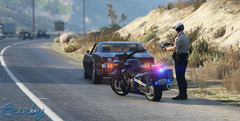 Is that a pack or only the bike?
 -
 It's making my LSPDFR crash. Reinstalled it 2 times and still not working.
- 1,365 comments
- 86 reviews
-
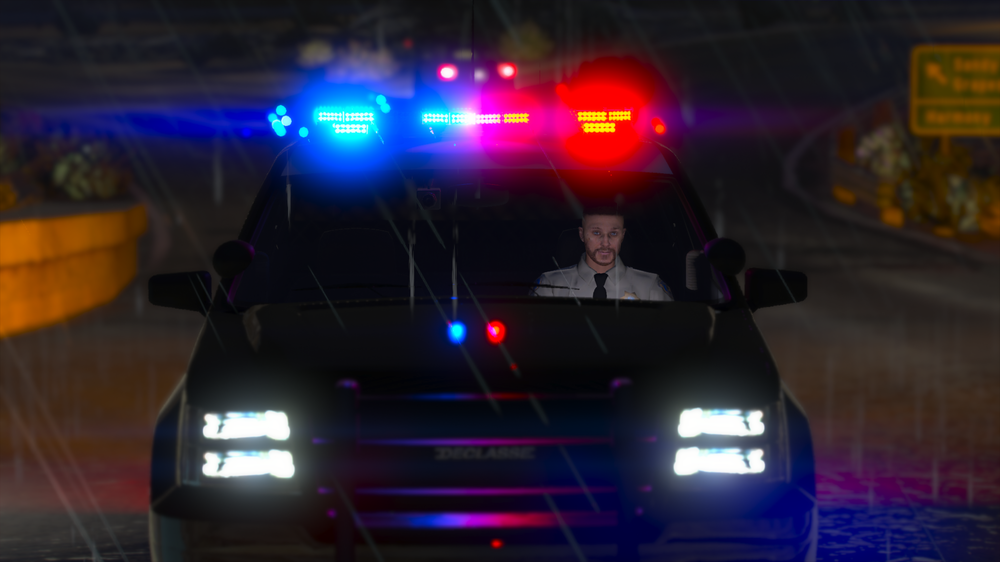
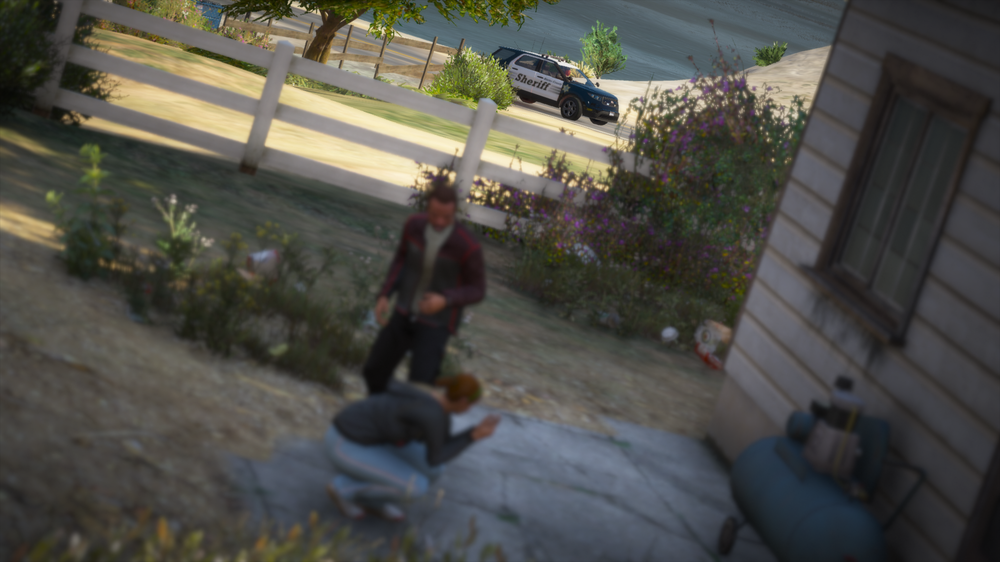
Minutes before I said my final words "GUN GUN GUN" "Responding with a big smile on my face and not knowing what is coming towards me." Everyday officers have to make a split-second decision, a situation can turn from a noise complaint to an attempted murder in less than 5 seconds, officers have to prepared at all times. I wanted to share this screenshot to remember that police officers make sacrifices without knowing if they are going to come back to their families. #BlueLivesMatter
-
Responding Code 3 to a Domestic Disturbance
-
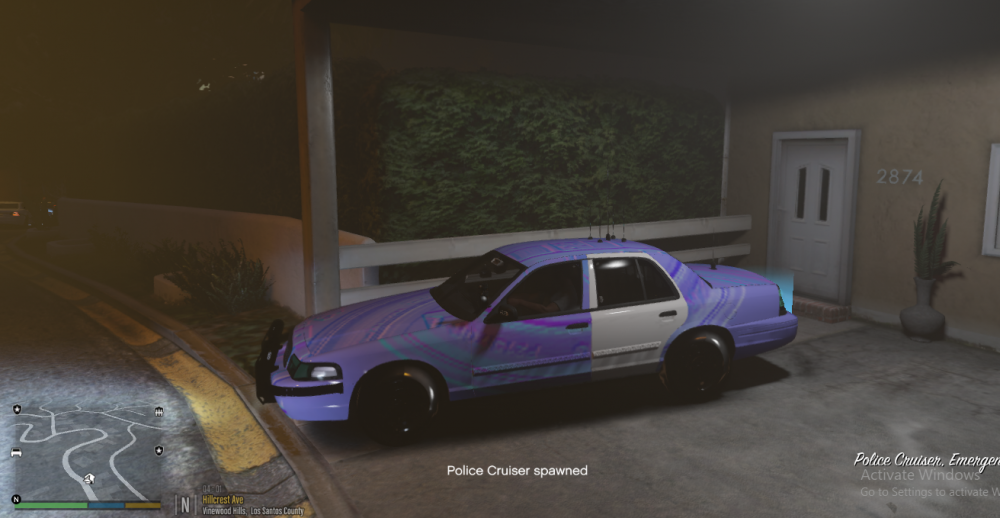
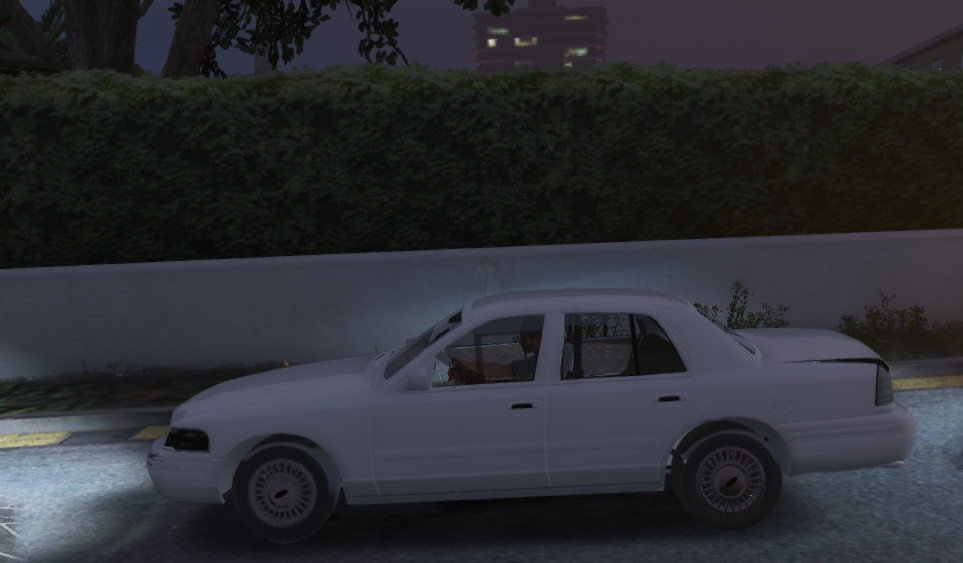
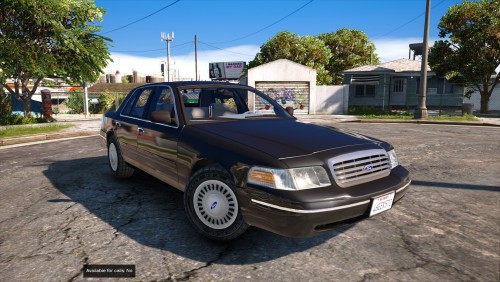
I wil try this, i had no idea you could change it! Thank you so much and i will let you know if it works goodIve been wondering if theres any way to make backup more realistic. By realistic, i mean that the backup spawns further away, because i think its not realistic for a police car to spawn in the middle of the road right next to you. In real life backup takes 1-2 min to get to the situation on the average, in game, it takes 10 seconds to get to your location, i want to change that, does anyone know any way to change the distance from where the backup spawns?So i found this mod called Player Bullet Ragdoll Reactions and the function of it matches what i was looking for, if anyone is interested, the link is https://www.gta5-mods.com/scripts/player-bullet-ragdoll-reactions-sirbackenbart#description_tabIs there a way to have a CHP siren for a sheriff slot and a LAPD siren for a police slot?Im searching for a mod that makes your character in-game actually feel the bullet hitting him. Yesterday i saw a DOJ video of Bay Area Buggs as a criminal and when he died getting shot by the cops i noticed that his character just took a bullet on his shoulder and made a animation when he died. Im talking about a mod that makes that animation but without your character needing to die. Here is the video in the exact time that the animation takes place: https://youtu.be/oCuXOar903M?t=1470Yes!! That would be so cool! Im looking forward to learn how to make a plugin for this and if i make this i will make it public so everyone can enjoy what i want to enjoyRecently i had the idea of a plugin that when you get on duty you receive a notification for a BOLO(Be On the Lookout) for a person or a vehicle. EX: Active B.O.L.O. for a Red Vapid Stanier Plate: 46EEK572 Stolen Last seen: Mirror Park Boulevard or Active B.O.L.O for Trevor Philips Last Seen: Marina Dr There could be a button to see the Active BOLO'S.Ok, i did that, in opening my game to see if something changed. Update: It worked. Thanks a lot man.All the CVPI models that i tried in my game arent working, the texture of the police4 is all white and the police model is purple. Here are some pictures: Does anyone know how to fix that?
 i dont see that scene on the show, do you happen to know the time of that scene?
- 8 comments
- 3 reviews