


luiz felipe
Members
-
Joined
-
Last visited
Everything posted by luiz felipe
-
I installed gta 5 again and tried to run lspdfr so it won't, it already ran on my computer but now it's always giving the same error
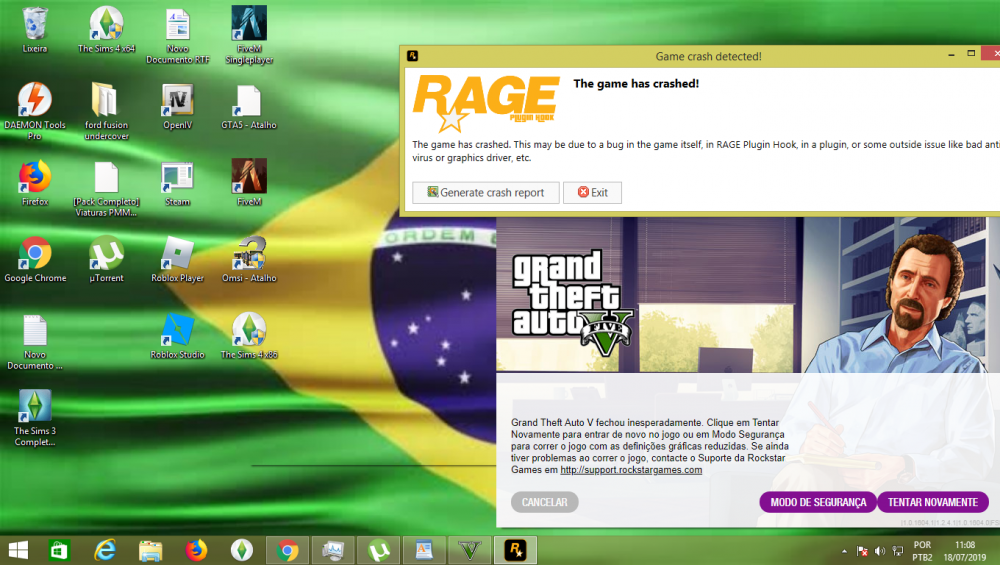 https://www.microsoft.com/en-us/download/details.aspx?id=48145did not workI was able to fix the error now giving another errorI do not have anti virusRagePluginHook_20052019_211020.logWhen i launch it, it gets stuck on waiting for game window for about 5 minutes, then the game opens up and shows a black screen for a few seconds then crashes. i've followed the installation and it still doesn't work, i've tried manual and automatic install but nothings working, ive also got a fresh install of gta so it cant be because of other mods.1
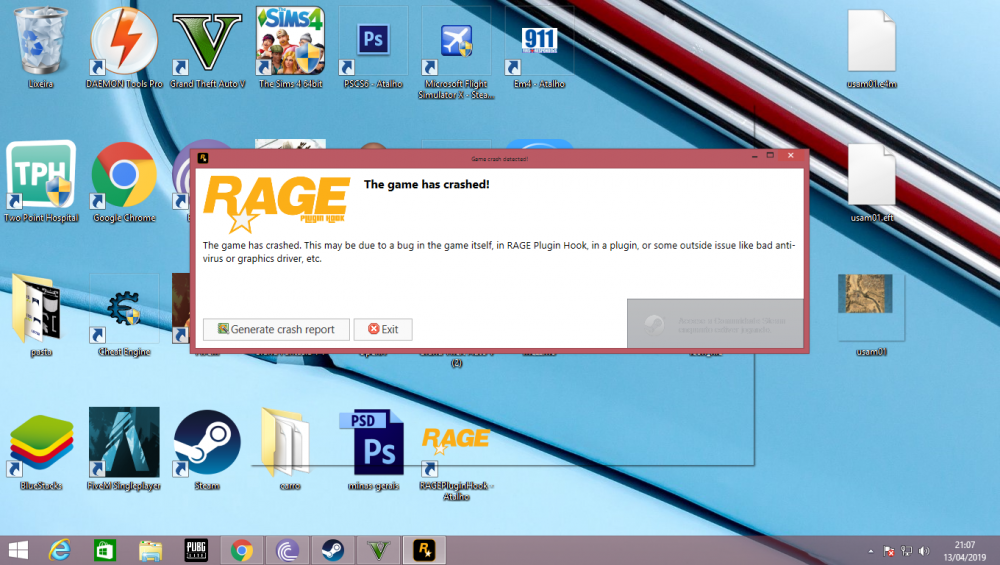 When i launch it, it gets stuck on waiting for game window for about 5 minutes, then the game opens up and shows a black screen for a few seconds then crashes. i've followed the installation and it still doesn't work, i've tried manual and automatic install but nothings working, ive also got a fresh install of gta so it cant be because of other mods.Same problem Did you fix it ?RagePluginHook.log The first time I install a mod it gives this error,at the beginning of the game.First time down the mod and it's giving this error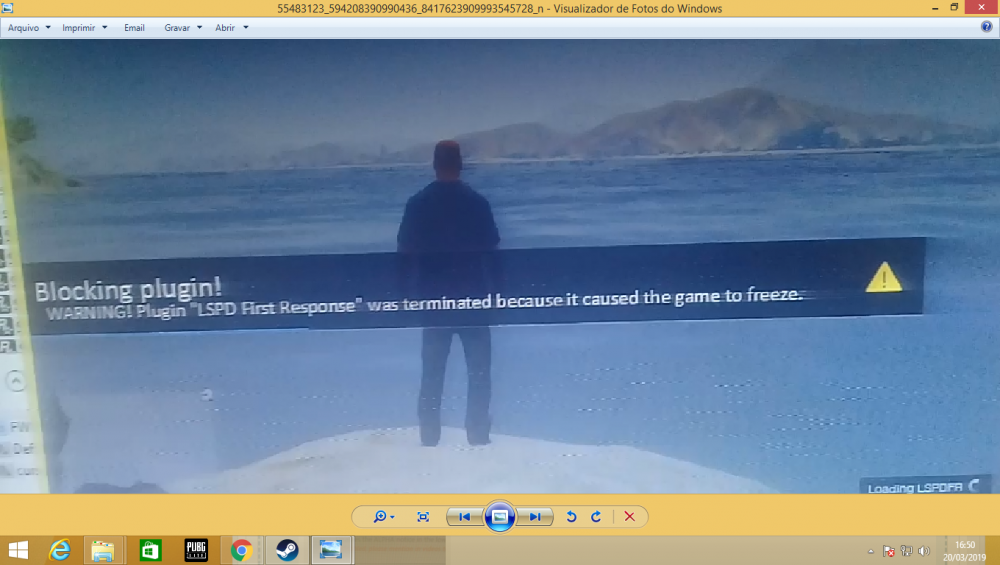


Account
Navigation
Search
Configure browser push notifications
Chrome (Android)
- Tap the lock icon next to the address bar.
- Tap Permissions → Notifications.
- Adjust your preference.
Chrome (Desktop)
- Click the padlock icon in the address bar.
- Select Site settings.
- Find Notifications and adjust your preference.
Safari (iOS 16.4+)
- Ensure the site is installed via Add to Home Screen.
- Open Settings App → Notifications.
- Find your app name and adjust your preference.
Safari (macOS)
- Go to Safari → Preferences.
- Click the Websites tab.
- Select Notifications in the sidebar.
- Find this website and adjust your preference.
Edge (Android)
- Tap the lock icon next to the address bar.
- Tap Permissions.
- Find Notifications and adjust your preference.
Edge (Desktop)
- Click the padlock icon in the address bar.
- Click Permissions for this site.
- Find Notifications and adjust your preference.
Firefox (Android)
- Go to Settings → Site permissions.
- Tap Notifications.
- Find this site in the list and adjust your preference.
Firefox (Desktop)
- Open Firefox Settings.
- Search for Notifications.
- Find this site in the list and adjust your preference.