Skip to content
View in the app

A better way to browse. Learn more.

LCPDFR.com

A full-screen app on your home screen with push notifications, badges and more.

To install this app on iOS and iPadOS
  1. Tap the Share icon in Safari
  2. Scroll the menu and tap Add to Home Screen.
  3. Tap Add in the top-right corner.
To install this app on Android
  1. Tap the 3-dot menu (⋮) in the top-right corner of the browser.
  2. Tap Add to Home screen or Install app.
  3. Confirm by tapping Install.

LewisCatl888

Members
  • Joined

  • Last visited

  1. ChrisF1a1 started following LewisCatl888
  2. Using Albos modding DLC changed the meta to accomodate the change police-police52. Only thing that has changed so is the problem. Dont know what the problem is my self but if someone wants to take a look it will be creatly appreciated. Meta.zip
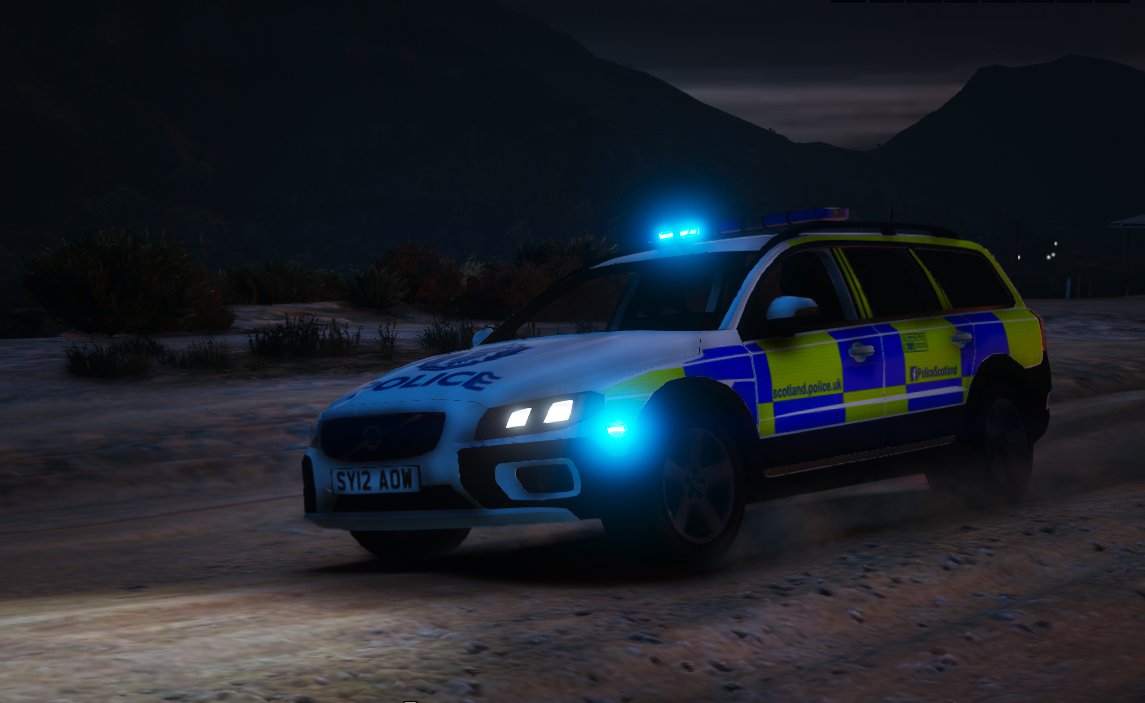
  3. I have sucesffully used Albo's Modding DLC pack to install the vehicles in the addon slots POLICE5-POLICE15. They work, handling is good, ELS works. But, Traffic Does not react to the blue light and siresn. To add, I have recently customised the agencies that respond so I can RPU vehicles assist with pursuits rather than having a standard response turn up howver, with the AI they are not using blue lights or sirens at all. And one final thing- when I try to perform a traffic stop with these addon vehicles, I can highlight the vehicle and be told to activate sirens but when i activate the sirens nothing happens, even in I pull infront for the vehicle to follow me.

Account

Navigation

Search

Search

Configure browser push notifications

Chrome (Android)
  1. Tap the lock icon next to the address bar.
  2. Tap Permissions → Notifications.
  3. Adjust your preference.
Chrome (Desktop)
  1. Click the padlock icon in the address bar.
  2. Select Site settings.
  3. Find Notifications and adjust your preference.