


ariseishydrated
Members
-
Joined
-
Last visited
Everything posted by ariseishydrated
-
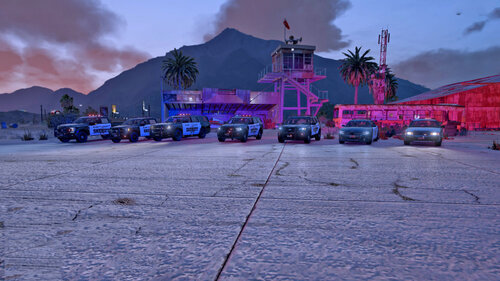 FOR THOSE WHO KEEP CRASHING! THIS IS HOW I DID IT! - Start off with a FRESH MODS FOLDER - I had eup, sup and fhp (another vehicle pack) installed already, this was after i made a FRESH mods folder. I also had radiance installed - Download Albo's Modding Pack - NB! - Download the newest GTA Config - NB! - Install the modding pack by installing the OIV and then change over the GTA config - Mods/Update/update.rpf/common/data/ back up your gameconfig - I used 0.5 ped/vehicle file - Follow Socal's install method on YT which is the following -> Drag the DLC file into OpenIV and extract all the vehicle files (dlc.rpf -> x64 -> vehicles.rpf) into a folder just to hold them temporarily (this folder can be a newly created folder on your desktop) -> Navigate to Mods/update/x64/dlcpacks/MODDING/dlc.rpf/levels/gta5/vehicles/vehicles.rpf and drag the vehicles that you just placed in your temporary folder, into vehicles.rpf -> Next, open the META FILES and navigate to Mods/update/x64/dlcpacks/MODDING/dlc.rpf/common/data - drag and replace handling.meta and carvations.meta -> Next, navigate to mods/update/x64/dlcpacks/MODDING/dlc.rpf/common/data/levels/gta5 -drag and replace vehicles.meta -> Next, open the ELS FILES from Socal's pack, then head to your GTA ELS folder and install as usual If you get stuck, just lmk. I struggled for a few hours to install this properly. Best is to start a fresh mods folder.
- 282 comments
- 22 reviews
