
Peyn
Members
-
Joined
-
Last visited
Everything posted by Peyn
-
-
 If you're using this for singleplayer, don't install it (AI started acting like GTA SA ai in freeway) (though just rename the file from handling to vehiclehandlinginfo and put it in common.rpf>data>ai) If you're using this for mp like fivem, put it in __resources or something idk... and you need a server for it.
 -
-
 That's the longest description and update writing I have ever seen in this website. This plugin's update is better than GTAV's title update, lol
- 422 comments
- 25 reviews
-
-

- 3
-
-
-
 Kudos to this guy for listening to the bug reports and constantly updating the plugin. 5 stars is not enough to give for that, keep it up!
- 346 comments
- 43 reviews
-
-

- 1
-
-
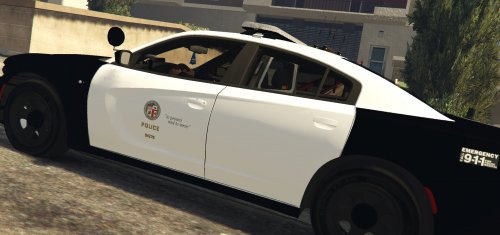 LA logo in CVPI is way too big, some textures are pixelated.
 -
Hello, can you set this callout to not overlap on an accepted callout that causes LSPDFR crash?
- 346 comments
- 43 reviews
-
-
- 1
-
-
Download these: https://www.gta5-mods.com/tools/packfile-limit-adjuster https://www.gta5-mods.com/tools/heapadjuster
-
Download these: https://www.gta5-mods.com/tools/packfile-limit-adjuster https://www.gta5-mods.com/tools/heapadjuster If it doesn't work, rename your mods folder to _mods. If that method worked, check your mods (cars, peds, etc...)
-
https://www.lcpdfr.com/forums/topic/100403-police-car-files/?do=findComment&comment=624845
-
Download these: https://www.gta5-mods.com/tools/packfile-limit-adjuster https://www.gta5-mods.com/tools/heapadjuster If it doesn't work, check your mods (cars, peds, etc...)
-
Try to rename your mods folder to _mods, if it doesn't crash, some of your mods are corrupted
-
-
Because they're only exclusive for DOJRP servers
-
Something's wrong with your mods, if you have mods folder, rename it to "_mods" then launch it. If it works, meaning some of your mod is corrupted
-
Does it indicate that something has crashed or it automatically puts you to desktop?
-
Can't believe you guys hate the game creators for updating the game and stops your mod from working. You should be thankful for the free updates/dlcs and game improvements that they put for free unlike other game devs that milks you for every shitty update they put up.
-
 Is there a way to move it a little close to the main island or there's no way to move it?
 -
 Incomplete and crashes the game, will change my rating if fixed. ((changing the rating into 5 star though I don't play LSPDFR anymore.. anyway, nice callout pack.))
- 102 comments
- 11 reviews
-
-
- 1
-
-
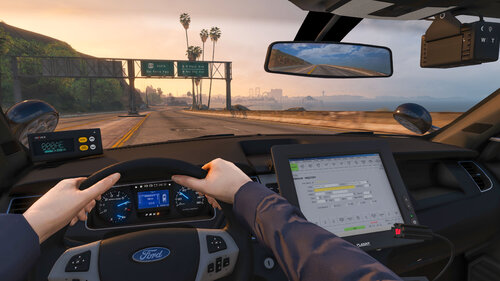 Low mb, good looking, and it's awesome... waiting for more! Add fpiu, tahoe, and cvpi!
- 92 comments
- 20 reviews
-
-
-
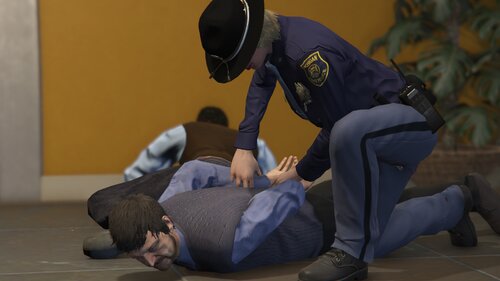 The callout circle is not where it's supposed to be (f.e. dispatch calls it and it shows in the radar it's in GWC Golf but if you accept it, it's infact in the terminal) No Location randomness. Homicide call, you can't call it in as a pursuit when the suspect runs. In the lifeinvader call (good job with the voiceover), but, after you've arrested them, nothing else goes on. Willing to change my review once these things are fixed or enhanced. I can see potential with this call out, hopefully you add more!
 -
That actually happens to me sometimes as well, it's like the siren is stuck... though, automaticsirencutout generally stops the siren when getting out of your vehicle (same with ai), It can still occur..