
T.R.Development
Members
-
Joined
-
Last visited
Everything posted by T.R.Development
-
.thumb.png.8cef6bf40847c87cdc7f2b84d14bb45d.png) Can you please make it so that way it doesn’t automatically put back on duty if you’re not near the call? I love the callout pack, but realistically, if there’s a unit around the block, they can make it to the call. Whenever I accept a call if I’m around the block it automatically puts me back on duty
Can you please make it so that way it doesn’t automatically put back on duty if you’re not near the call? I love the callout pack, but realistically, if there’s a unit around the block, they can make it to the call. Whenever I accept a call if I’m around the block it automatically puts me back on duty- 22 comments
- 6 reviews
-
I know some coding yes
-
-
It’s going to be a persistent encounter system where the peds you interact with can reappear in the game
-
I’ve recently started coding and want to make a plugin for lspdfr, anyone know of any tutorials to follow?
-
.thumb.png.656f907bc2febc81911b0b821cb502c8.png) is there a way to make it so it shows the photo of the person you're trying to ID?
is there a way to make it so it shows the photo of the person you're trying to ID?- 351 comments
- 45 reviews
-
 Will this work with the EUP that is on lspdfr or do I need the patron version
- 954 comments
- 24 reviews
-
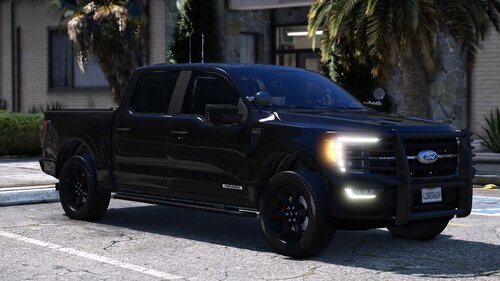 the only issue i saw was the black piece on the spotlight moves with the spotlight
 -
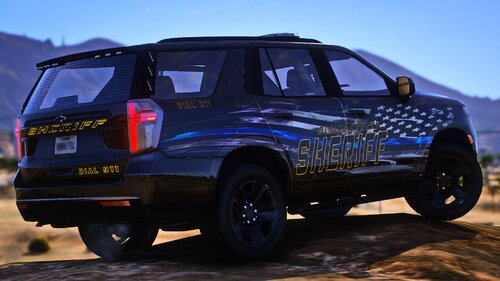 As stated in the readme, the rolling over is handling. this best works as police4 or 3, forget which one, as far as the marked units, Last time i patroled with this suv which was a few days before the update, it worked fine but i will take another look
- 18 comments
- 2 reviews
im sorry i just seen this now, sadly i lost the files for it, so i am planning on remastering it later on working on a pack right now what do you mean?- 18 comments
- 2 reviews
 I like it but it will be so much easier if it was a drag and drop and all the files are in the folders needed already
- 131 comments
- 5 reviews
-
-

- 2
-
The next things to come would be a much better interior, I plan on stripping down the interior, adding in my own centre console, trunk equipment, new radar, dash camera, a overhead light, gun mount and some other stuff. So stay tuned- 18 comments
- 2 reviews
Use police3 for the handling. I will be including a handling file in the next update mkae sure scripthook is up to date- 18 comments
- 2 reviews
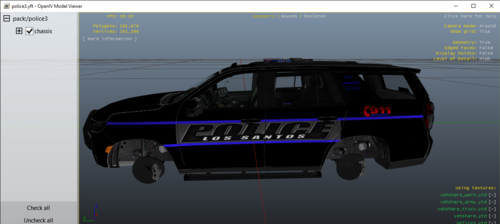 ohhhhh I just seen this, I'll have to throw in a K9 cage just for this.
what model do you mean? I am working a fix for it I thought i fixed it but i must have forgot to save the one i fixed it in Yes I am fixing up alot of stuff. The unmarked one has takedowns, but the ghosted one and slicktop does not. I am working on a fix for a few things but will take a bit with college and work and that. What's the issue?
ohhhhh I just seen this, I'll have to throw in a K9 cage just for this.
what model do you mean? I am working a fix for it I thought i fixed it but i must have forgot to save the one i fixed it in Yes I am fixing up alot of stuff. The unmarked one has takedowns, but the ghosted one and slicktop does not. I am working on a fix for a few things but will take a bit with college and work and that. What's the issue?- 18 comments
- 2 reviews
-
-
- 1
-
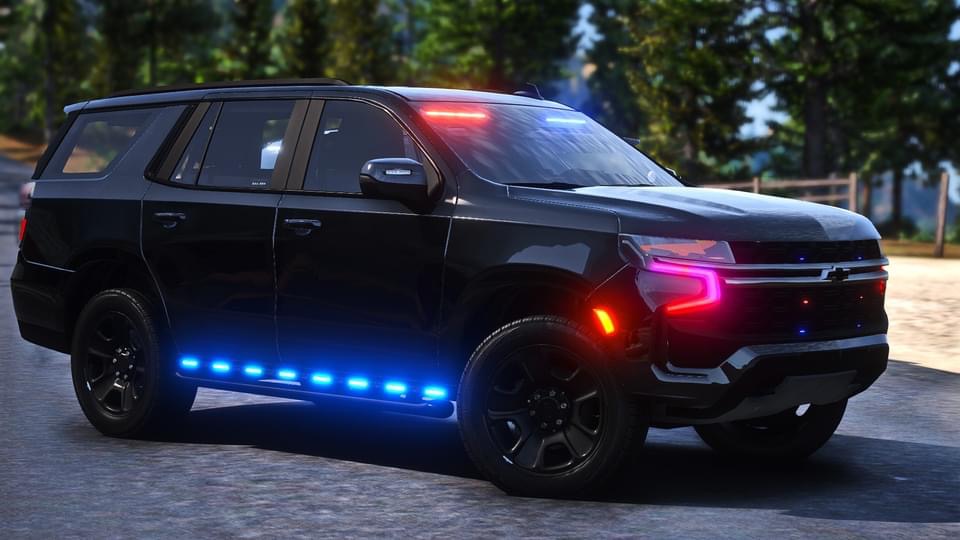
The day have come where I make this public. This Tahoe took awhile, featuring a Marked, Slicktop, Ghosted and unmarked. BEST HANDLES AS POLICE3. I am aware of the mirror lights not moving with the mirrors, I am working on a fix. Thank you to all my beta testers and to 3a17 for the skin. If you wish to donate you can at paypal.me/RR12G- 18 comments
- 2 reviews
-
-
-

- 8
-
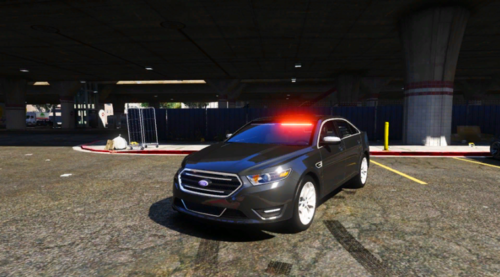 forgot to remove those i think i still have the file, i can remaster it later thanks for the heads up The model is not mine.
There is no interior as I couldn't find stuff to work so consider this as a detectives car however i heard that the state has now given all officers tablets for their mdt to use if their vehicles don't have computers. Let me know what you think.
forgot to remove those i think i still have the file, i can remaster it later thanks for the heads up The model is not mine.
There is no interior as I couldn't find stuff to work so consider this as a detectives car however i heard that the state has now given all officers tablets for their mdt to use if their vehicles don't have computers. Let me know what you think.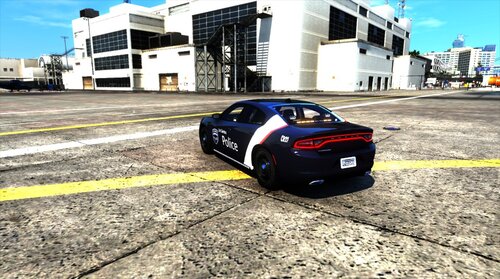 hmm, i will have to remake the whole charger, my next charger after the car i am working on, I can make one with a toggleable ramnbar
- 5 comments
- 1 review
-
-
- 1
-

.thumb.png.8cef6bf40847c87cdc7f2b84d14bb45d.png)
.thumb.png.656f907bc2febc81911b0b821cb502c8.png)
.jpg.1966455d3a01150f0fcc5c43f0f70921.jpg)
.jpg.c525bd6d3c92e6aabaab37e26a6804bc.jpg)