



LtSam
-
Joined
-
Last visited
Everything posted by LtSam
-
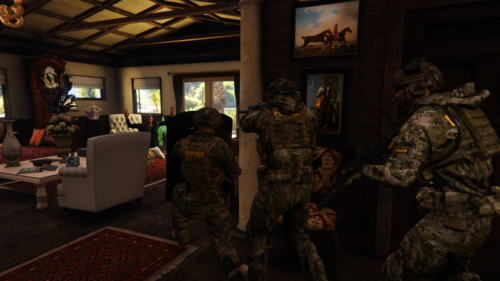 I just uploaded the first version of the female pack. LtSam's Female Vest Texture Pack - Player & Ped Modifications - LCPDFR.com
- 15 comments
- 1 review
-
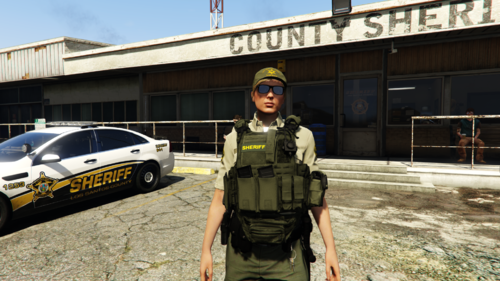 DESCRIPTION A small pack of lore friendly textures for Hanako's Female EUP Vest 0.4. Included Units/Agencies: - Los Santos Sheriff Department (LSSD) - Blaine County Sheriff's Office (BCSO) - San Andreas Highway Patrol (SAHP) - San Andreas State Parks (SASP) - Los Santos Police Department (LSPD) For a sneak peek of textures in development, check out my album: I also made a texture pack for Hanako's EUP Vest & Earpiece 1.1: REQUIREMENTS - EUP LAW & ORDER 9.3.1 by Alex_Ashfold/PieRGud : https://www.lcpdfr.com/downloads/gta5mods/character/8151-emergency-uniforms-pack-law-order/ - FEMALE EUP VEST 0.4 by Hanako: Suggested: - EUP Menu 2.3.0.0 by Alex_Ashfold/PieRGud: https://www.lcpdfr.com/downloads/gta5mods/scripts/13245-eup-menu/ - mpClothes - Addon Clothing Slots by HeySlickThatsMe: https://www.gta5-mods.com/misc/mpclothes-addon-clothing-slots INSTALLATION 1.Go to the folder where you installed the assets form EUP VEST & EARPIECE using OpenIV 2.Open the .ytd file for the vest you would like to add a texture to. (Hint: Vests are saved as "TASK") 3.Click on "replace" and chose the desired .png from my files. 4.Click "save". Optional: Open the .ydd file for the corresponding vest and apply the newly added/replaced texture. 5. Start the game and go on duty. DISCLAIMER My textures are only very minor changes to the work by Hanako I made to fit my personal requirements. The only reason I released them is that maybe others can use them and have fun, without having to go to the steps to learn changing textures. To follow the rules set by Hanako about using their assets: - Do not distribute my files on sites other than LSPDFR or GTA5.MODS. - If you distribute my files or adapt them, do please credit all names included below. I'm happy for any feedback or criticism. I'm open for suggestions for what to add next. CREDITS HANAKO xiphos Rockstar Games UBISOFT Infinity Ward Hussky9 CG ARTStudio Oleg ericapg Code4Mods Alex Ashfold PieRGud HeySlickThatsMe Dexyfex
- 1 comment
- 1 review
-
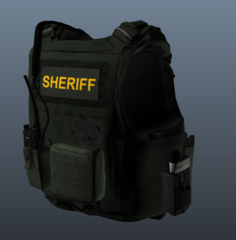
From the album: LtSam's Female Vest Texture Pack Development Showcase
-
Some Textures for Hanakos female EUP Vests currently in development.
-
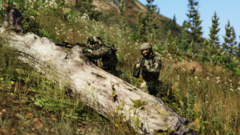 Thanks for the nice words. I'm still at the very beginning of a long journey.
 -
-
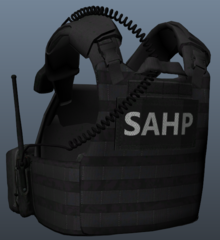
From the album: LtSam's Female Vest Texture Pack Development Showcase
-
I'll work on the basic textures for the female vests in the coming days. Check out my new album for some of the textures currently in the works.
- 15 comments
- 1 review
-
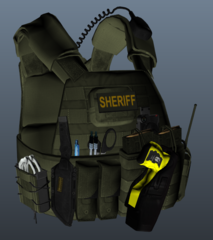
From the album: LtSam's Female Vest Texture Pack Development Showcase
-
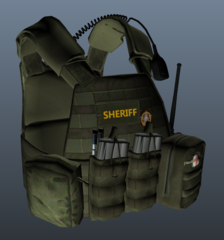
From the album: LtSam's Female Vest Texture Pack Development Showcase
-
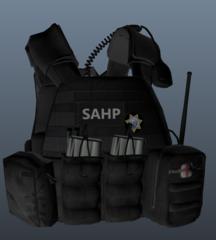
From the album: LtSam's Female Vest Texture Pack Development Showcase
-
What textures or units would you like? I can try to make a couple textures for the female vests.
- 15 comments
- 1 review
-
.png.3198de68441684783de8ba8e4494ea76.png)
From the album: LtSam's Texture Development Showcase
-
.png.cd9511735ca3cc49db6d2a6d226808ad.png)
From the album: LtSam's Texture Development Showcase
-
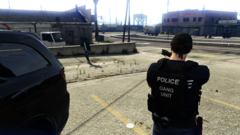
From the album: LtSam's Texture Development Showcase
-
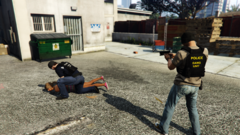
From the album: LtSam's Texture Development Showcase
-
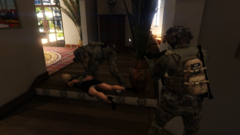
From the album: LtSam's Texture Development Showcase
-
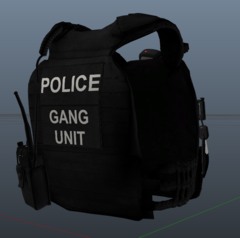
From the album: LtSam's Texture Development Showcase
-
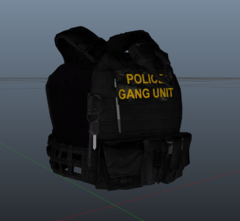
From the album: LtSam's Texture Development Showcase
-
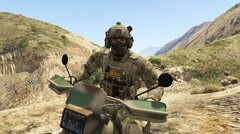
From the album: LtSam's Texture Development Showcase
in development -
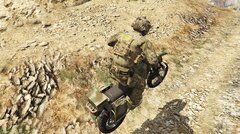
From the album: LtSam's Texture Development Showcase
in development -
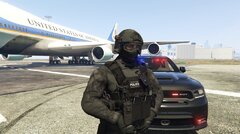
From the album: LtSam's Texture Development Showcase
in development -

From the album: LtSam's Texture Development Showcase
in development -
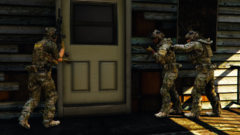
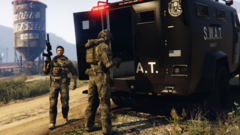
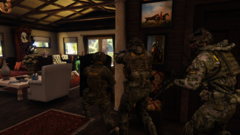
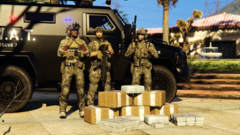
DESCRIPTION This pack entails 24 textures for the vests from EUP VEST & EARPIECE 1.1 by the amazing Hanako. They are only minor changes, but I had fun doing them, so maybe someone will have fun using them. Agencies/ Units currently included: - Drug Enforcement Administration (DEA) Special Response Team (SRT) - U.S. Marshals Service (USMS) - San Andreas Highway Patrol (SAHP) - Sheriff K-9 Unit - United States Secret Service (USSS) Counter Assault Team (CAT) - Border Patrol Tactical Unit (BORTAC) in multicam - Bureau of Alcohol, Tobacco, Firearms and Explosives (ATF) Special Response Team (SRT) IV - Police Gang Unit - Sheriff Gang Unit For more textures, check out my other packs: And for a sneak peek of upcoming textures, check out my development album: REQUIREMENTS - EUP LAW & ORDER 9.3.1 by Alex_Ashfold/PieRGud : https://www.lcpdfr.com/downloads/gta5mods/character/8151-emergency-uniforms-pack-law-order/ - EUP VEST & EARPIECE 1.1 by Hanako: https://www.lcpdfr.com/downloads/gta5mods/character/25692-eup-vest&earpiece/ - OpenIV Suggested: - EUP Menu 2.3.0.0 by Alex_Ashfold/PieRGud: https://www.lcpdfr.com/downloads/gta5mods/scripts/13245-eup-menu/ - mpClothes - Addon Clothing Slots by HeySlickThatsMe: https://www.gta5-mods.com/misc/mpclothes-addon-clothing-slots INSTALLATION 1.Go to the folder where you installed the assets form EUP VEST & EARPIECE using OpenIV 2.Open the .ytd file for the vest you would like to add a texture to. (Hint: Vests are saved as "TASK") 3.Click on "replace" and chose the desired .png from my files. 4.Click "save". Optional: Open the .ydd file for the corresponding vest and apply the newly added/replaced texture. 5. Start the game and go on duty. DISCLAIMER My textures are only very minor changes to the work by Hanako I made to fit my personal requirements. The only reason I released them is that maybe others can use them and have fun, without having to go to the steps to learn changing textures. To follow the rules set by Hanako about using their assets: - Do not distribute my files on sites other than LSPDFR or GTA5.MODS. - If you distribute my files or adapt them, do please credit all names included below. I'm happy for any feedback or criticism. I'm open for suggestions for what to add next. CREDITS HANAKO xiphos Rockstar Games UBISOFT Infinity Ward Hussky9 CG ARTStudio Oleg ericapg Code4Mods Alex Ashfold PieRGud HeySlickThatsMe Dexyfex Special thanks to C2Z for making some of the amazing tactical gear seen in the screenshots and to Hanako for their awesome work.
- 15 comments
- 1 review
-
-

- 1
-
-
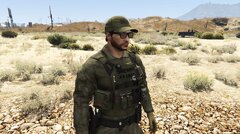
From the album: LtSam's Texture Development Showcase
-
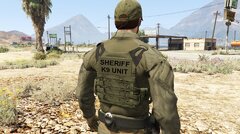
From the album: LtSam's Texture Development Showcase
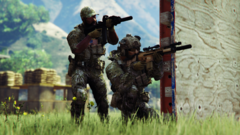
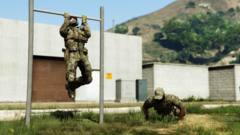
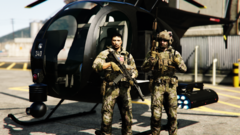
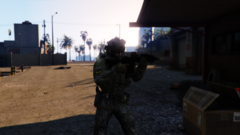
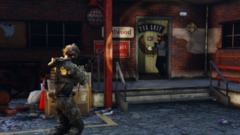
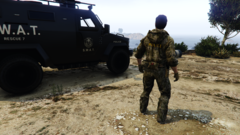
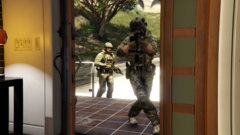
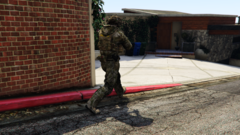
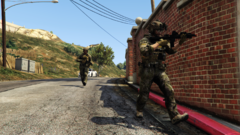
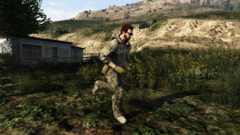
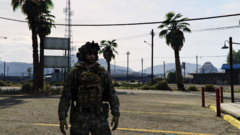
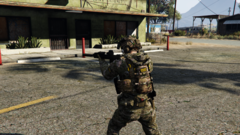
.png.3198de68441684783de8ba8e4494ea76.png)
.png.cd9511735ca3cc49db6d2a6d226808ad.png)
