



LtSam
-
Joined
-
Last visited
Everything posted by LtSam
-
 I haven't yet finished that textures and I'm currently unable to do so, but I added the two WIP textures to my vest pack. Hope you enjoy.
 -
 Hey Sorry I have been quite busy with other stuff the past few weeks. I‘ll look into doing the ped replacement when I have time for it. I‘ll keep yoi updated.
- 15 comments
- 1 review
-
-
Belt: Gbrs Group - eup - pack - GTA5-Mods.com Helmet: OpsCore (AMP) - GTA5-Mods.com
- 15 comments
- 1 review
-
-

-

- 2
-
-
From the album: LtSam's Texture Development Showcase
Sneak Peek of M81 Woodland Camo Pack in development for Hanako's EUP Clothes Pack. -
Gallery to show my textures currently in development for various models made by Hanako. Check out my released textures below:
-
-
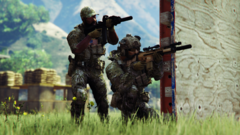
From the album: LtSam's Texture Development Showcase
-
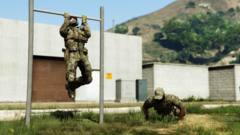
From the album: LtSam's Texture Development Showcase
-
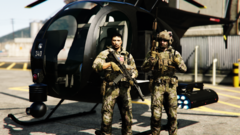
From the album: LtSam's Texture Development Showcase
-
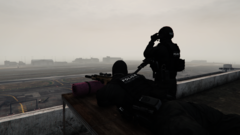
From the album: LtSam's Texture Development Showcase
-
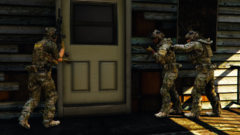
From the album: LtSam's Texture Development Showcase
-
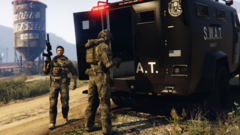
From the album: LtSam's Texture Development Showcase
-
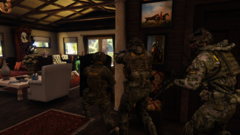
From the album: LtSam's Texture Development Showcase
-
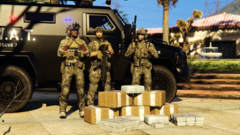
From the album: LtSam's Texture Development Showcase
-
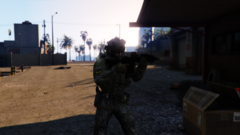
From the album: LtSam's Texture Development Showcase
-
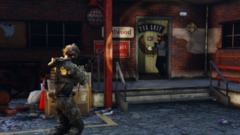
From the album: LtSam's Texture Development Showcase
-
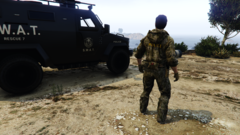
From the album: LtSam's Texture Development Showcase
-
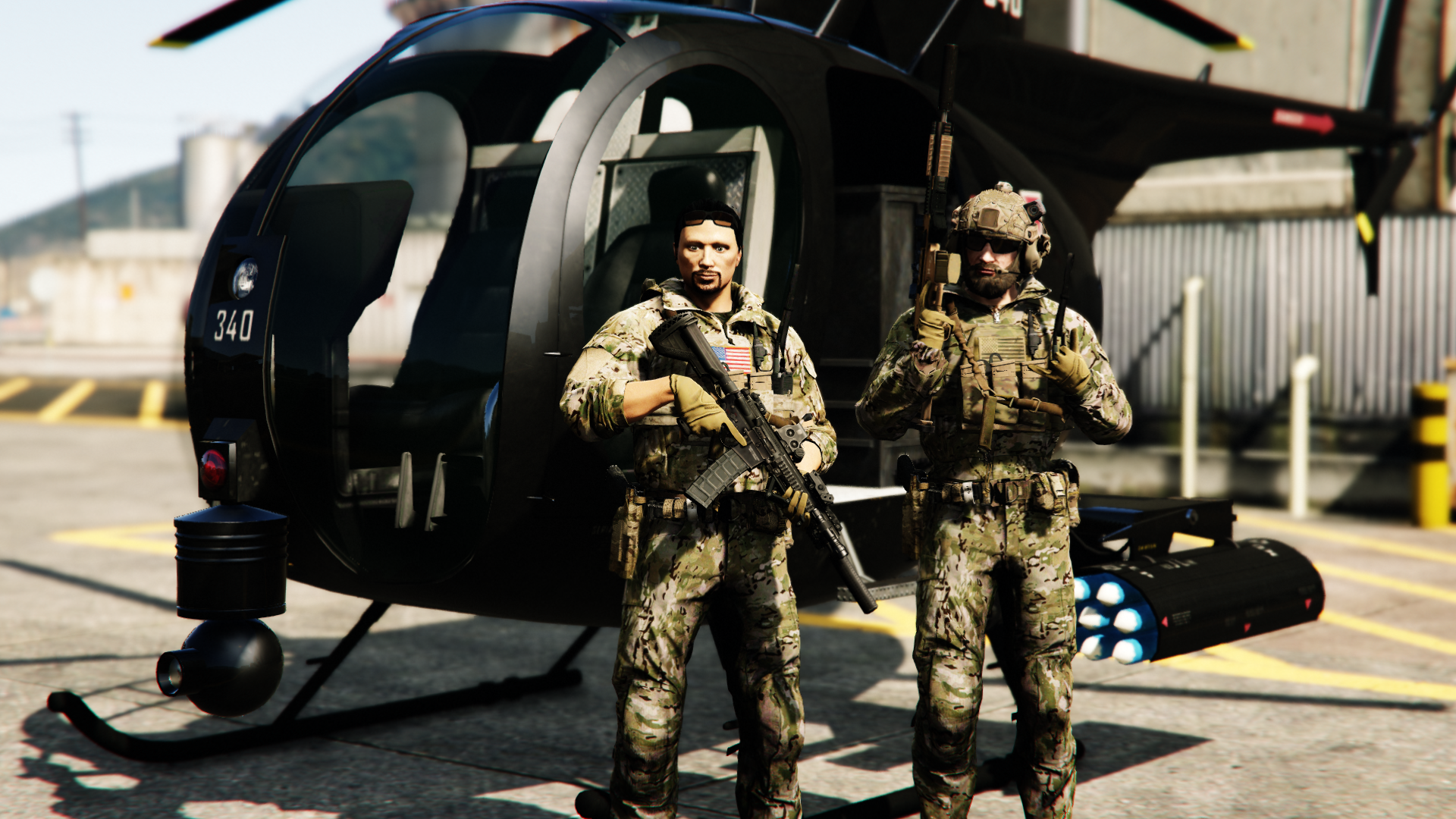
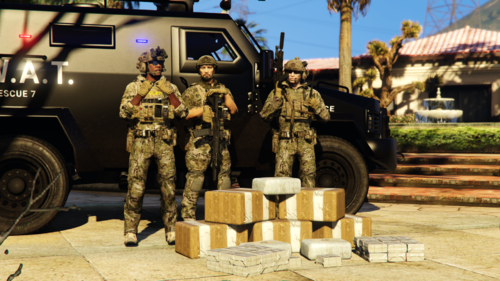 DESCRIPTION This pack entails Multicam textures for Hanako's EUP Clothes Pack for all your jump out boys needs. Currently there are 3 variants each (Police MC, Sheriff MC and plain MC) for the tactical hoodies and combat shirts and 1 plain MC variant for the combat pants. For more textures, check out my other packs: And for a sneak peek of upcoming textures, check out my development album: REQUIREMENTS - EUP LAW & ORDER 9.3.1 by Alex_Ashfold/PieRGud : https://www.lcpdfr.com/downloads/gta5mods/character/8151-emergency-uniforms-pack-law-order/ - EUP Clothes Pack 0.5 by Hanako: https://www.lcpdfr.com/downloads/gta5mods/character/29396-eup-clothes-pack/ - OpenIV Suggested: - EUP Menu 2.3.0.0 by Alex_Ashfold/PieRGud: https://www.lcpdfr.com/downloads/gta5mods/scripts/13245-eup-menu/ - mpClothes - Addon Clothing Slots by HeySlickThatsMe: https://www.gta5-mods.com/misc/mpclothes-addon-clothing-slots INSTALLATION 1.Go to the corresponding folder in dlcpacks>EUP using OpenIV (Hint: Install location according to Hanako in the ReadMe) 2.Open the .ytd file for the vest you would like to add a texture to. 3.Click on "replace" and chose the desired .png from my files. 4.Click "save". Optional: Open the .ydd file for the corresponding vest and apply the newly added/replaced texture to check if everything works. 5. Start the game and go on duty. DISCLAIMER My textures are only very minor changes to the work by Hanako I made to fit my personal requirements. The only reason I released them is that maybe others can use them and have fun, without having to go to the steps to learn changing textures. To follow the rules set by Hanako about using their assets: - Do not distribute my files on sites other than LSPDFR or GTA5.MODS. - If you distribute my files or adapt them, do please credit all names included below. I'm happy for any feedback or criticism. I'm open for suggestions for what to add next. CREDITS HANAKO xiphos Rockstar Games UBISOFT Infinity Ward Hussky9 CG ARTStudio Oleg ericapg Code4Mods Alex Ashfold PieRGud HeySlickThatsMe Dexyfex Special thanks to C2Z for making some of the amazing tactical gear seen in the screenshots and to Hanako for their awesome work.
- 7 comments
- 1 review
-
-

- 1
-
-
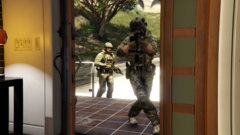
From the album: LtSam's Texture Development Showcase
-
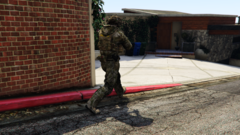
From the album: LtSam's Texture Development Showcase
-
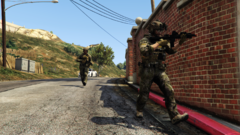
From the album: LtSam's Texture Development Showcase
-
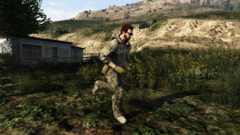
From the album: LtSam's Texture Development Showcase
Multicam textures for Hanako's tactical hoodie and Condor combat pants. -
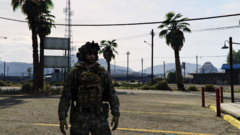
From the album: LtSam's Texture Development Showcase
Multicam Texture for Vest 2 Set 4 -
From the album: LtSam's Texture Development Showcase
Multicam Texture for Vest 2 Set 4

.png.3198de68441684783de8ba8e4494ea76.png)
.png.cd9511735ca3cc49db6d2a6d226808ad.png)