Frying Pan
Members
-
Joined
-
Last visited
Everything posted by Frying Pan
-
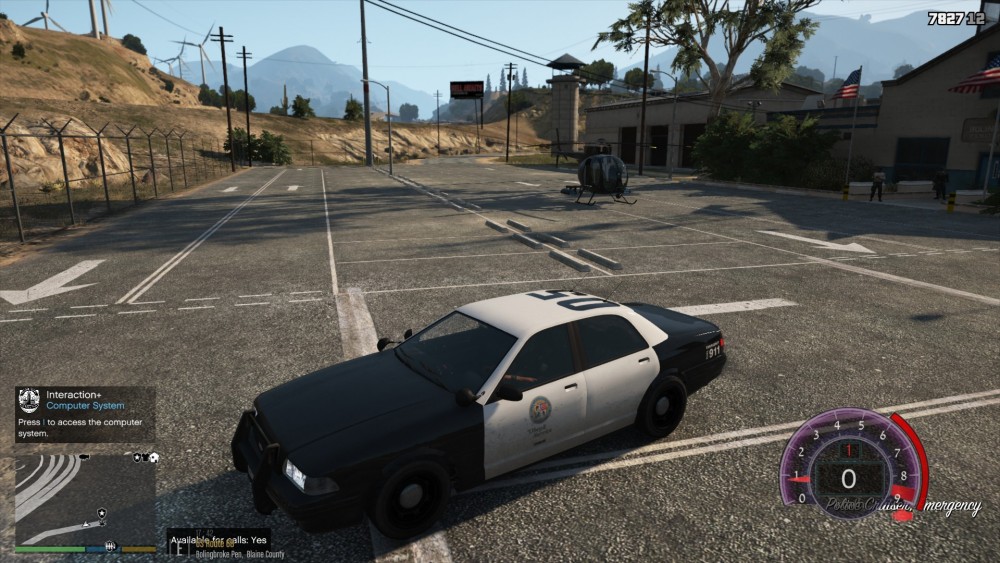
If I go onduty, I have a black box right next to my mini map that says "Available for calls: yes/no" I never had this pop up before and I couldn't find anything in any .ini files that might be making the box pop-up. If anyone has an idea of what it is, please tell me.
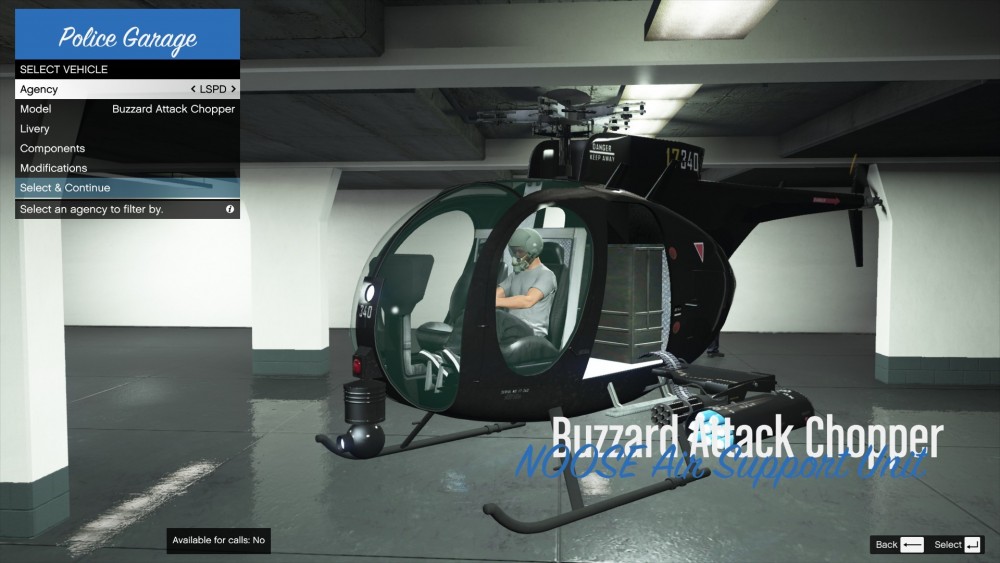
 Whenever I go onduty and go to pick a vehicle from any station, I am always met with the buzzard attack chopper as the first vehicle. I never had this problem before until I had to reinstall LSPDFR and all my plugins completely this morning. I am using the same plugins as before and checked them to see if they could've caused it but I didn't see anything. If anyone who is more experienced with this bug and could possibly help me, that would be great.