


NolanPatrol
Members
-
Joined
-
Last visited
Everything posted by NolanPatrol
-
HI Guys, I am upgrading my pc. I am buying a Ryzen 5 5600x with 16gb ddr4 ram. I already have a gtx 1070. Should this be enough to play LSPDFR with a steady 60fps?
-
No problem, If you did as i said in the commend above please see if the error still occurs. If so, Im afraid i cant help you ;o
-
Did you try the steps WMFong profided? especially step 1? If so, in Ragepluginhook launcher you can set the timeout treshold to "60000" Doing this will give rage more time. Maybe this will work. Goodluck!
-
I cant see anything on the screenshots you sended because of quality. Did you drag & drop everything in to the main gta V folder? (This is most of the time the correct way) Sometimes It doenst copy all the files when you drag in the folders. Go to the callout plugin you downloaded and go in to the folders, and drag the audio files in the correct gta folder. (I hope this makes sence.) I cant see anything on the screenshots you sended because of quality. Goodluck!
-
Did you put the dlcname in the dlclist?
-
Is the missing audio file from LSPDFR? Or from a callout plugin? Are you sure the audio files are in the correct folder? If you could give a bit more info that would be great! Maybe add a screenshot of the place where you dropped the audio files 🙂
-
Please upload your ragepluginhook.log
-
I think the problem is the next few lines: [4/15/2021 8:47:57 AM.106] LSPD First Response: AssortedCallouts compatibility warning: The current game version is newer than 1.0.1604.1 and may or may not be incompatible due to RPH changes. Use at own risk. [4/15/2021 8:47:57 AM.108] LSPD First Response: AssortedCallouts compatibility warning: Different LSPD First Response.dll version detected, use at your own risk! This mod was made for LSPDFR 0.4.2 It says AssortedCallouts is not compatible with the latest lspd & RPH. Please update the plugin or start the game without it. See if that works.
-
Try loading up gta first. When the character is loaded in (micheal, trevor, franklin) Then launch RPH.
-
Are you sure the HUD is enabled in the gta settings?
-
Make sure lspdfr, RPH and GTA is all up to date. Immersive dispatch has an update since saturday.
-
Please try what WMFong said above. If this doesnt help you can find you RagePluginHook log in the GTAV Main directory. Its a text file (see image) I do recommend installing mods one by one. This makes it easier to know why the game crashes.

-
Try to load up the game via normal launcher. when it is fully loaded in then start RagePluginHook. hope it works for you
-
-
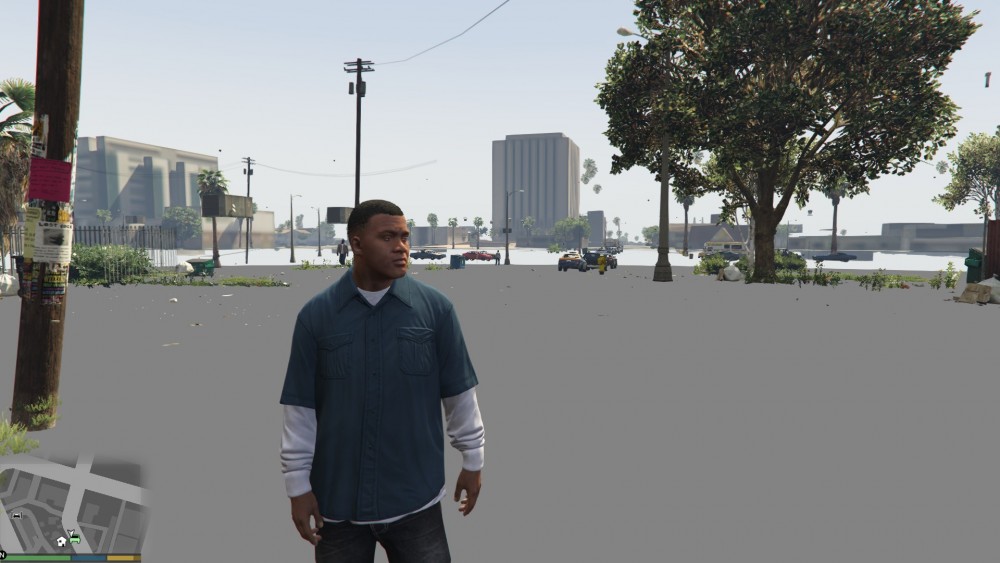
Hey guys. Since LSPD FR 4.0 i got a lot of texture bugs and it got to the point i could not even play for half an hour, or my hole game would be just one big texture. Even though i have a pretty okay pc. So hours of looking i finally found a solution ;D I changed my Verhicle textures from 4k to 2k So no need to tell everyone u got a beast pc. Because it doesnt matter. gta has to render all this 4k files, and sometimes it is to much for it especially with lspdfr 4.0 the game is heavier. How to change verhicle textures from 4k to 2k. you will need a progam like paint.net (i find paint.net very easy to use) #noobfriendly 🙂 Open openIV (EDIT MODE) and go to where your verhicles are installed for me: G:\GTA\mods\update\x64\dlcpacks\patchday20ng\dlc.rpf\x64\levels\gta5\vehicles.rpf\ Open up the ytd files Example: open up sherrif.ytd And search the word SIGN it will probably give you a few files Sign_1 Sign_2 Sign_3 Sometimes there is just 1 sign sometimes there are 4 or 5 The file will give you a width and height if this is 4098 it means it is 4k. extract the files to your desktop Open up the Sign_1 in Paint.net (or your own edit progam) for paint.net press CTRL+R change the format to 2048 save the file and do this for every file then go back to OPENIV and replace the files Thats it 😉 If this is confusing i made a little tutorial video i really hope this helpes you! i dont have any texture failure anymore Have a save patrol ❤️ Ps: sorry for bad english or any grammar fails im dutch.
-
 Im sorry im a bit new to the meta editing. but if i understand you correctly you want me to put the police3 lines on where i put the impala?
- 95 comments
- 32 reviews
-
First of all Awesome pack! absolutely nailed it dude I just have 1 problem and thats the handling. some of the cars just flip over every corner but im guessing i didnt see the handling or im doing something wrong. Can you help me out? Love.
- 95 comments
- 32 reviews

