ImplicitLoki
Members
-
Joined
-
Last visited
Everything posted by ImplicitLoki
-
 I cant find vest 12 anywhere, ive re-loaded it more times than I can count and I cant find it with eup or the locker room
- 554 comments
- 46 reviews
-
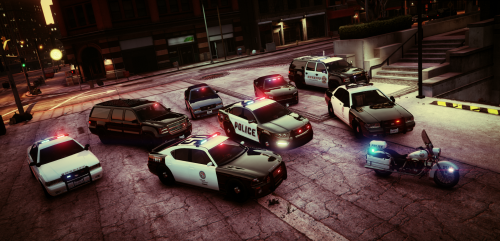 I love this pack, its great and enables you to use the original cars. My only complaint is the amber lights on the light bar and the rear window lights. I wish you could either turn them off on stage three or get rid of them all together. Other than that great job!
- 29 comments
- 12 reviews
-
I love the patterns, but I wish there weren't any amber lights on the light bar and the rear window lights
- 29 comments
- 12 reviews