mauricelaynejr
Members
-
Joined
-
Last visited
Everything posted by mauricelaynejr
-
@unitedOrange66 Thank you. I just got home from work and reinstalled the normal density, and while they do still move over, there is far less traffic to cause congestion, and there is more time for them to fix mistakes before more traffic arrives. You saved my game!
-
I think this may be my answer. I didn't notice this problem until I installed 5x density. I probably only saw it on the reinstall because I was looking for it. Thanks everybody!
-
That was my first guess as well. I did have it installed but I uninstalled it and I didn't include it in the reinstall. Is it possible that the files could "carry over" into a new install and keep working? I just remembered that when I jumped back into the game after having uninstalled it, I thought to myself that traffic was still moving out of the way nicely (It was noticeably bad beforehand). I'm going to see how traffic respond to code 3 driving in the new install to see if they move nicely or terribly, and I think that'll help me know if ClearTheWayV is still affecting the game.
-
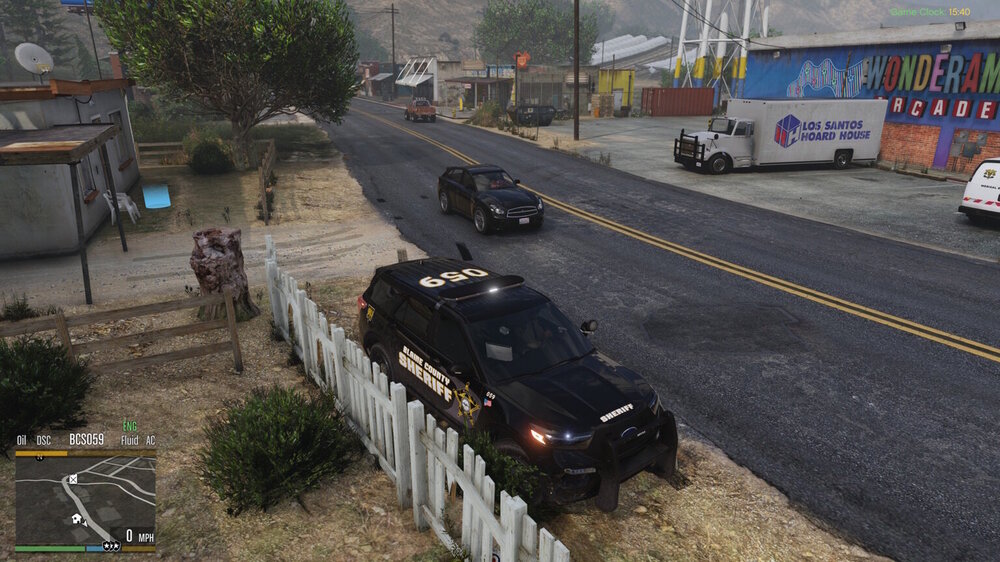
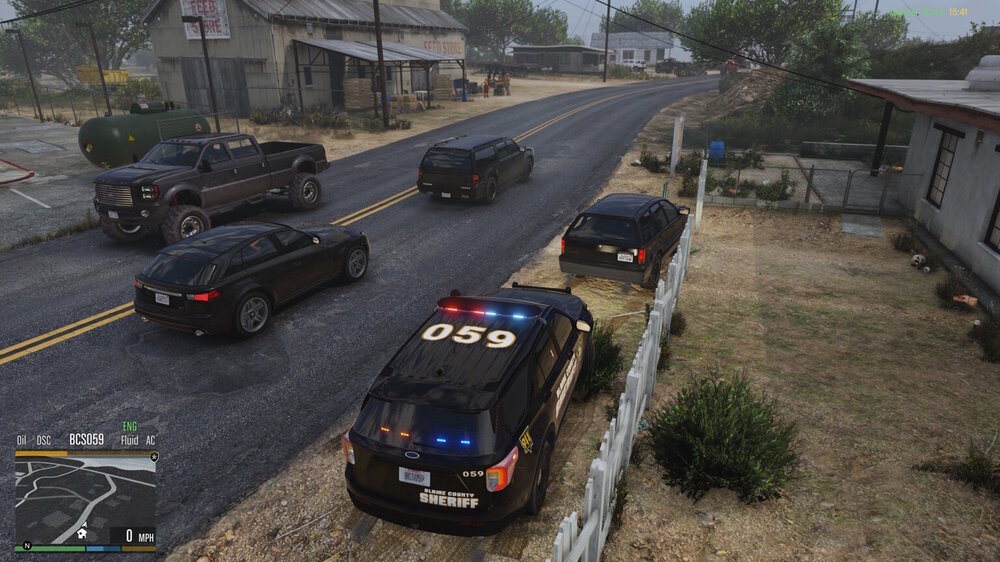
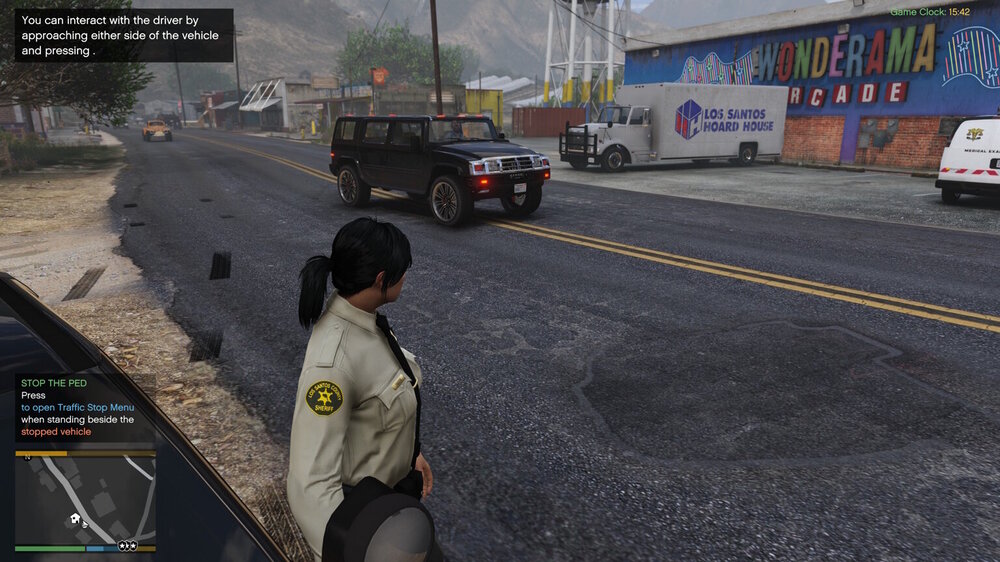
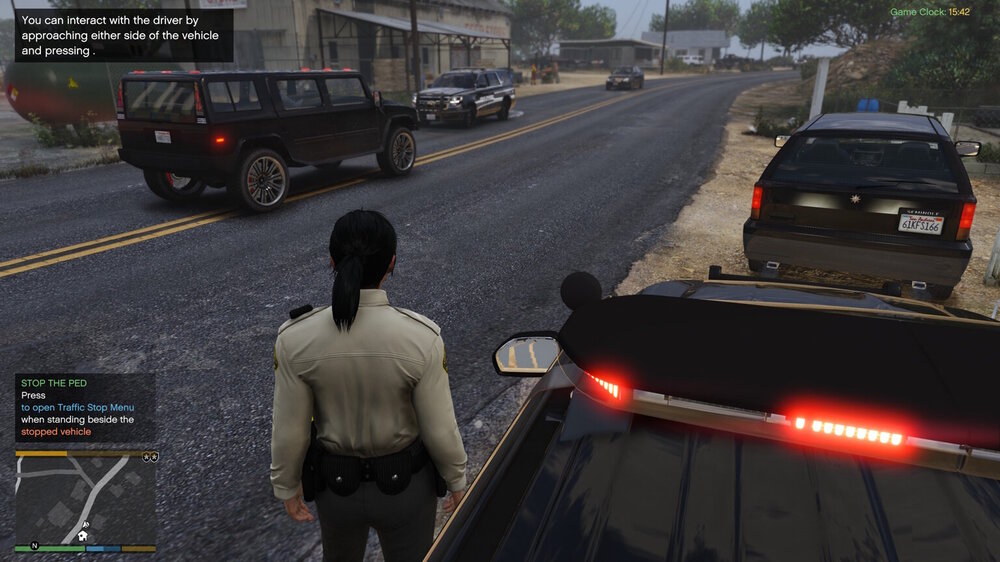
In the pics I provided, yes there is ELS, but I installed a new game and only had LSPDFR installed and this still occurred, so I don't believe that ELS is the issue here. Just in case it is though, I do have traffic control set to false in my modded version.
-
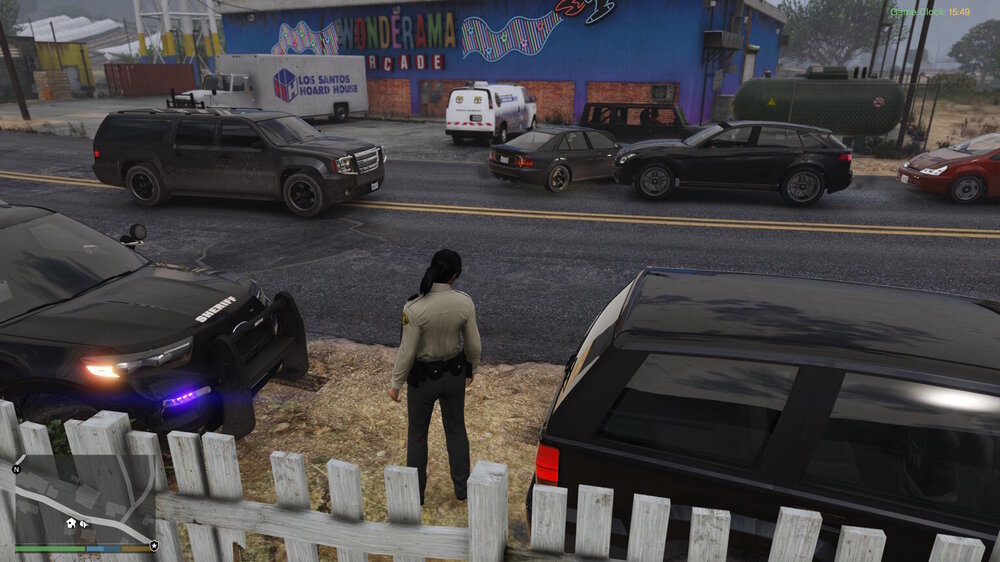
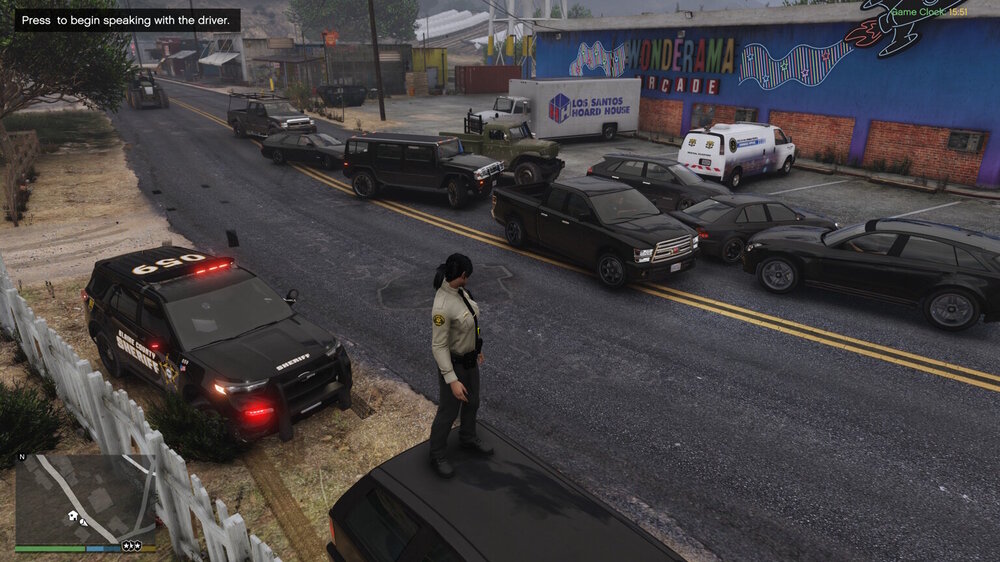
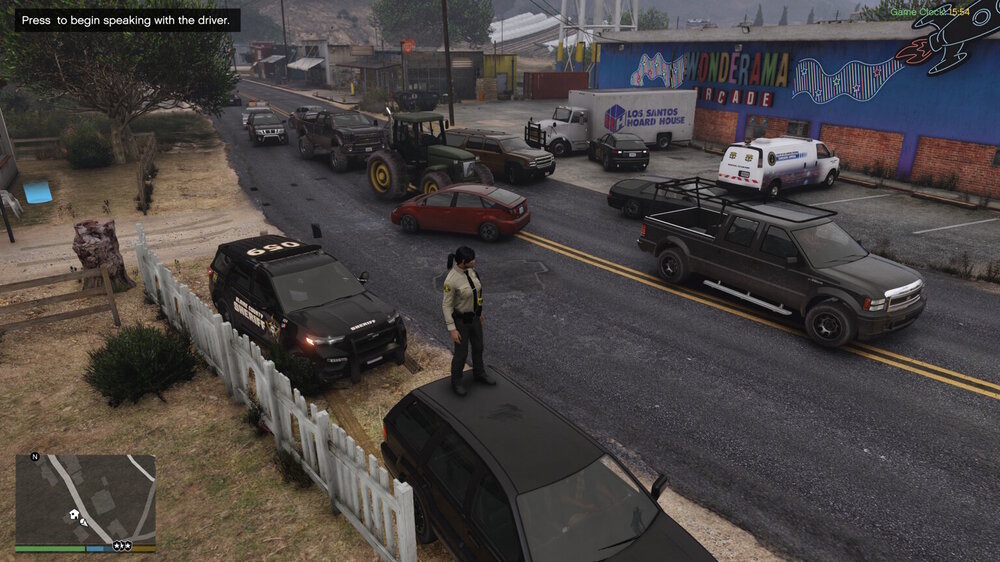
Before I begin with my issue, I tested this in my fully modded game, and in a fresh install of GTAV with only LSPDFR and simple trainer installed, so I'm fairly certain this is a feature of LSPDFR. When I stop a vehicle and remain inside my vehicle, the AI traffic flows like normal. Only once I leave the vehicle to approach the driver in front of me, the traffic approaching from the rear will slowly move over into the oncoming lane, and eventually crash into the vehicles moving in the opposite direction. If no crash occurs, there will still be a horrific traffic jam that takes forever to clear up. Even if I move 2 car lengths off of the road this happens, and it occurs on every stop, which is frustrating and immersion breaking. Is there any way for me to edit the LSPDFR files to turn this feature off? I tried looking through the LSPDFR folders but I couldn't figure out any way to edit them. If not, is there any other way to prevent this?