Skip to content
View in the app

A better way to browse. Learn more.

LCPDFR.com

A full-screen app on your home screen with push notifications, badges and more.

To install this app on iOS and iPadOS
  1. Tap the Share icon in Safari
  2. Scroll the menu and tap Add to Home Screen.
  3. Tap Add in the top-right corner.
To install this app on Android
  1. Tap the 3-dot menu (โ‹ฎ) in the top-right corner of the browser.
  2. Tap Add to Home screen or Install app.
  3. Confirm by tapping Install.

SrAdryX

Members
  • Joined

  • Last visited

About Me

I am a happy boy. My friends are the ones I've always been with and will always be with ๐Ÿ’‘ . Lover of ๐Ÿš— ๐ŸšŒ ๐Ÿš› and tuning, I also like ๐Ÿ’ป and ๐ŸŽฎ.

ย 

๐Ÿง‘โ€๐Ÿ’ปWeb & Game Developer / Graphic Designer
๐ŸŽฅContent Creator
๐ŸŽฎโ€ŠGamer & ๐Ÿš›โ€ŠVirtual Trucker
๐Ÿš˜โ€ŠCar Lover
๐Ÿ“–Studying and Looking for a Job
๐Ÿ‡ช๐Ÿ‡บ ๐Ÿ‡ช๐Ÿ‡ธ European and Spanish

ย 

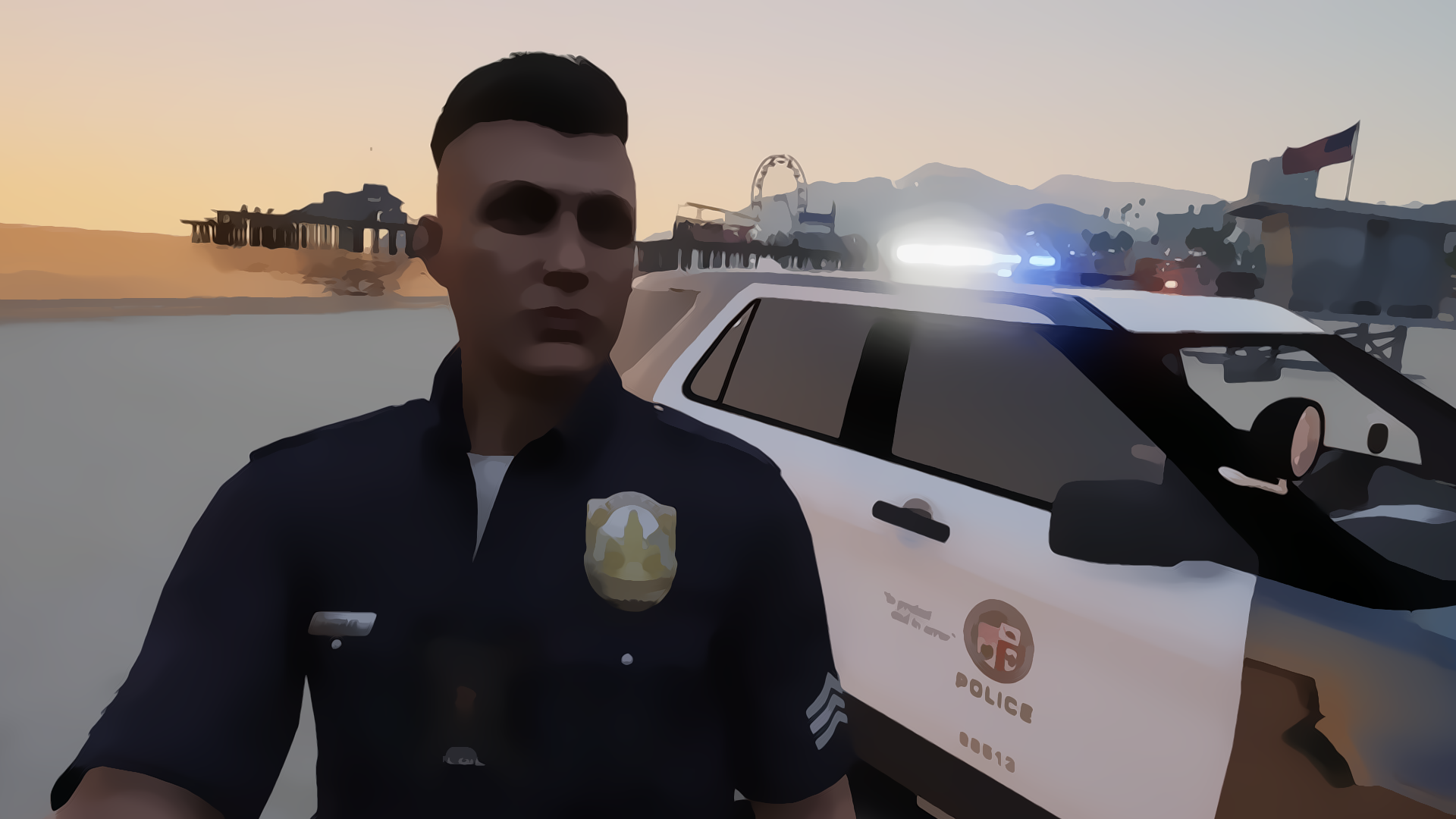
I patrol the streets of Los Santos as a police officer ๐Ÿ‘ฎ๐Ÿ™๏ธโ€Š, the streets of Blane County as a sheriff ๐Ÿ‘ฎ๐Ÿœ๏ธโ€Šย and the natural parks of the city as a Park Ranger ๐Ÿ‘ฎ๐Ÿ•๏ธ, I really like to add mods to all games to improve the experience and give it immersion and realism.

Account

Navigation

Search

Search

Configure browser push notifications

Chrome (Android)
  1. Tap the lock icon next to the address bar.
  2. Tap Permissions โ†’ Notifications.
  3. Adjust your preference.
Chrome (Desktop)
  1. Click the padlock icon in the address bar.
  2. Select Site settings.
  3. Find Notifications and adjust your preference.