Skip to content
View in the app

A better way to browse. Learn more.

LCPDFR.com

A full-screen app on your home screen with push notifications, badges and more.

To install this app on iOS and iPadOS
  1. Tap the Share icon in Safari
  2. Scroll the menu and tap Add to Home Screen.
  3. Tap Add in the top-right corner.
To install this app on Android
  1. Tap the 3-dot menu (⋮) in the top-right corner of the browser.
  2. Tap Add to Home screen or Install app.
  3. Confirm by tapping Install.

Matt92

Members
  • Joined

  • Last visited

Everything posted by Matt92

  1. Can Anyone help shed a light on my issue? many thanks
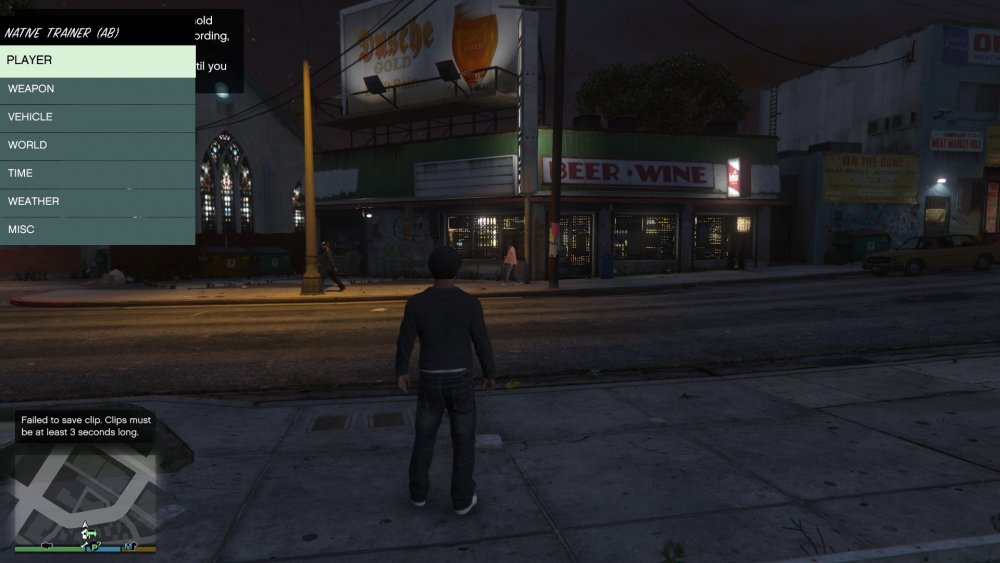
  2. Hello pcGAMEZguy I have installed the file you stated, but still no luck.... The only Menu That comes up in game is the Trainer. ( see photo ) F11 Still does nothing..
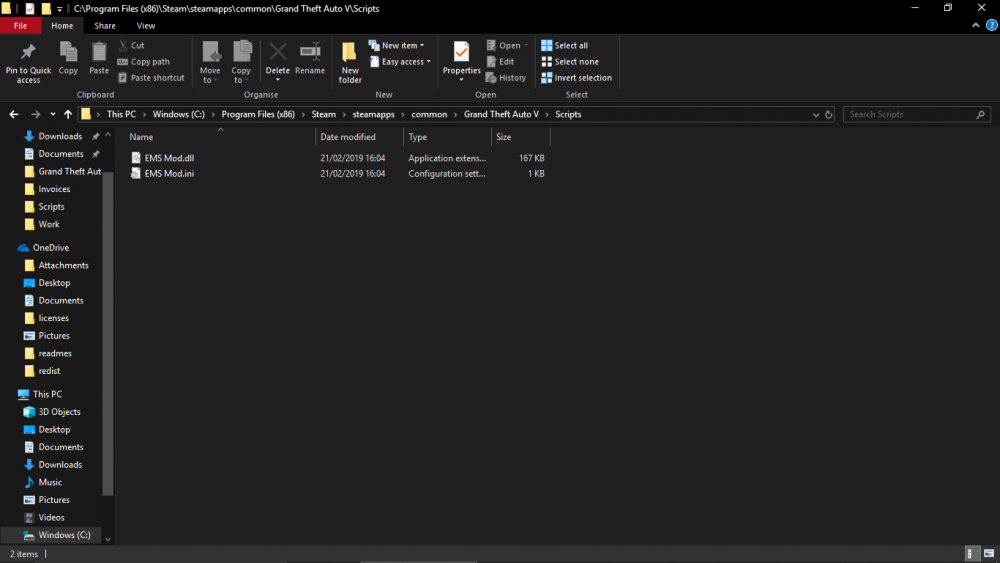
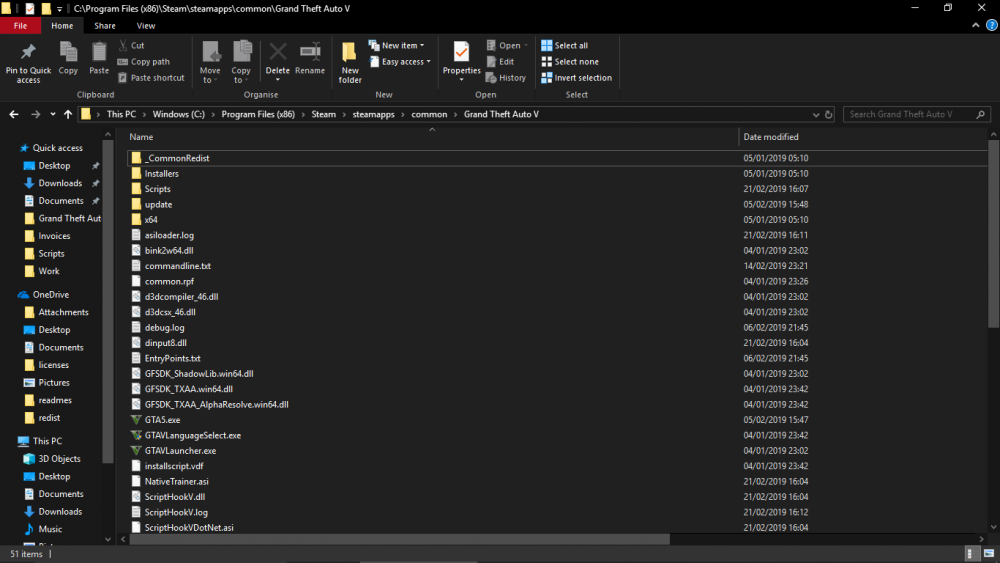
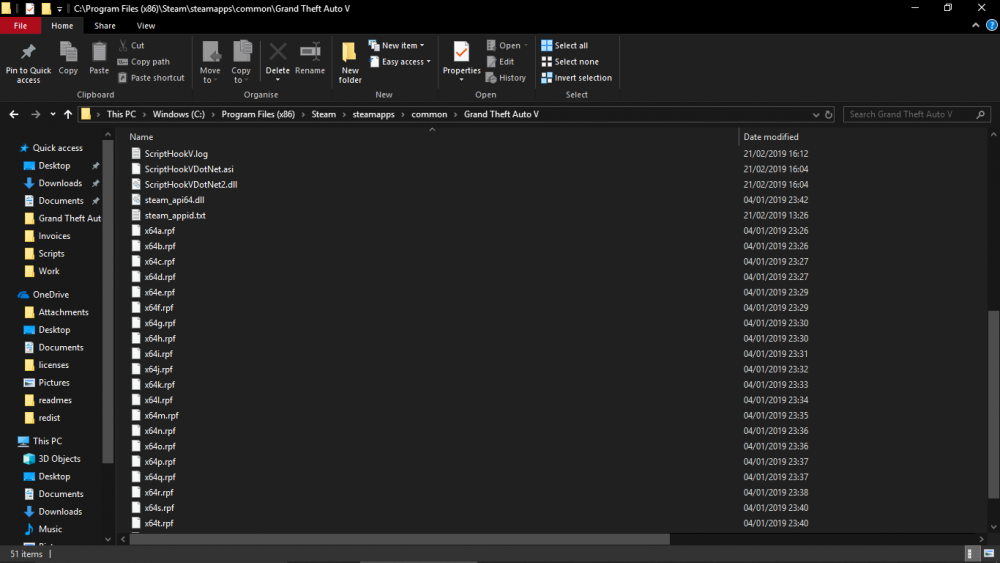
  3. Hello I am Having Issues Installing the EMS mod, i have followed the help from this post - ( https://www.lcpdfr.com/forums/topic/78667-ems-mod-please-help/ ) but i am still having issues with it not working in game. I press F11 and nothing happens. I have attached Screenshots of my GTA V game directory I cannot see what I am doing incorrect? any help would be greatly appreciated Many thanks Matt
Account

Navigation

Search

Search

Configure browser push notifications

Chrome (Android)
  1. Tap the lock icon next to the address bar.
  2. Tap Permissions → Notifications.
  3. Adjust your preference.
Chrome (Desktop)
  1. Click the padlock icon in the address bar.
  2. Select Site settings.
  3. Find Notifications and adjust your preference.