Officer Jerr
Members
-
Joined
-
Last visited
Everything posted by Officer Jerr
-
-
-
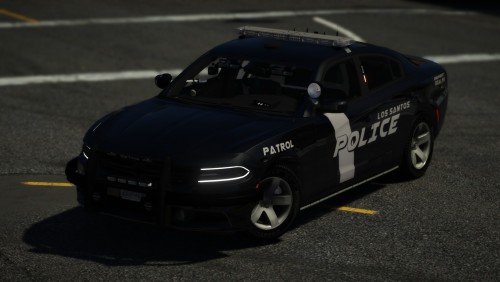 Nice Car only thing that is that the wraparound rambar is not the same color as the standard rambar and maybe are the back lights "white ones" are a little bit too bright but nice car further.
- 26 comments
- 7 reviews
-
-

- 1
-
-
 NO MORE LOADOUT PLUGINS Is a modification to the LSPDFR files for weapons that u will need if you are a cop. this is for people that dont know how to change it . or people who are just too lazy. WEAPONS: PATROL: PISTOL CARBINERIFLE PUMP SHOTGUN Stungun(Taser) MOTOR PATROL: DEFAULT COMBAT PISTOL: SWAT: DEFAULT CARBINERIFLE ONLY MADE CHANGES FOR PATROL. NO MORE LOADOUTS PLUGINS NEEDED. INSTALLATION: GTAV/LSPDFR/DATA IM NOT RESPONSIBLE FOR DAMAGE TO YOUR GAME. LSPDFR 0.4+
 -
well if you look at the title and description it not says Realistic Engine Sounds. and in the description it says this is for people that are lazy to do this changing engine sounds
-
Coming up Thanks for the tip!
-
better engine sounds is just a file for better sounds. if you are too lazy to do this just install this or if you dont know how it works. please keep in mind that this is my first file ever so im a noob. make sure to read the installation file. ONLY CHANGED ENGINE SOUNDS FOR COP CARS.: POLICE2 POLICE3 POLICE4 FBI FBI2 DEMOVIDEO:
-
-
screen getting Dead pixels
-
they should add x to get calls and end to end a callout
-
love it! but how do you end a callout?