


BigB00byMike
Members
-
Joined
-
Last visited
Everything posted by BigB00byMike
-
Great! Glad you got everything working in your favor.
-
I've this exact texture problem before, and to fix it I replaced my modded vehicles.meta file with the vanilla one. Copy the vanilla vehicles.meta file located in OpenIV at: update/update.rpf/common/data/levels/gta5/vehicles.meta Then paste/replace vanilla vehicles.meta file into the modded vehicles.meta directory located at: mods/update/update.rpf/common/data/levels/gta5/vehicles.meta Let me know if this helps!
-
Did they have any VCF files included with the vehicle download? If you could point me to the car/cars pack I'd be willing to take a look. Also, if you could maybe add a few screenshots that would help clarify any issues visually.
-
Could you post pictures/screenshots so I could see what they're looking like? Thank you
-
In some of my vehicles (of different creators) I get this weird glitch where if I'm close to an ELS light, it looks fine, but when I go about 10-15meters from my car, it turns white. Pics attached, any ideas? Post FX is very high, and I'm using RadianceV. This is just one vehicle as an example, but as I mentioned earlier, this occurs in about a third of my installed vehicles from various different authors. Thanks!
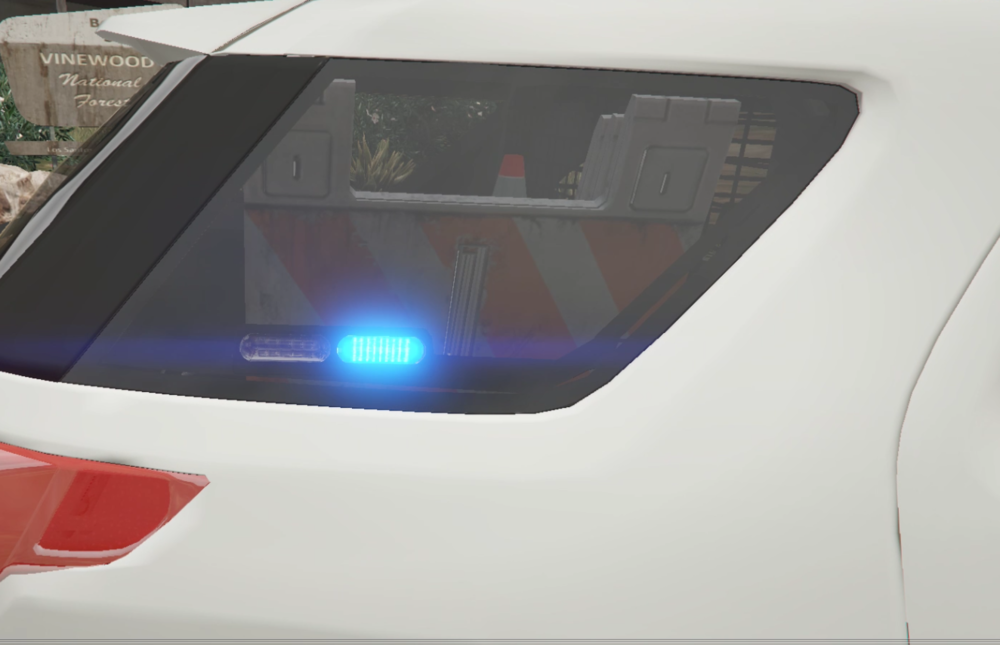
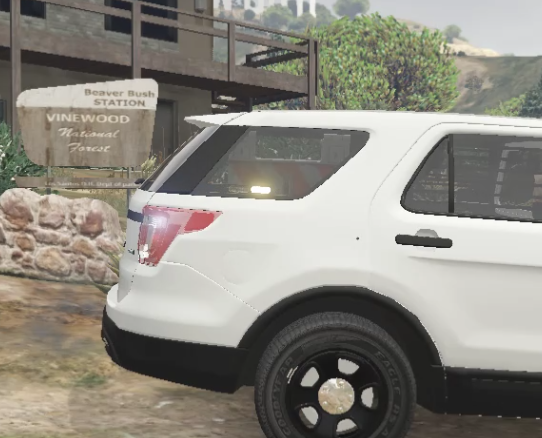
-
 I I have constant side lighting on this model that only goes away when the headlights are off. Any ideas?
- 427 comments
- 75 reviews
-
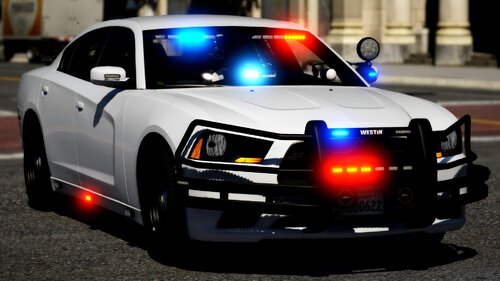 No worries. Also, when I'm in the furthest third person camera behind the vehicle while driving, the bottom rear lightbar changes to like a white/bright yellow light, and loses all of the red and blue. Any ideas why that may be? Thanks!
- 32 comments
- 5 reviews
-
Love the model. Do you think there's a possibility you'd make the rap-around rambar, and ALPR Scanners optional? Where we could have the option of making it rap-around, or just the plain rambar with no rap-around, and no scanners either? Thanks!
- 32 comments
- 5 reviews

