
DarkMatter63
Members
-
Joined
-
Last visited
Everything posted by DarkMatter63
-
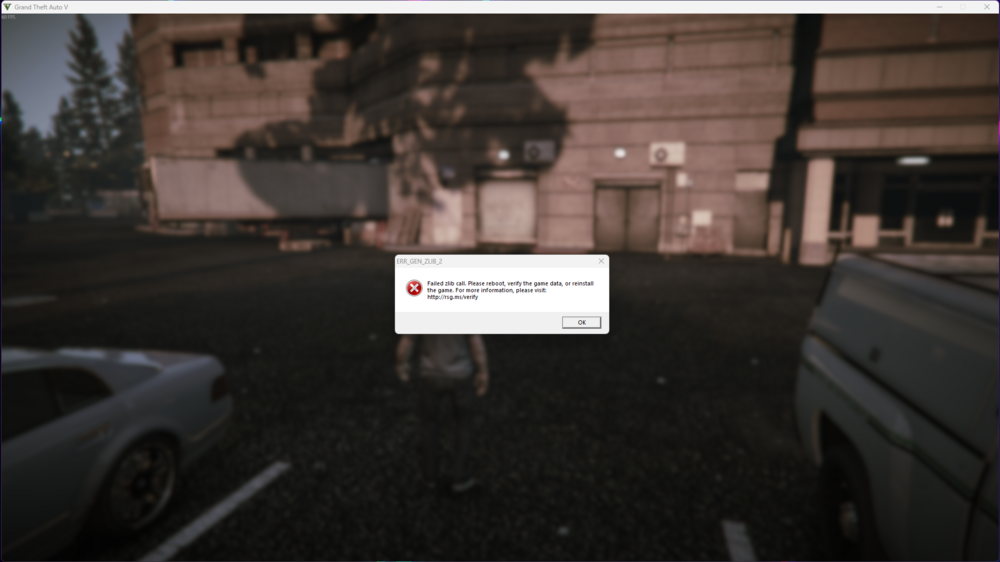
Had my game running PERFECTLY, would barely ever crash unless I overwhelmed it. Then rockstar decided to not let me play unless I had an internet connection, so I changed steam to Online and ran RPH and launched. The game updated (which is why I keep steam in offline mode while playing) and so I reverted the game back to the previous version that I had (Game Build: 3717) and launched it like normal. It booted up flawlessly and started playing, though as soon as I touch any key to actual go on duty and spawn in my car the game tabs out and this error message pops up. (The game is still playable in the background although you can only move around; drive cars and punch. You can't open any menu or weapon wheel or anything.) Here is the full Crash Log and I will attach a photo of the Error Pop Up \/ \/ \/ \/ Crash Log Any help on how to fix this would be much appreciated, I have a full back up of the game before this happened so hopefully that works, I also saw somewhere that a custom minimap could cause this so I removed my custom one and replaced it with the original one and still nothing. It does run fine with my mods folder changed to _mods but anything I try and remove to fix it doesn't work either. I have verified my game files to no avail and also tried restarting my computer and still nothing. Everything should be installed perfectly and I don't have anything extra that I don't use to take out. I would like to be able to keep all of my currently installed mods instead of restarting and building another one if possible! :) Thank you in advance for putting in the effort to help.
-
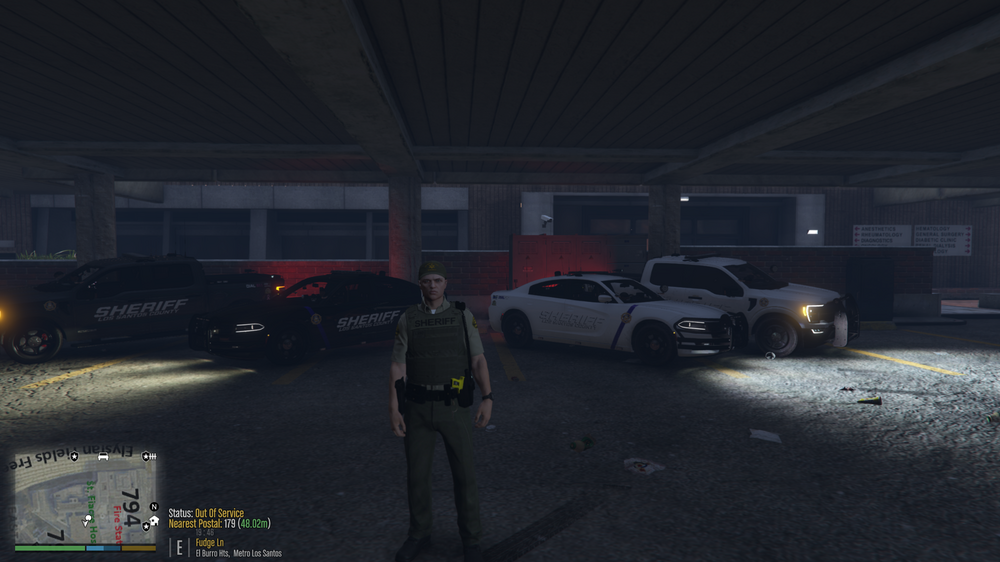
I have figured it out, probably not in the most efficient way possible. I ended up exporting the livery files (they were see through) and put on a permanent black background and that ended up fixing it.
-
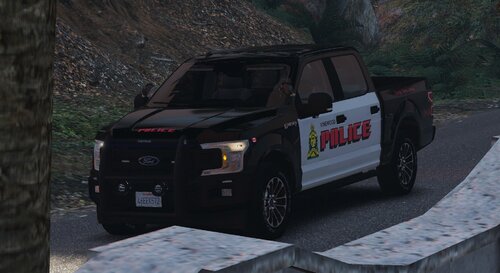 Omg I love you for this texture pack!
 -
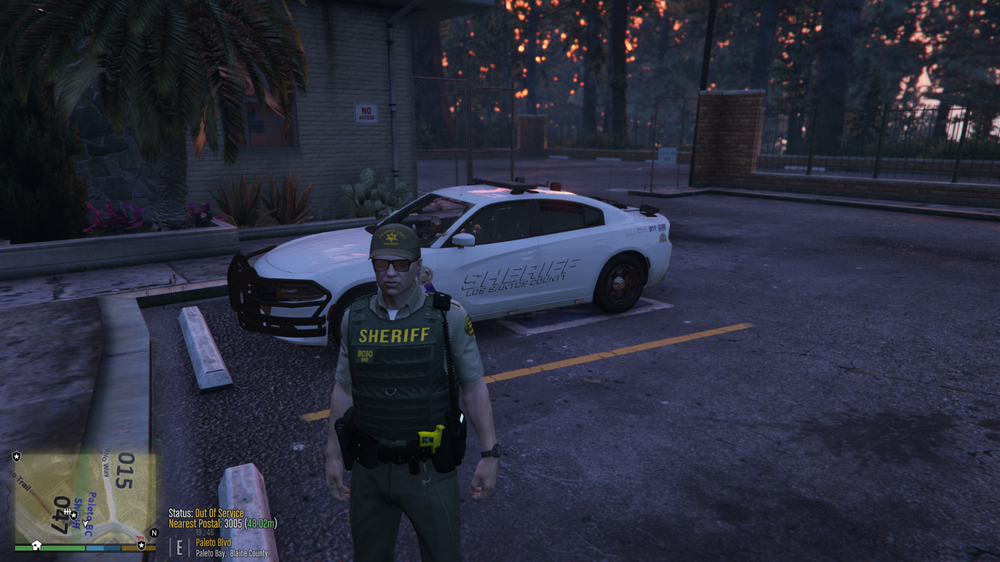
I have a Sheriff pack installed. (DLC and Replace) The Add On vehicles (DLC) show up perfectly, nothing is wrong with them. The Replace vehicles however didn't switch colors when I changed the Carvariations.ytd for both Sheriff and Sheriff2. Anyone know how to make them show up properly? They both have a primary and secondary color. Primary is the doors and roof, secondary is the front end and rear end. Left is how it should be (Add On) Right is how they spawn Naturally (Replace)
-
 Why is there a FART.wav??
 -
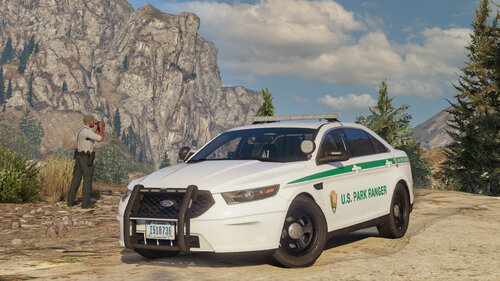 Any updates on when more vehicles are getting released? I'd love to help out with some feedback! (Even though everything you put in cars is perfect)
- 50 comments
- 13 reviews
-
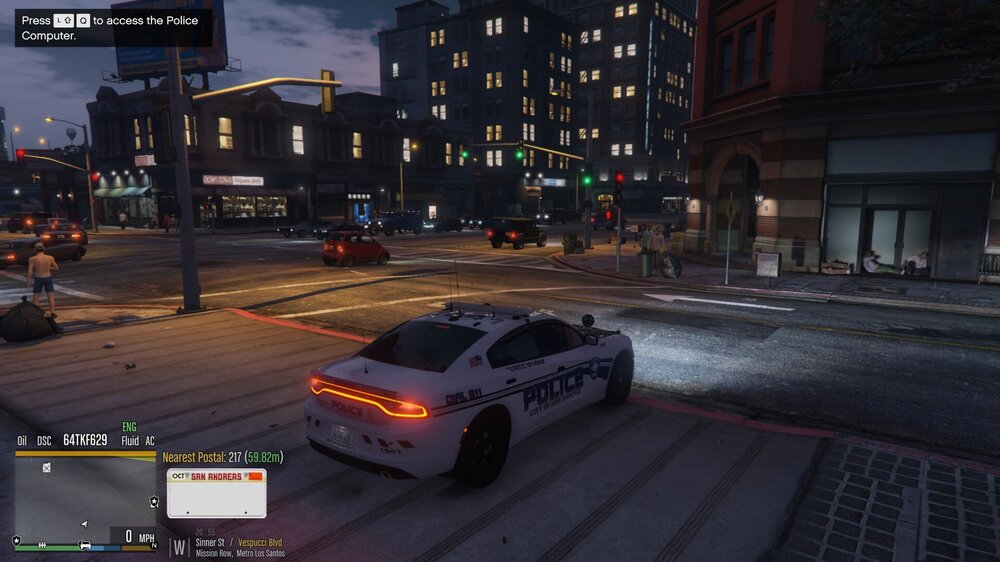
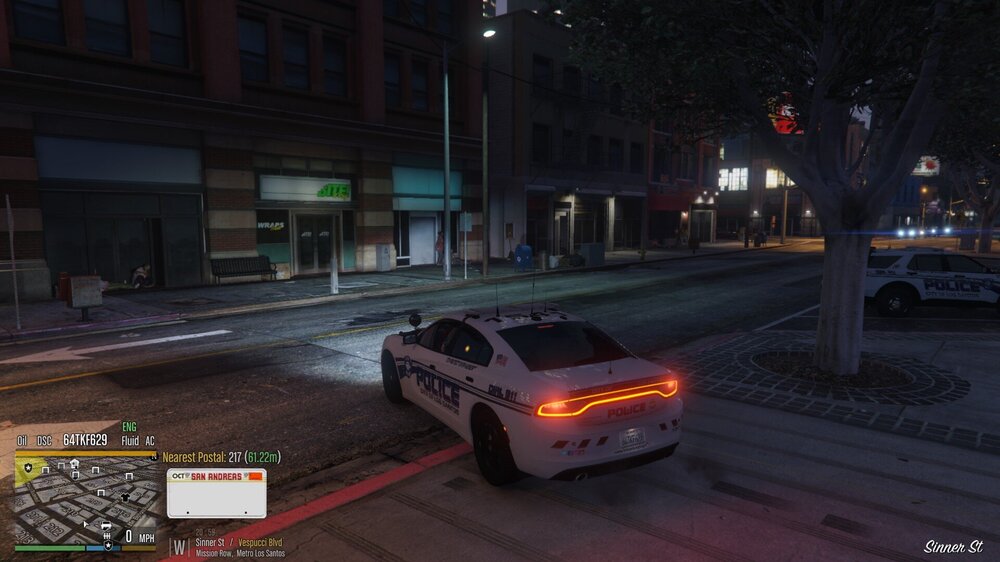
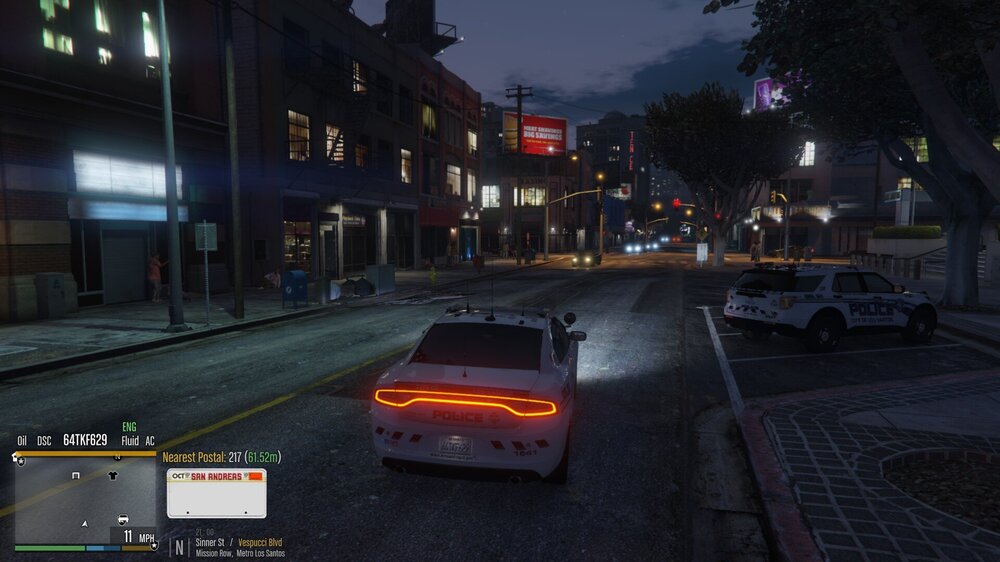
I have an ocrp based map installed and whenever I drive or move or do anything it goes between being normal and blurry, most of the time its useless because I cant see anything on it.
-
This is one instance of when it has happened but just throughout normal gameplay my game crashes at random points.
-
Twas not risker traffic stops, BUT when I updated risker traffic stops the feed on the left when you go on duty of all the plugins loading in showed a new pop up that had deadly weapons and super callouts in red. Updated those two and now its running like normal. Thanks for the help! ❤️
-
Its probably a plugin but I have no clue which one, may also be a callout pack but I've gone through and updated them.
-
Is there a way to turn it off at all?
-
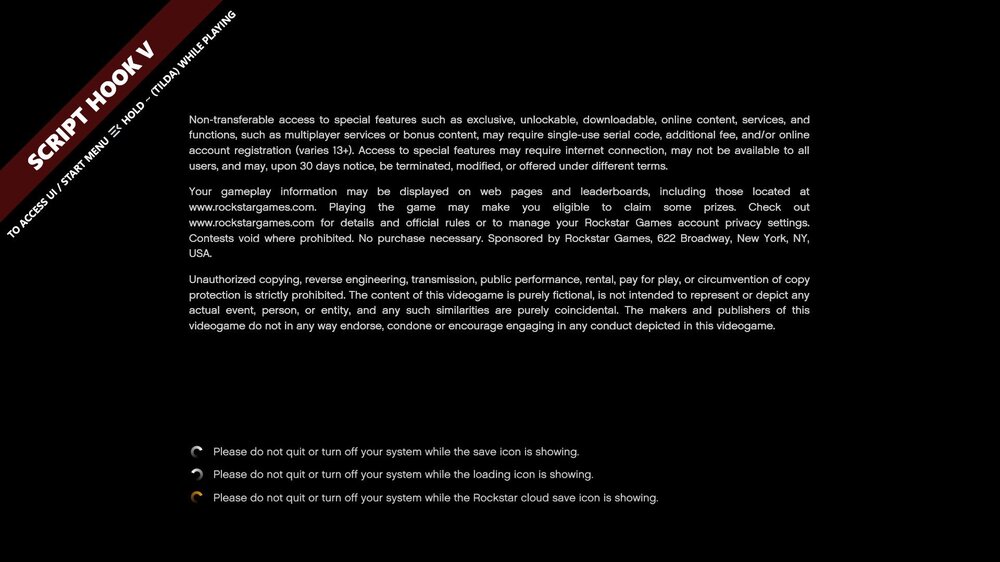
Here is a .jpg of the banner itself. I too have found out that restarting my game until it's gone does work but the time and effort it takes to keep reloading the game is horrible just to remove something that should clearly have a key or line you can either press or put into the F4 menu to remove it. My log files don't contain anything that would help I've already went through all the logs. I've even quit the game right after it popped up and checked the logs and the only things in there are normal start up procedures.
-
When opening LSPDFR through RPH it loads in just fine but when its done populating it shows a message on my screen saying something along the lines of "To access UI/Start Menu press ` (TILDA)" and I have absolutely no clue on how to remove it. Nothing in the INI files to make it not show up. Nothing online. It just started happing when I updated to version 3337.
-
I have an add on helicopter in my game its an Augusta Westland LSPD and LSFD helicopter. I'm looking for help making it so that it spawns in as my Air Support and or EMS heli backup in UB.
-
UPDATE!! Got it figured out, renamed mods folder to _mods and it booted up fine (just weird clothes because of EUP to UB) troubleshot all my mods and found it to be an add on vehicles pack that wasn't installed correctly. For anyone having the same issue double check your mods are installed correctly by removing each one individually and restarting every time. The vehicle pack was a BSCO addon pack incase people were wondering. Downloaded it a while back and threw it in but its most likely out of date.
-
Yes, I have. Then I waited for all the updates and updated LSPDFR, Scripthook V, and scripthookVDOTNET.
-
When I launch my game it starts loading in and then just shuts down and crashes. Full crash report from RPH below \/ \/ \/ \/ \/
-
You are so smart! It worked! Thank you very very very much!!
-
UPDATE I ended up getting a crash report on one of the startups while trying to troubleshoot. Full crash report \/ \/ \/ \/
-
Whenever I launch my game it gets to the point where it loads and populates, then just shuts down, doesn't give me an error code, doesn't give me a crash log, nothing. Just shuts down and puts me on my desktop. I put my rage plugin hook logs below in case that'll help. RagePluginHook.log
-
RagePluginHook.logThis one is the crash that just happened, looked through it myself (I have no clue how to read craash logs) but i dont know what cause it. Everything else though is running fine now!
-
Just turned it off, I'm gonna run the game again and play through it some more. I'll post another crash log here if it crashes again.
-
RagePluginHook.log LSPDFR keeps crashing, I also am looking for help installing some other things that I have no clue how to do any every tutorial I watch doesn't work for some reason. Like installing different gun models and also just other mods making cars better (Handling, lights, etc.)
-
I'm looking for someone who can help me get into playing LSPDFR, I've tried installing everything myself multiple times but every time something crashes or doesn't work right. I have an idea of what I'd like my game to look like and a little list of mods already downloaded.
-
Whenever I go on duty my game freezes for a second and LSPDFR crashes leaving me stuck in the locker screen. Log attached below; RagePluginHook.log