WolfWithAGuitar
Members
-
Joined
-
Last visited
Everything posted by WolfWithAGuitar
-
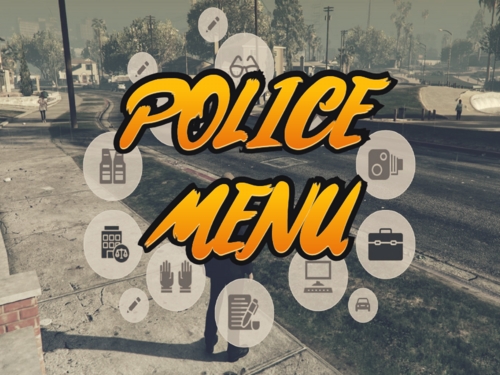 Pretty fire mod, i hope in the future to see a radar gun but for now what i have is more then enough. Prowler Works just fine with this mod. One thing i would love and have been trying to find but cant compulite has files for more charges and citations. I feel when it comes to police menu its a bit limited with the charges and citations so sometimes i use compulite a little more then i do police menu and only use it for the gloves and speed camara. I would definitely love to switch over to police menu. It reminds me of one of the older mods that allowed us to do this but i forgot the name and i enjoyed the font and how everything looked, same with Police menu. I run both police menu and compulite at the same time with no issues cant wait until i can uninstall computlite completely.
- 713 comments
- 33 reviews
-
-

- 1
-