plaguerobotic
Members
-
Joined
-
Last visited
Everything posted by plaguerobotic
-
Found a way to launch: For any people who have this issue and find this thread, launch GTA without RAGE, launch RAGE before you click Story Mode, and after it hooks press it and you'll be good 🙂 If you have further issues launching doing that, try turning all the plugins you have installed to only launch via the console (ex. F4 then LoadPlugin LSPD First Response.dll or whatever the file name is) and you should be fine 🙂
-
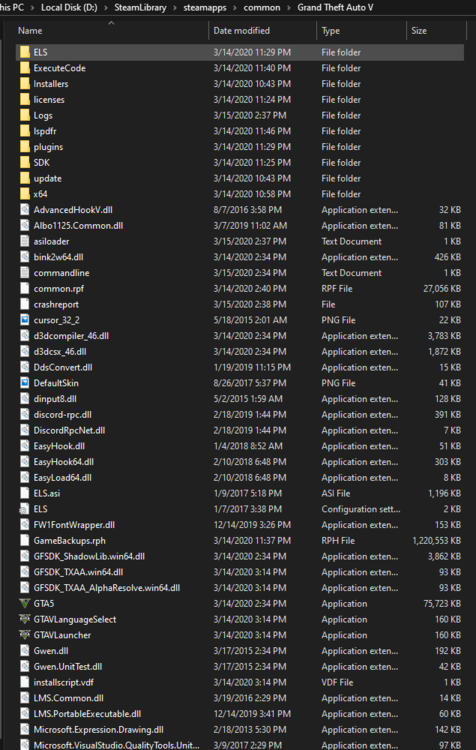
Hello! I've skimmed through what i could find on this issue, but it seems so obscure. When i launch with RAGE, the game locks up and if i A. Click or B. Wait 1-2 minutes the game will automatically close. This is happening with every computer i try installing LSPDFR on, both have ran it amazingly in the past. Setting "Force Windowed Mode" on, unticking the LSPDFR plugin so it didn't boot immediately Steam Post the RagePluginHook.log in a spoiler tag (Please be courteous and only include the relevant information). DESKTOP: Intel Core i5-3570 3.40GHZ (Quad Core) AMD Radeon R9 380, LAPTOP: Intel Core i7 (12 Core) NVIDIA Geforce GTX 1650 Just ELS & Albo1125 mods, like the SmartRadio, LSPDFR+, Traffic Policer, etc etc RagePluginHook.log