


DoorT
Members
-
Joined
-
Last visited
Everything posted by DoorT
-
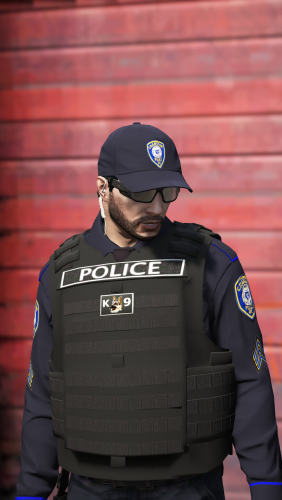 The Long-sleeve vests aren't laid out like the default ones and when I check the vest it's self it isn't right. I'll give an example so maybe you'll know what's wrong. On the police vest, the "police" goes down the side and the flag is large and on the back of the vest.
- 158 comments
- 21 reviews
-
I actually got that and it doesn't work for me, i have no idea why though

