Hudge13
Members
-
Joined
-
Last visited
Everything posted by Hudge13
-
 thank you kanye, very epic
 -
No I haven't yet installed EUP. I'll try and see what it does.
-
When I go on duty not all of the departments let me go on that team, for example when I head to the Sandy Shores Sheriff Station it won't let me go on patrol as LSSD etc. And help would be great, -Hudge
-
Fixed it, It was the anti-virus. Thanks for your help.
-
Will do Ragehook loads but LSPDFR does not start and I cannot go on patrol now.
-
GTA runs fine without RPH.
-
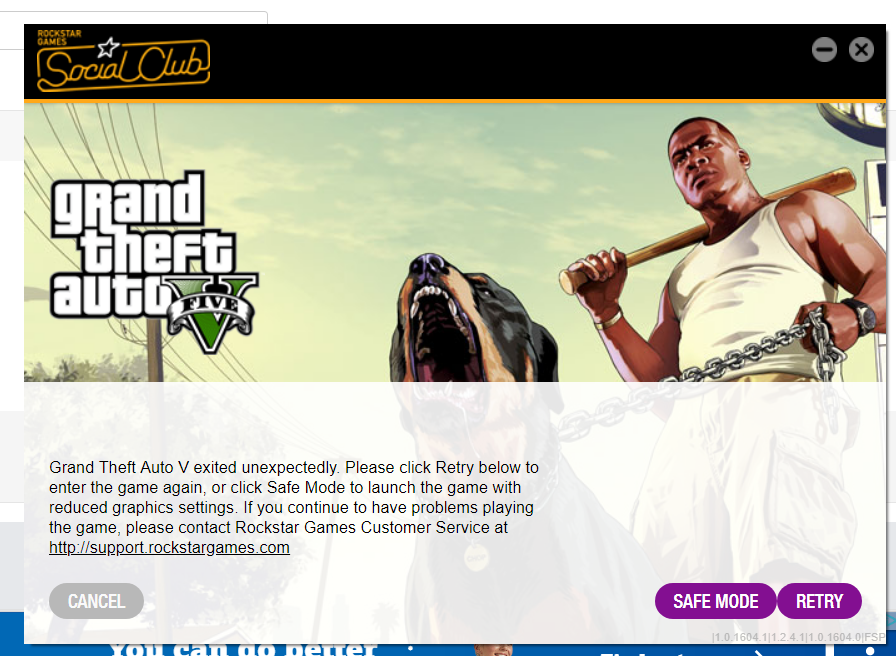
Hi, When I load Ragehook it loads and then goes black for a little bit and then does this what the picture attached does. I changed the Plugin timeout threshold to 30000 and it still does this. The only mod I have is the Simple Trainer mod. If you can help that would be great. -Hudge