RestingVermin
Members
-
Joined
-
Last visited
Everything posted by RestingVermin
-
Yes and yes. So I really don't know why it's saying that. I have looked in dlcpacks and all files are there. And like I said in DLClist
-
I get these errors in RPH when trying to load EUP Menu EUP Menu: The following DLC(s) are not present: mpluxe, mpgunrunning, mpchristmas2017. EUP Menu: Please ensure your game is up to date and your dlclist.xml in /update/update.rpf/common/data/ contains entries for those DLCs. They are on the list in dlclist.xml. Sorry posted in wrong area.
-
Already had those settings prior to the problem
-
Hey So I'm trying to start Ragepluginhook but it won't start. I have tried start as admin and excluded it from anti virus. I have tried just having that installed and no other mods and still no luck. I have done everything I can think of but it still won't start. Any help is very much needed
-
-
I have 2 GTA folders on my pc. One of LSPDFR and one unmodded for MP. But when I launch the MP then it still has the non ragehook mods in. Is there anything I did wrong? I copyied and pasted it and then added MP on the name.
-
I fixed the problem! I had to install these https://www.microsoft.com/en-us/download/details.aspx?id=48130 https://www.microsoft.com/en-us/download/details.aspx?id=13523 https://www.microsoft.com/en-us/download/details.aspx?id=48145
-
Is there any way to fix this or do I need to reinstall the game? (Wich is a pain in the a**)
-
-
I cant find any crash log or ragehook log
-
-
I installed LSPDFR and RPH on a clean install of my GTA V but when I try to start RPH wont open. Is there any solution to why this may have happened? Please let me know! :)
-
I did manual and automatic but when I did the manual the second time it worked. So I have got it working now! :)
-
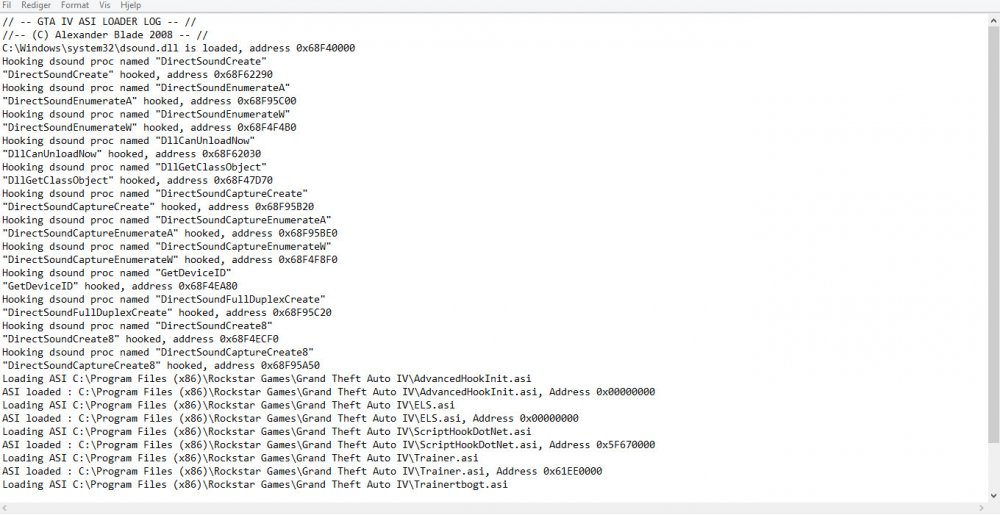
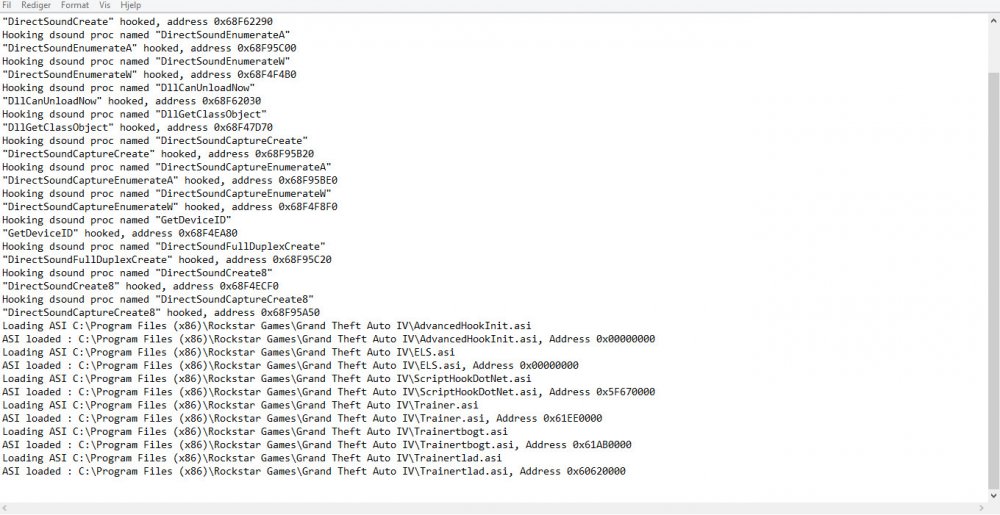
Make sure you aren't using a crack - We don't support cracks or people using pirated software. I have not pirated the game.Update GTA IV to 1.0.7.0 (the latest version of the game, or 1.1.2.0 for EFLC) - These patches are needed. I have installed the patch.Make sure that you run the game as an administrator. I do.Make sure that your GTA IV root folder (and every subdirectory) is not set to "read-only" Done already.Ensure that ScriptHook.dll, ScriptHookDotNet.asi and Dsound.dll OR Xlive.dll are in the GTA IV ROOT folder They are in.Ensure that there is a folder titled 'LCPDFR' in the ROOT GTA IV folder. It is in.Check that all the above files exist, if they do not, reinstall LCPDFR with the MANUAL installation. I have tried both.Ensure that you are using up to date versions of every LCPDFR dependency and LCPDFR itself. Already done.Install these: https://www.microsoft.com/en-us/download/details.aspx?id=30653 , https://www.microsoft.com/en-us/download/details.aspx?id=30679 Already done.
-
Still not working.
-
The game works but I can't press alt+p. I have seen other people had the same problem but those things don't work for me. The mods I have is, trainer,ELS and some skins/models. ELS is not working either :(