Skip to content
View in the app

A better way to browse. Learn more.

LCPDFR.com

A full-screen app on your home screen with push notifications, badges and more.

To install this app on iOS and iPadOS
  1. Tap the Share icon in Safari
  2. Scroll the menu and tap Add to Home Screen.
  3. Tap Add in the top-right corner.
To install this app on Android
  1. Tap the 3-dot menu (⋮) in the top-right corner of the browser.
  2. Tap Add to Home screen or Install app.
  3. Confirm by tapping Install.

Cody Shepherd

Members
  • Joined

  • Last visited

Everything posted by Cody Shepherd

  1. Thank you guys for the support! I figured it out; I didn't have Script Hook V installed. 🙂
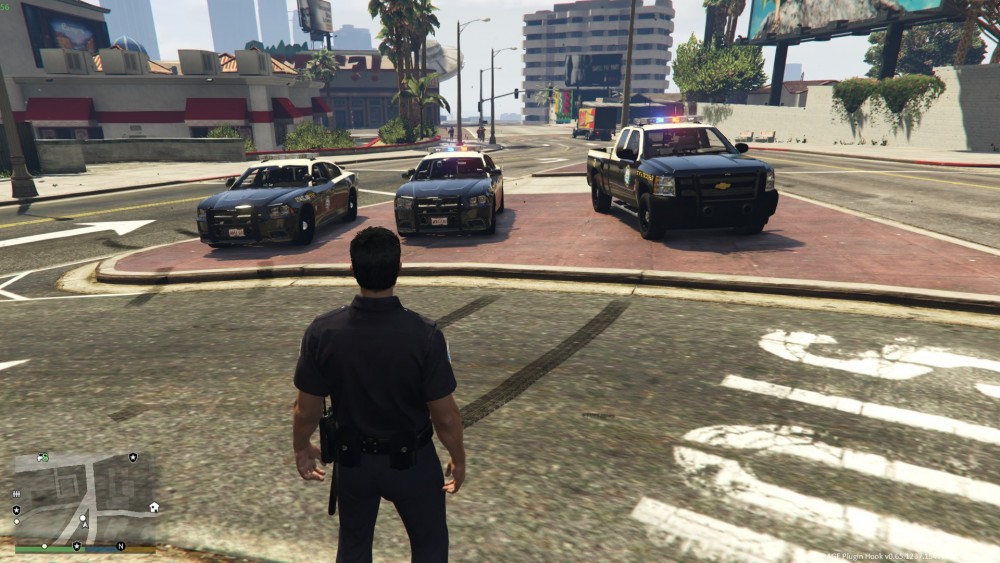
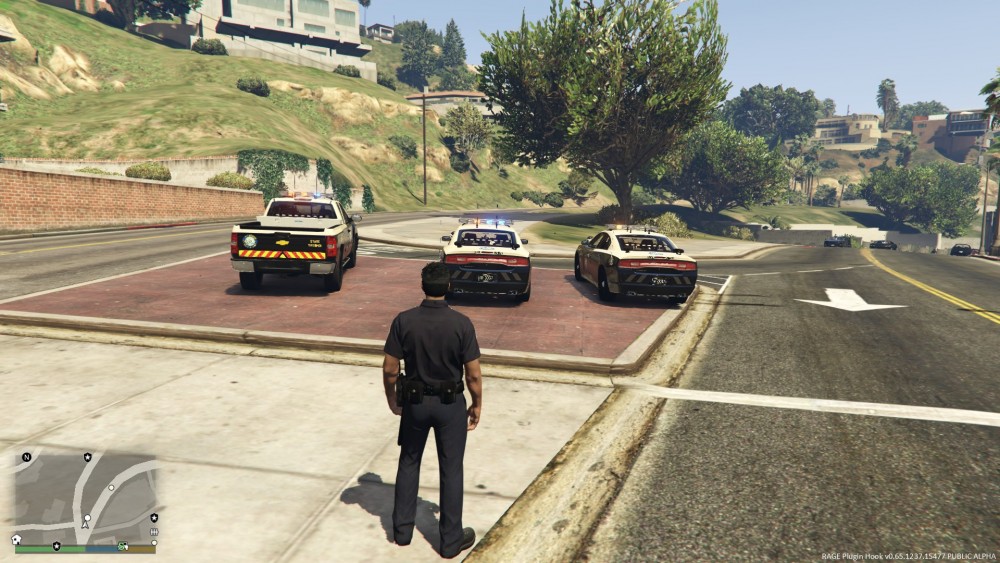
  2. I just installed a set of police vehicles that are ELS (1.05) and the lights are broken on all the cars and are just solid. (Every other light is red or blue) When I try and use ELS using the J key nothing happens and when I press scroll lock it doesn't make a beep. When I press E (The default key to turn on the lights without ELS) only the back and front blinker lights come on and flash like they are supposed to. Please help me
Account

Navigation

Search

Search

Configure browser push notifications

Chrome (Android)
  1. Tap the lock icon next to the address bar.
  2. Tap Permissions → Notifications.
  3. Adjust your preference.
Chrome (Desktop)
  1. Click the padlock icon in the address bar.
  2. Select Site settings.
  3. Find Notifications and adjust your preference.