
Epiic Ninja Cat
-
Joined
-
Last visited
Everything posted by Epiic Ninja Cat
-
Cool thank you
-
And you don't have to do anything special?
-
Hello all, I was just wondering if you are able to run ELS cars and Non ELS cars simultaneously?
-
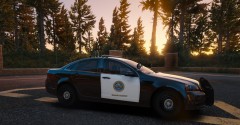 Thank you, I have an updated post in the gallery. Still not 100% where I want them and I'm also doing some local PDs stuff.
 -
-
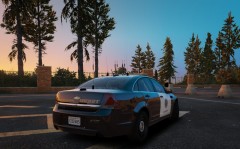
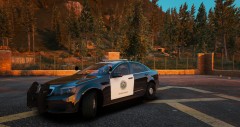
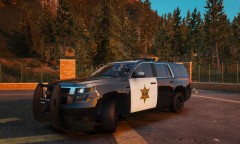
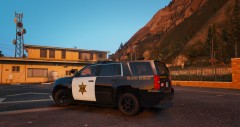
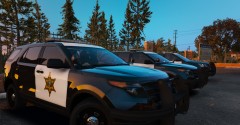
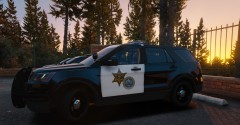
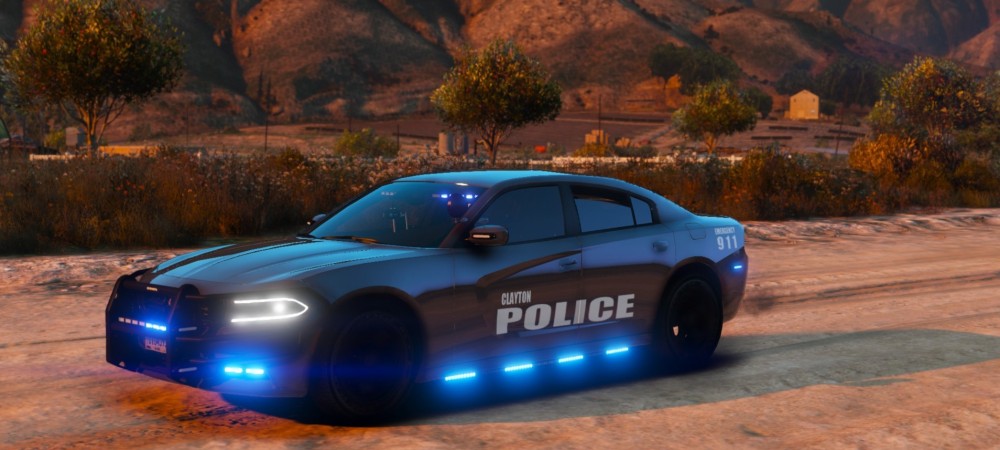
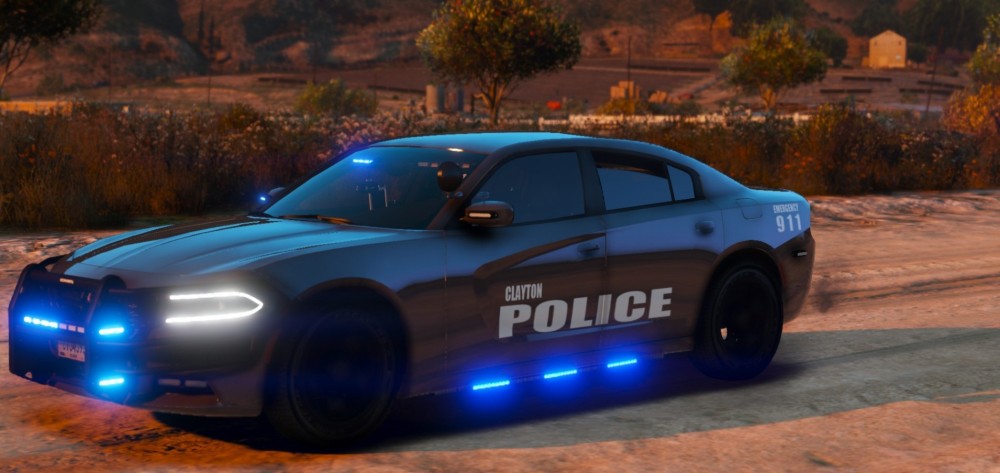
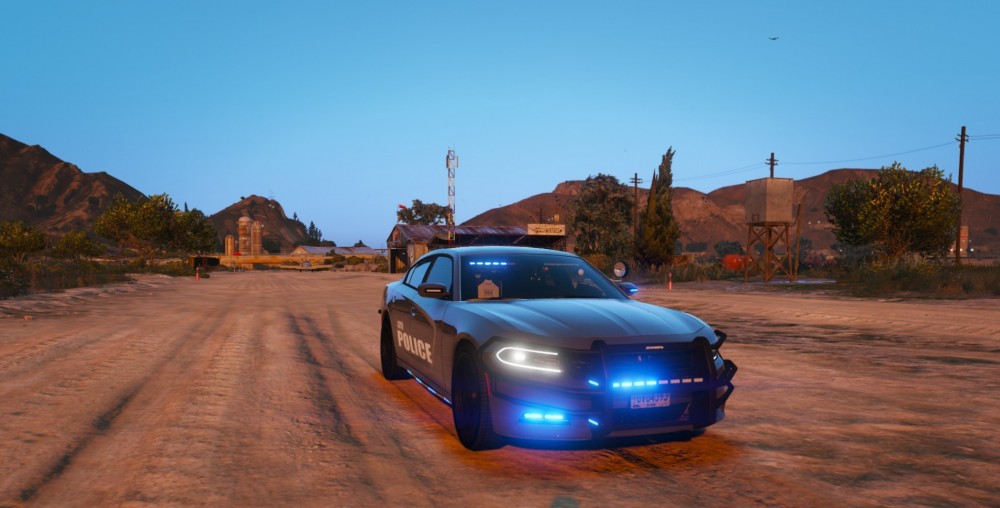
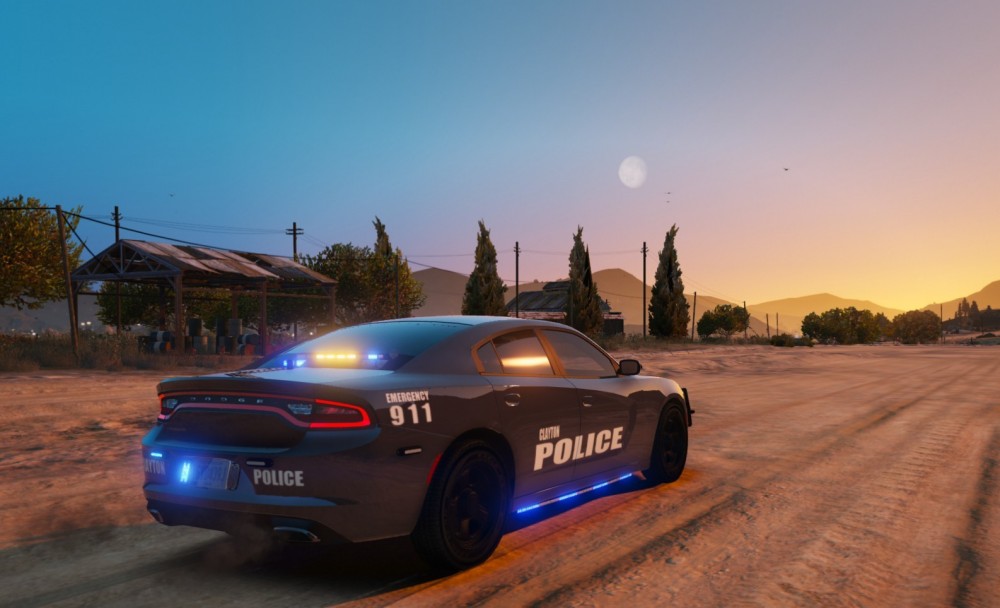
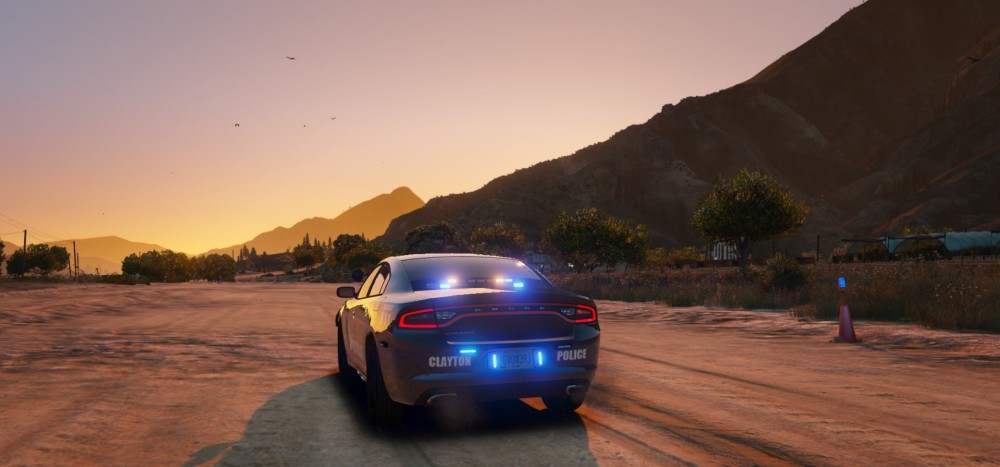
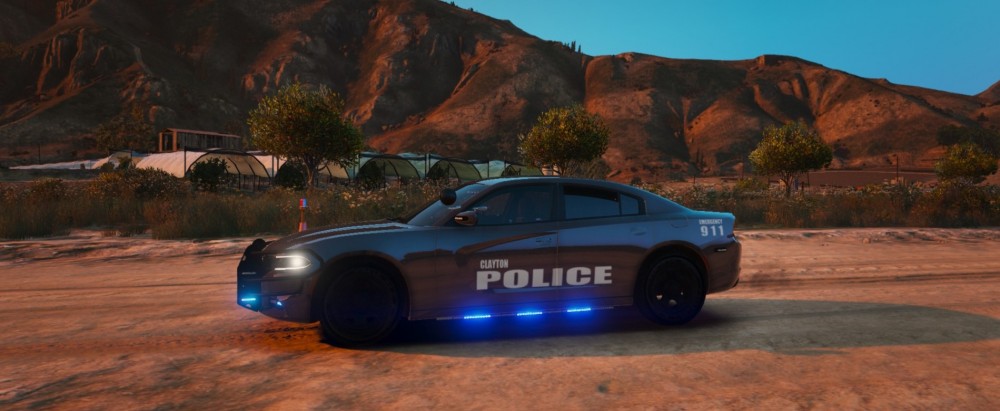
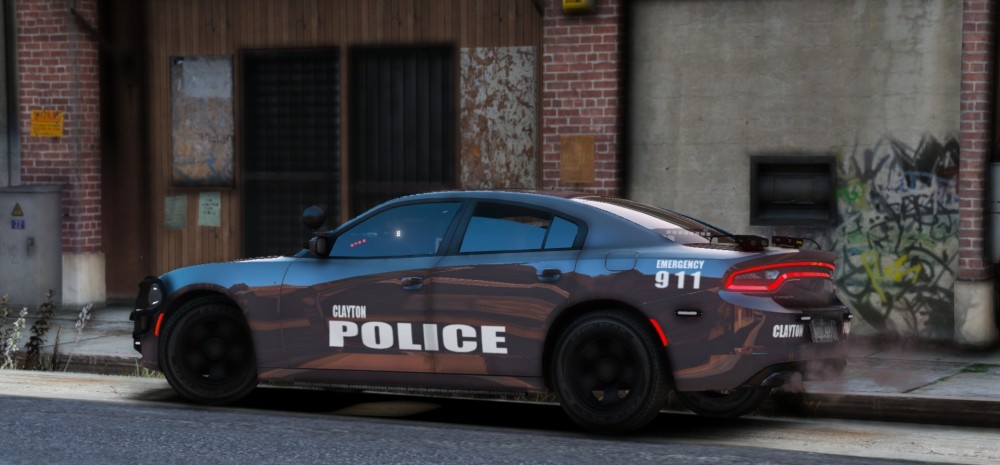
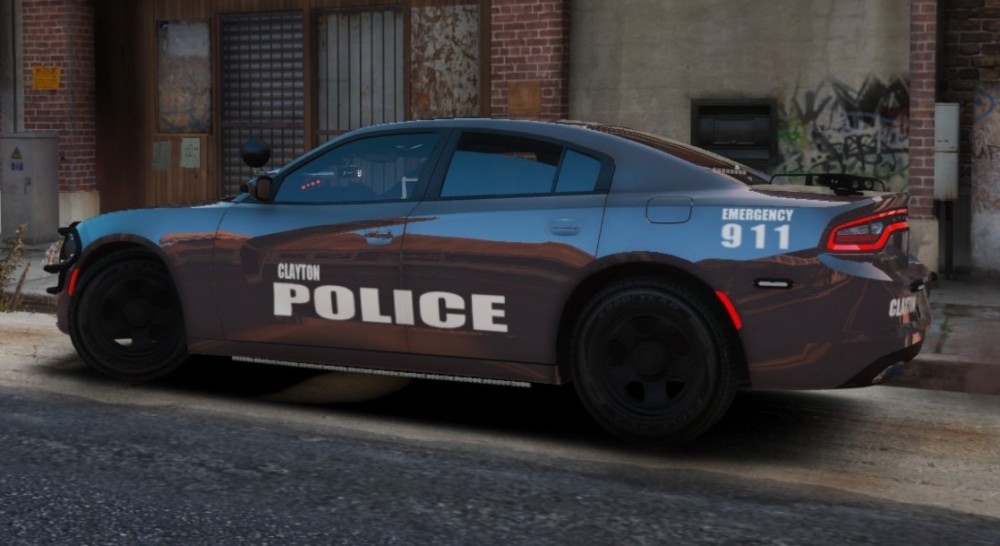
Vehicle Model : I know it has side runners, if you have a different model you would prefer I can edit to it. Also let me know if something is wrong There is also these two models if you like these better
-
If you have a model you want it to be on, I can try to make the texture
-
Recently I have been really into making textures, and im open for some request if you have any. Message me on here or on my new discord. Discord link: https://discord.gg/e47Dhd
-
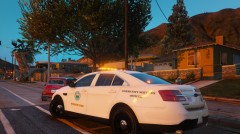
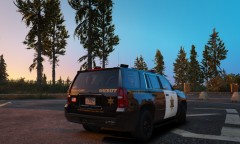
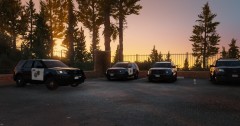
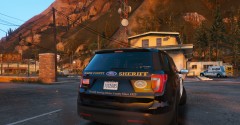
From the album: WIP Orange County, California
-
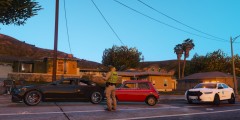
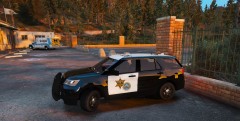
From the album: WIP Orange County, California
-
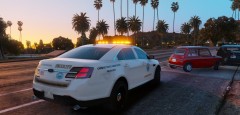
From the album: WIP Orange County, California
-
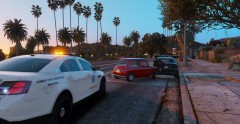
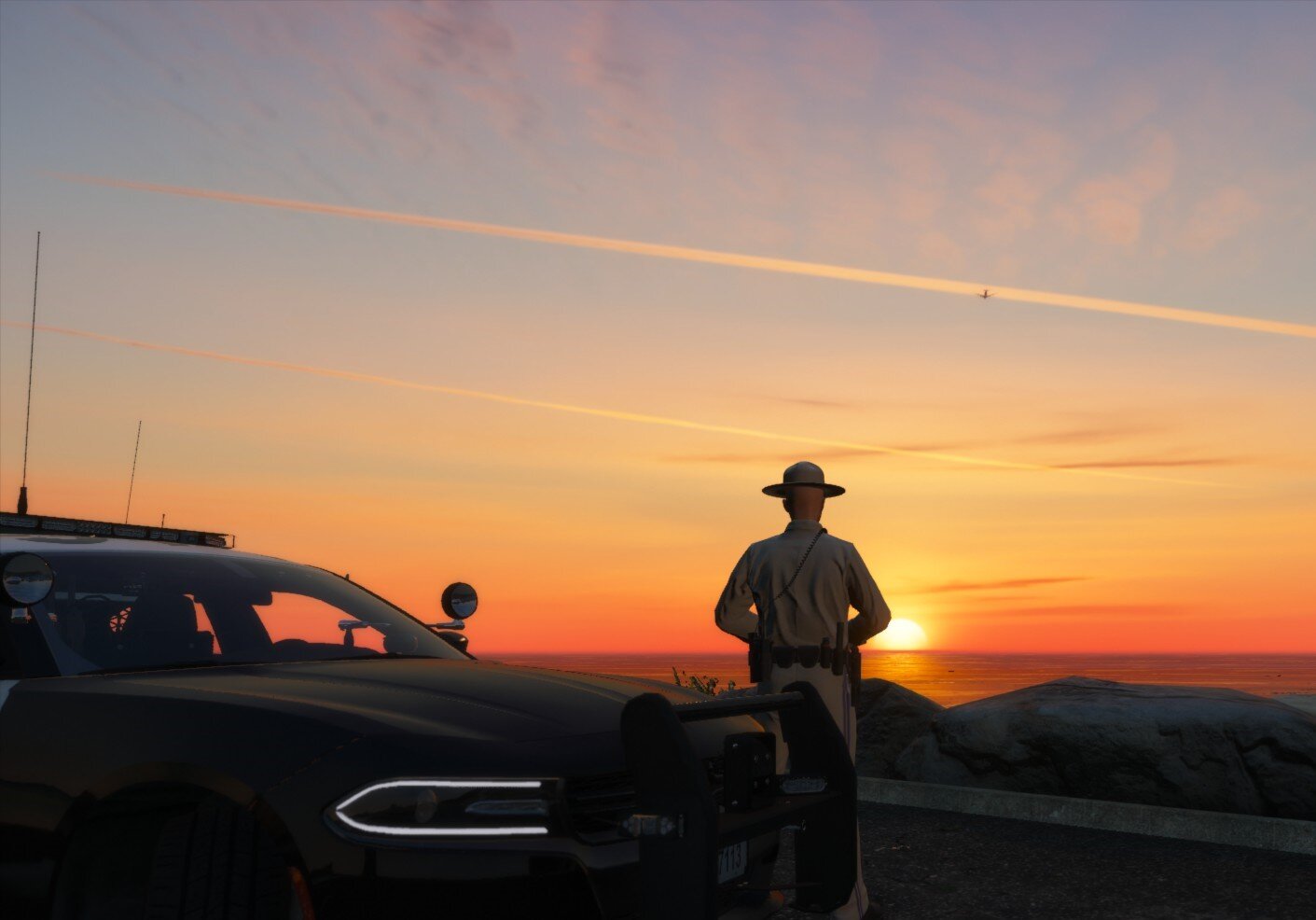
From the album: WIP Orange County, California
-
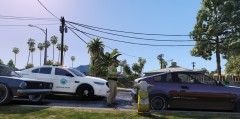
From the album: WIP Orange County, California
-
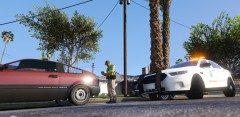
From the album: WIP Orange County, California
-
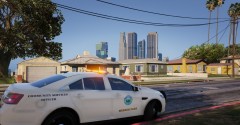
From the album: WIP Orange County, California
-
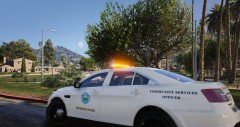
From the album: WIP Orange County, California
-
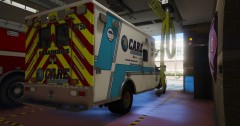
From the album: WIP Orange County, California
-
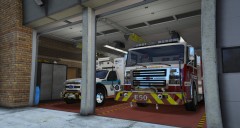
From the album: WIP Orange County, California
-
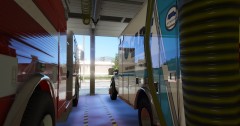
From the album: WIP Orange County, California
-
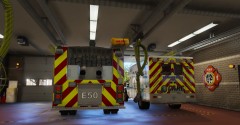
From the album: WIP Orange County, California
-
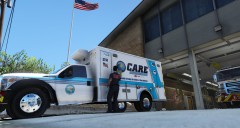
From the album: WIP Orange County, California
-
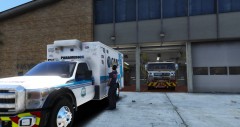
From the album: WIP Orange County, California
-
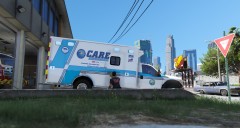
From the album: WIP Orange County, California
-
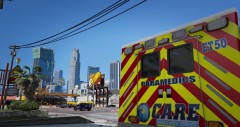
From the album: WIP Orange County, California
-
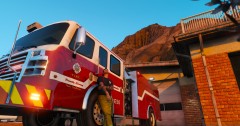
From the album: WIP Orange County, California
-
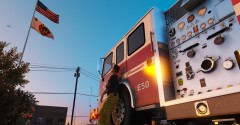
From the album: WIP Orange County, California