



Epiic Ninja Cat
Members
-
Joined
-
Last visited
Everything posted by Epiic Ninja Cat
-
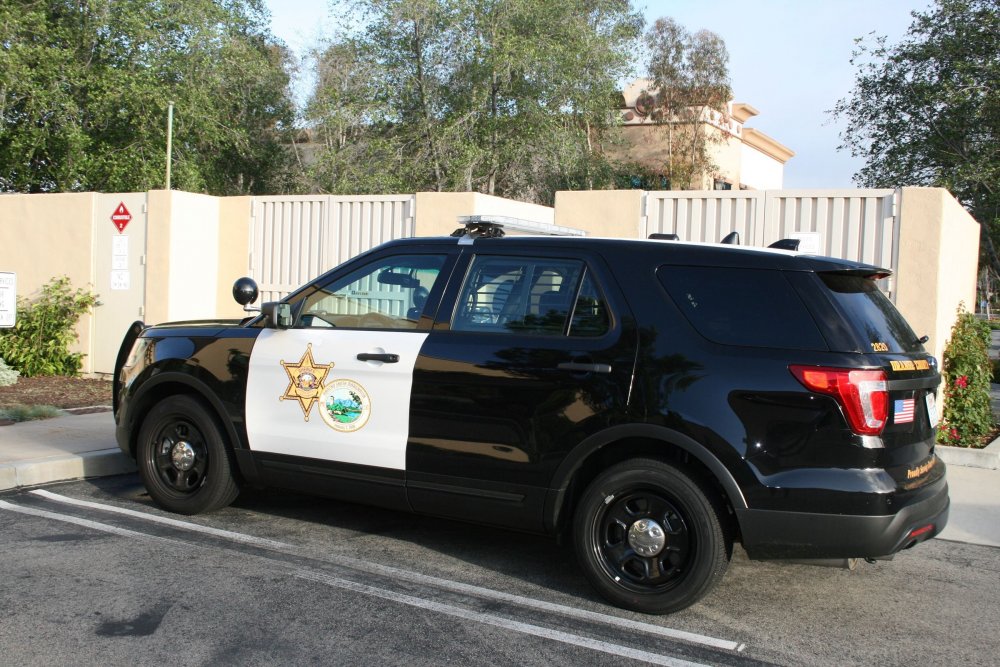
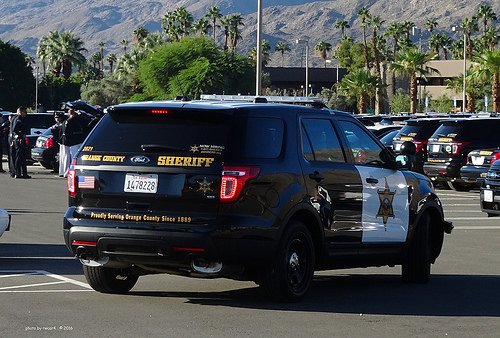
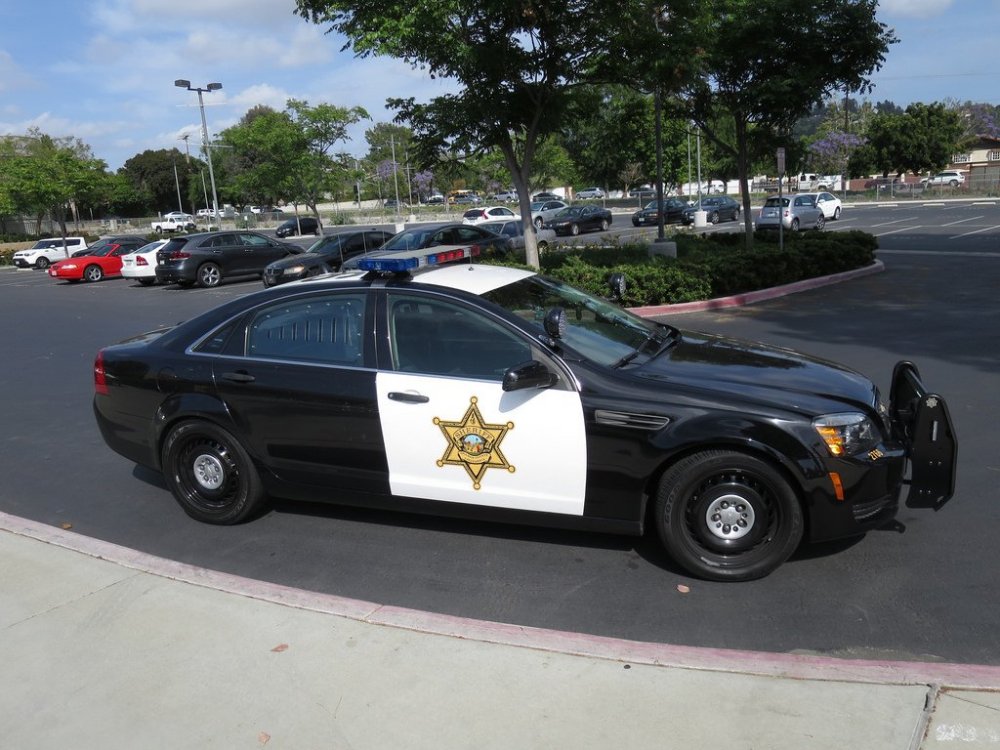
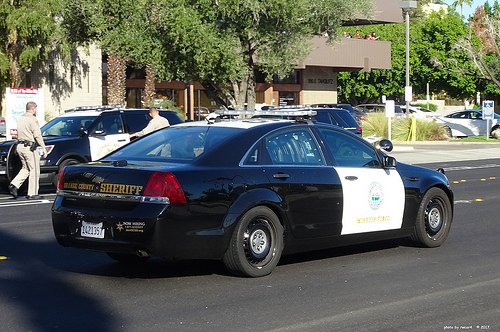
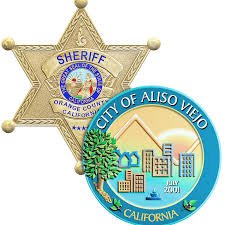
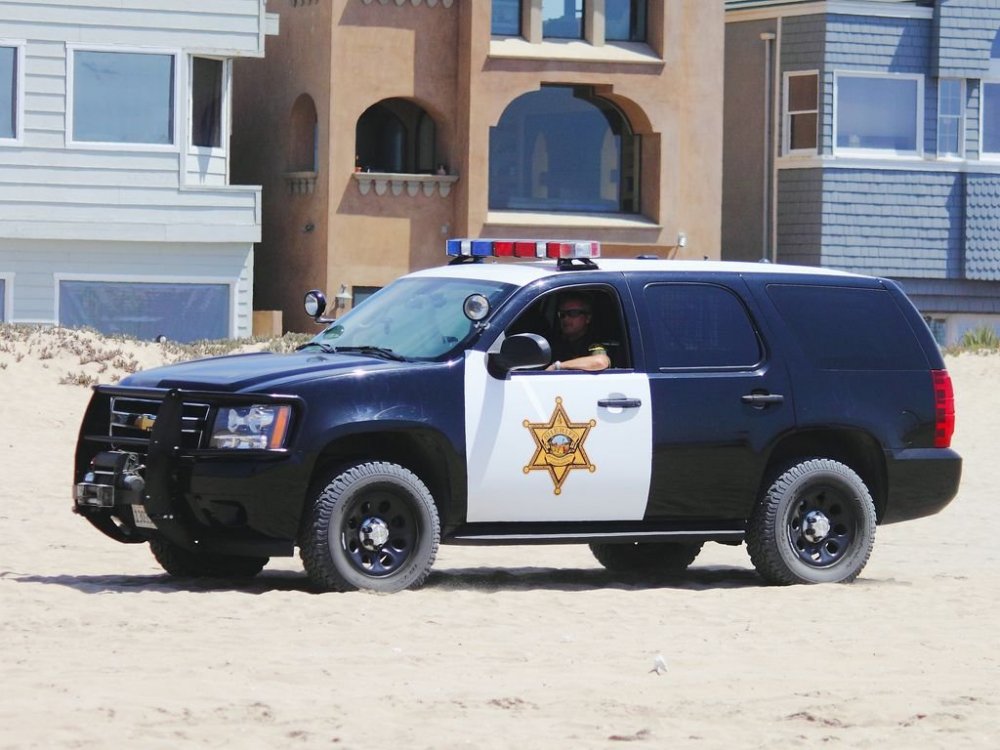
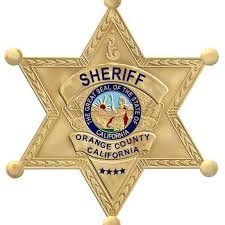
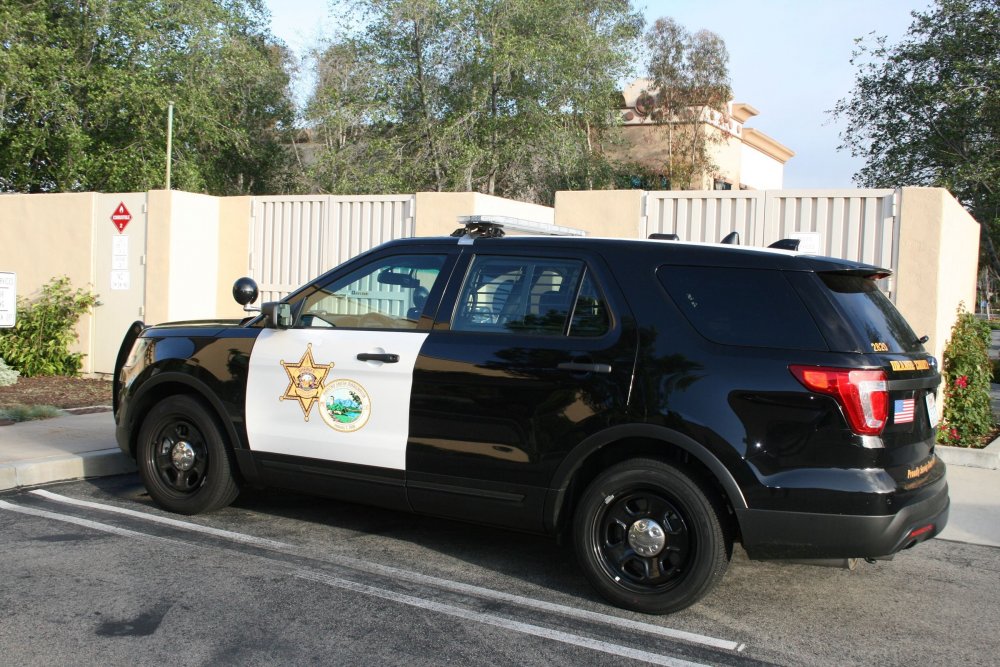
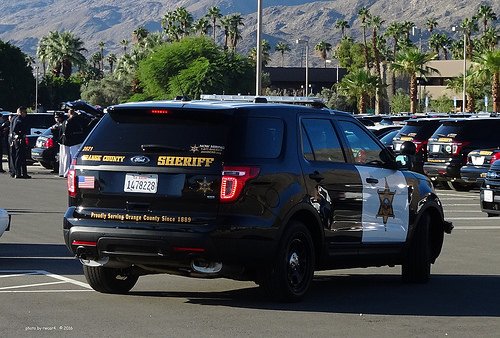
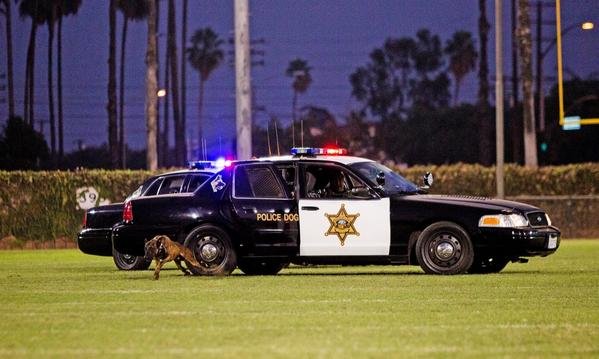
I would very much appreciate if you could make a three els cars for me. One being a Chevy caprice, and one 16 explorer, and one 14Tahoe. I would like them to be based of the Orange County sheriffs in Orange County, California. The newer police cars have the city logo with the sheriffs badge on the side of the doors (see attached image). I would like that to be on the 16explorer, and the other two cars just the badge. I would like the department to be Blaine County. And the city emblem to be sandy shores.
-
I was wondering if anyone has made/can possibly make Orange County, California Sheriffs vehicles. The newer cars where the city they serve emblem is on the door with the badge. It would be cool to have ones for each city in game (Sandy Shores, Paleto Bay, Grapeseed, exc.). And possibly a k9 as well.
 FPIU FPIS Tahoe Charger Harley Silverado


